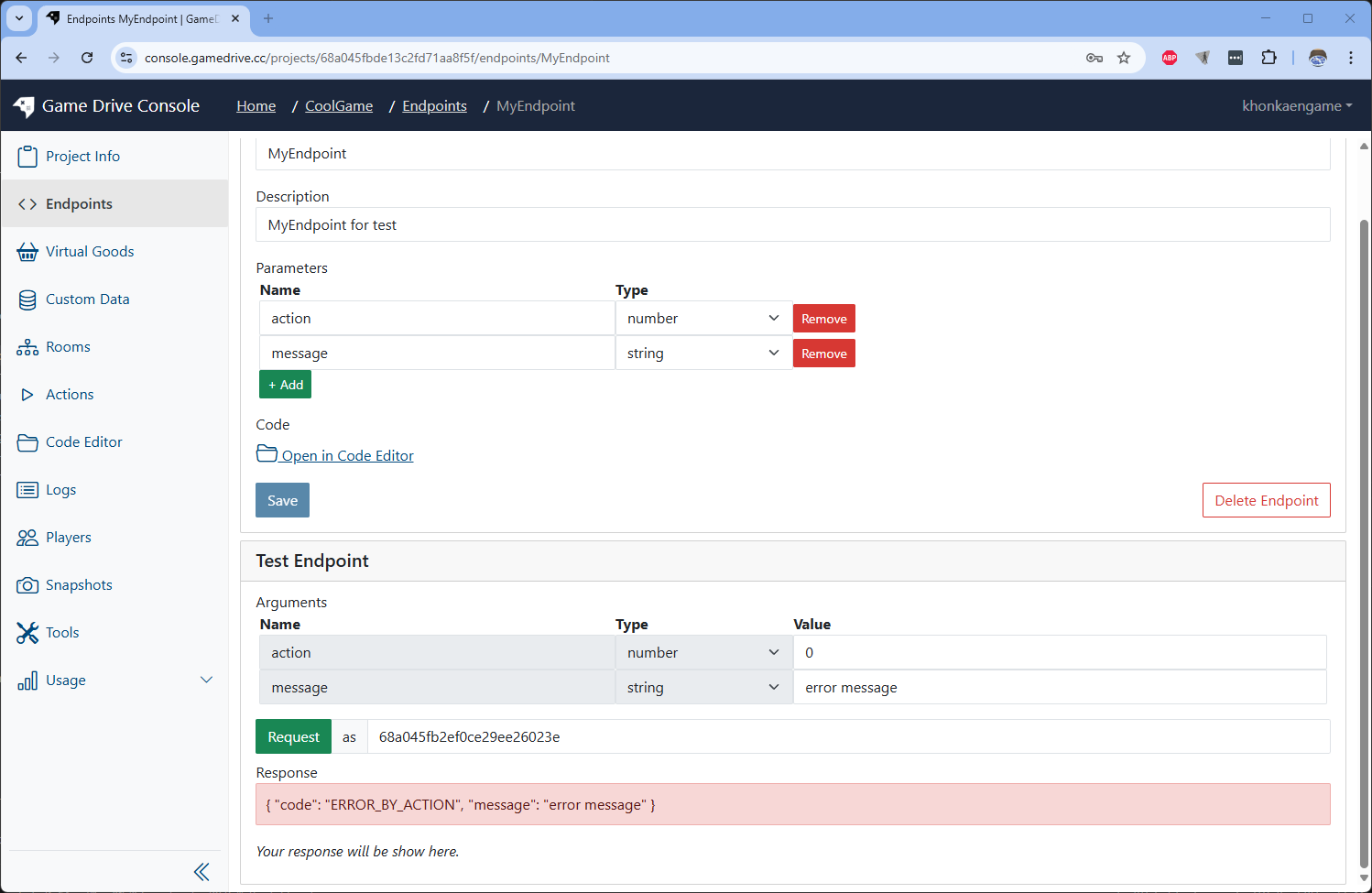
Endpoint Introduction
What is Endpoints?
Endpoint is like http endpoint but more strict. It will handle response and response from your game client. You can defind paramers and write custom logic for endpoints.
Create and use Endpoint
-
Select Endpoint on the sidebar menu on the left.
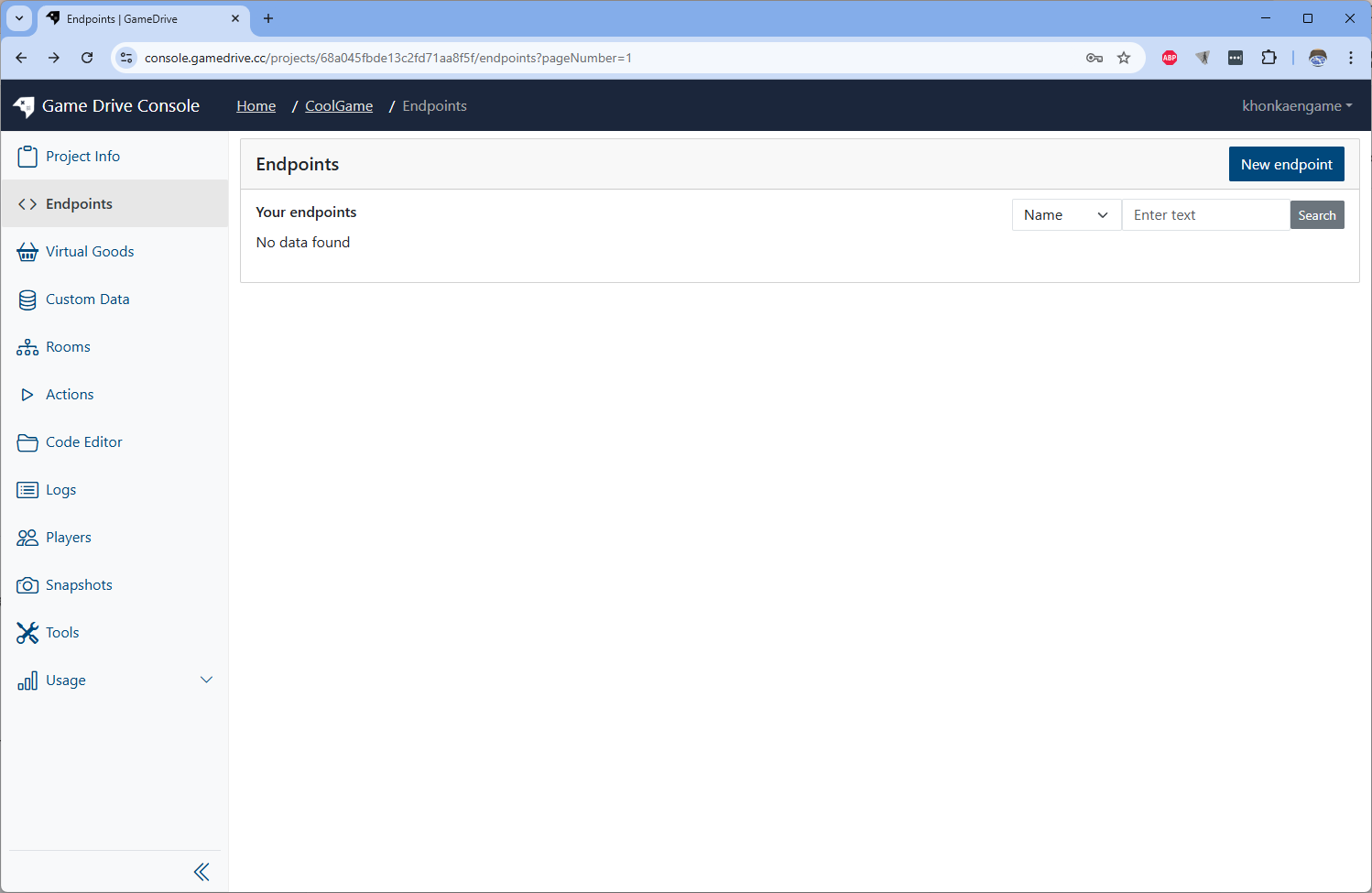 Then click on New endpoint button on the top right.
 -
Input the endpoint name and description then click Create button
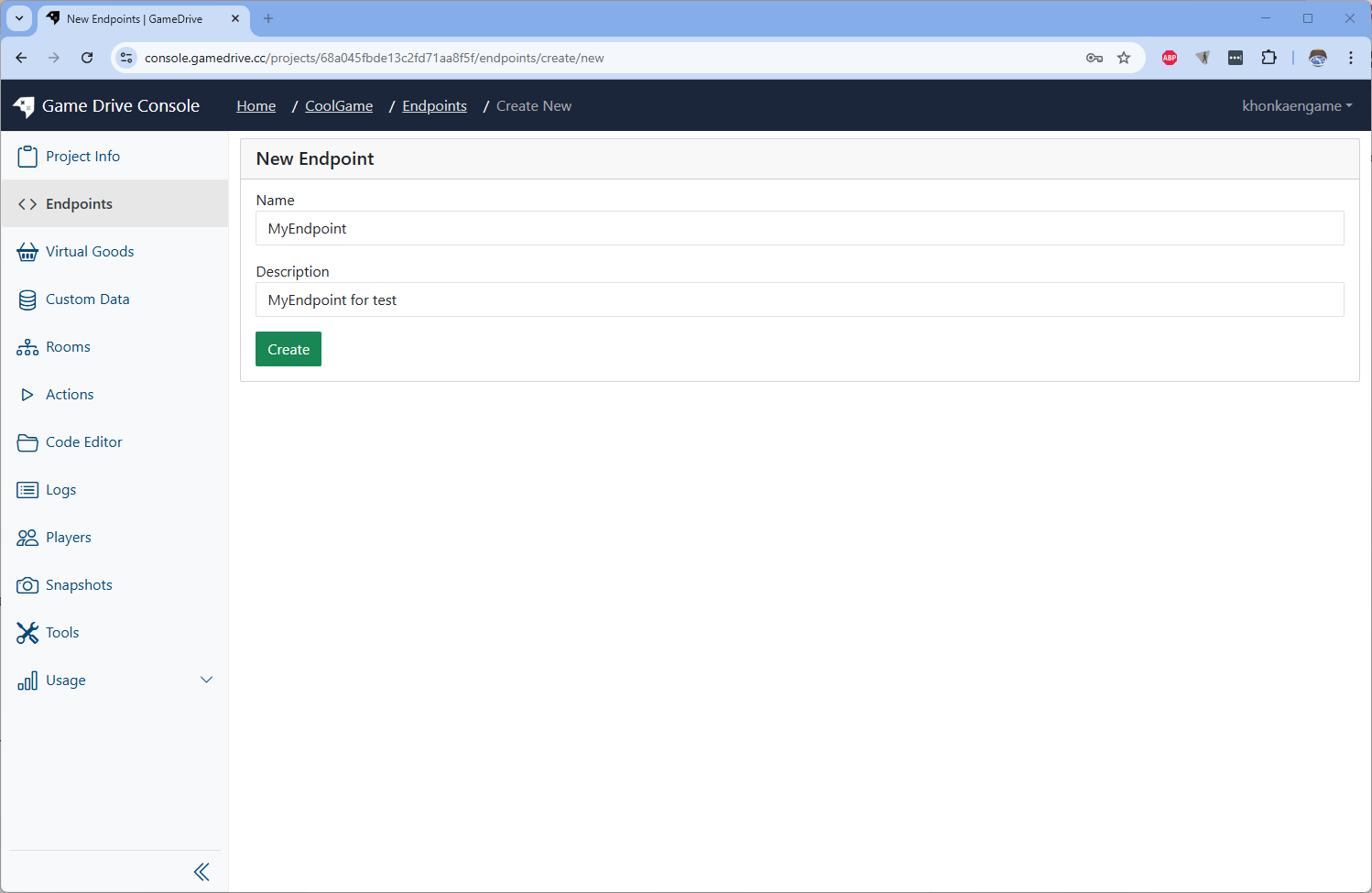
-
You will see endpoint on the endpoint list
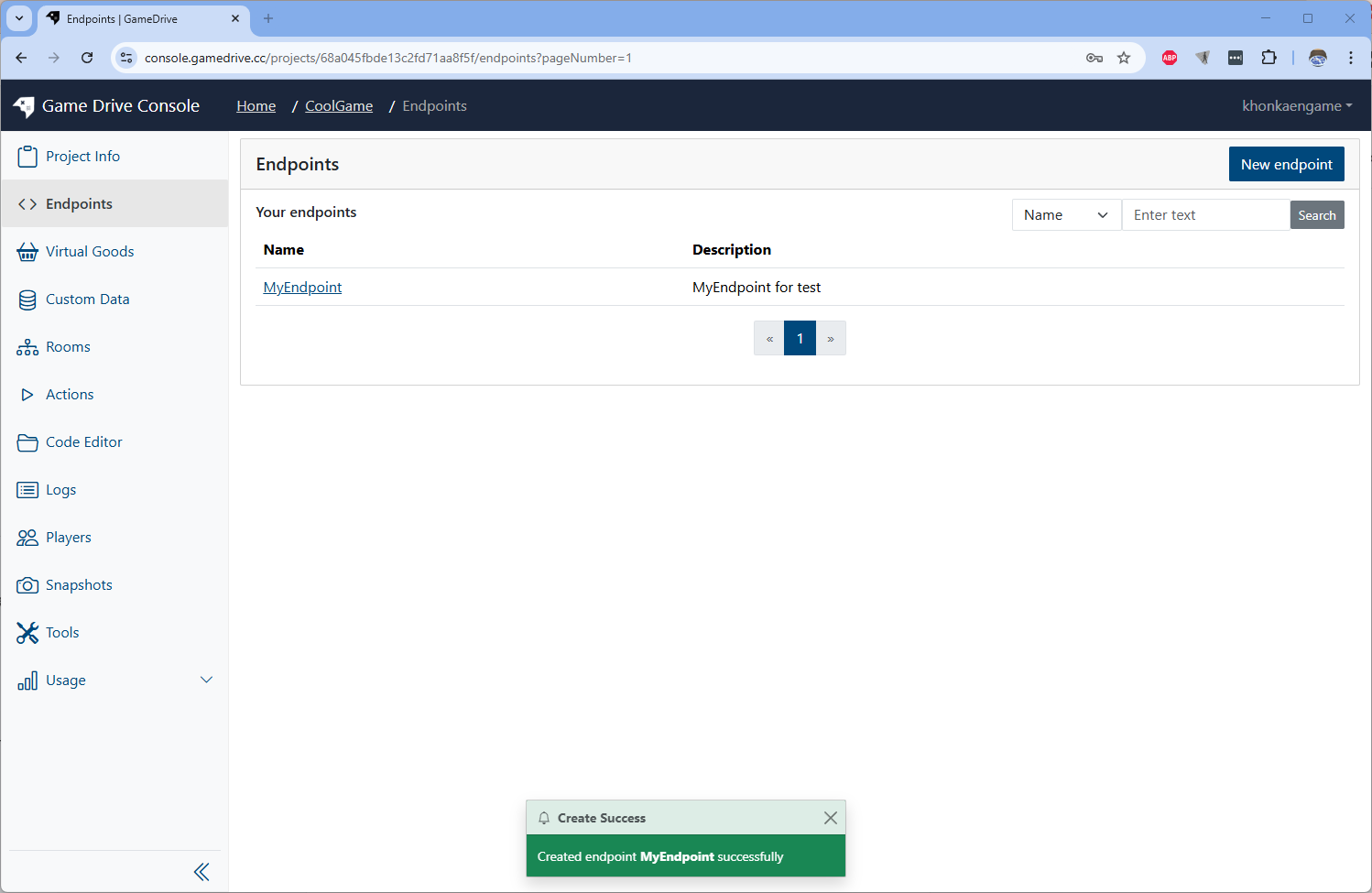
Setup endpoint's parameters
-
Setup endpoint by add 2 paramers
Name Type actionnumber messagestring 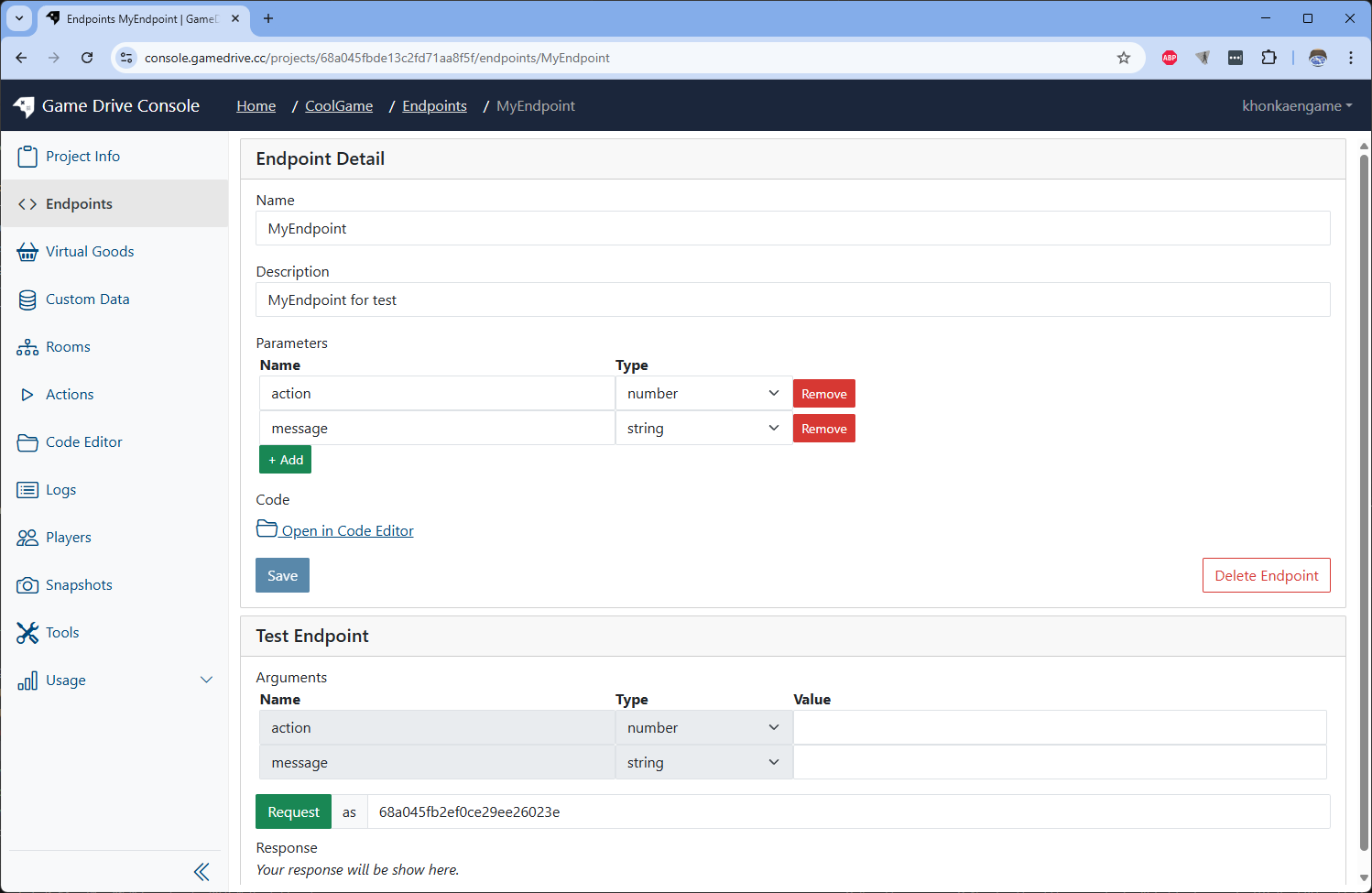 Click save to finish the changes.
Write code to handle endpoint
-
Let's write some code. Click on Open in Code Editor link.
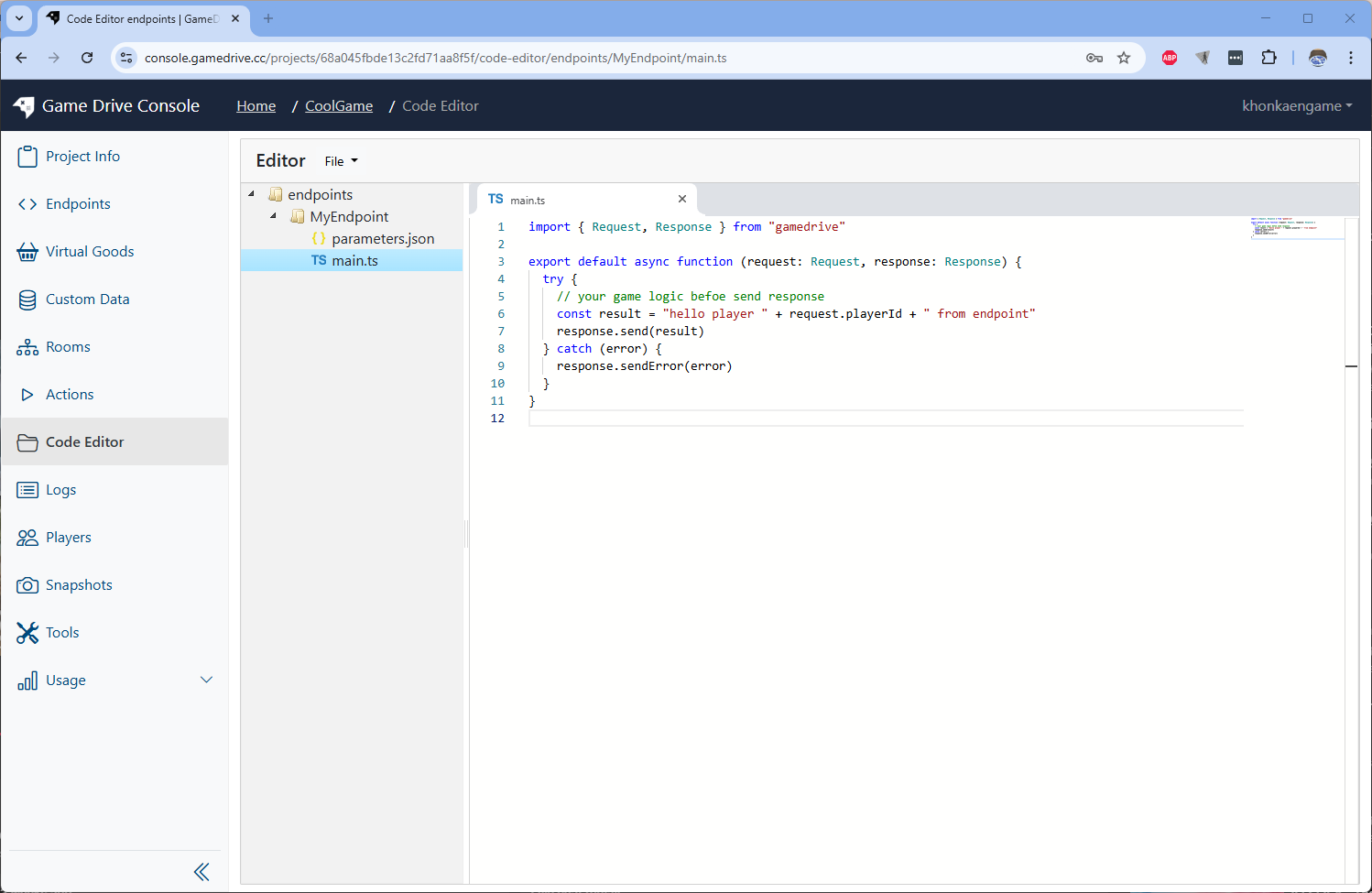
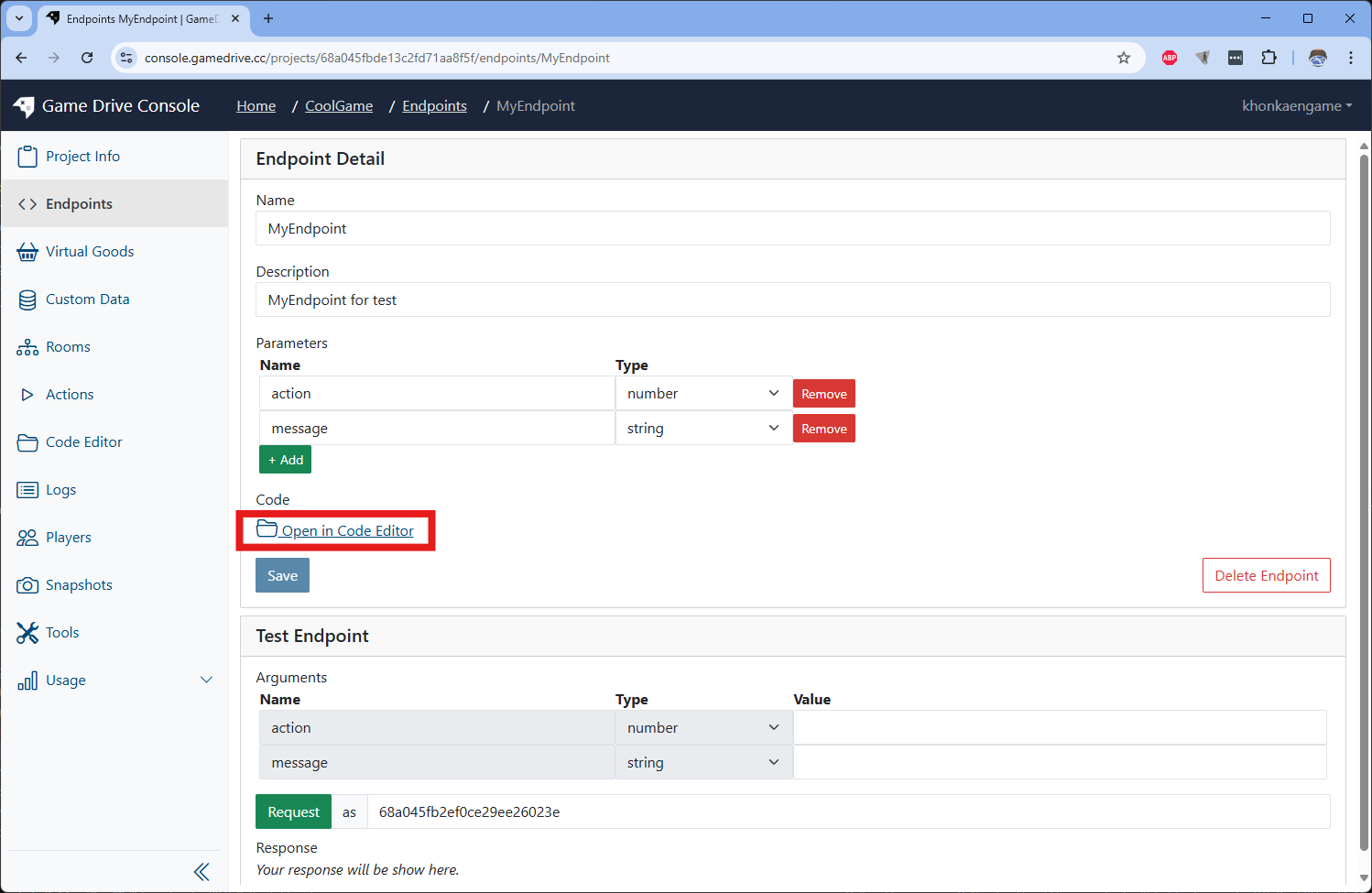 It will bring you the Code Editor tab and open a folder linked to the endpoint.
-
Edit the file to following code
import { Request, Response } from "gamedrive";

export default async function (request: Request, response: Response) {
  try {
    const action = request.args.action;
    if (action == 1) {
      const resultObject = {
        incomingMessage: request.args.message,
        fromPlayerId: request.playerId,
      };
      response.send(resultObject);
    } else if (action == 0) {
      response.sendError({
        code: "ERROR_BY_ACTION",
        message: request.args.message,
      });
    } else {
      throw "Unable to handle action :" + action;
    }
  } catch (error) {
    response.sendError(error);
  }
}
Save by using shortkey Crtl + S or Choose top menu File->Save
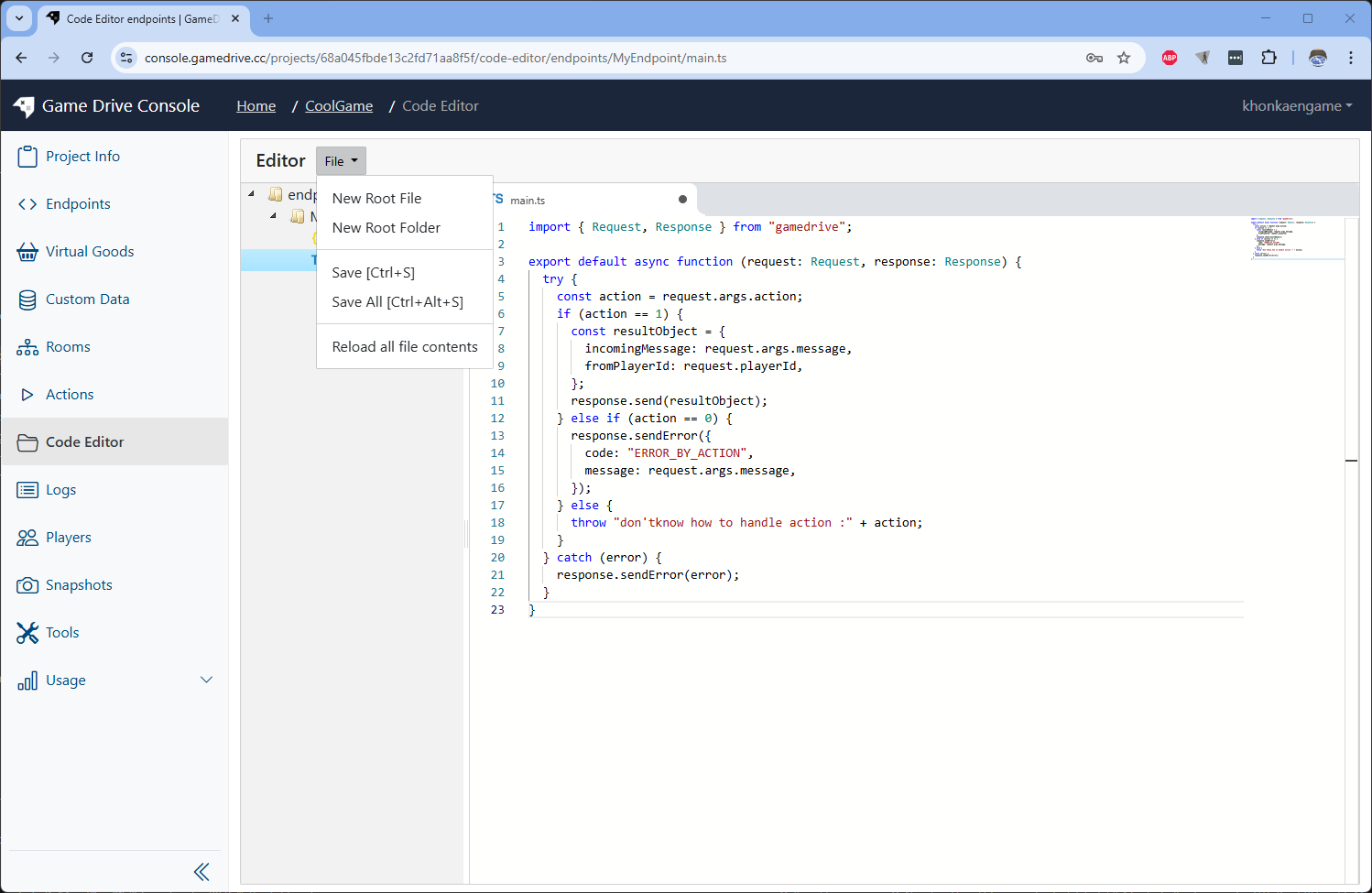 Our endpoint logic is now ready to be tested. Since endpoints are for your game players to call. We need a player id to send test request.
Test endpoint
-
Go to Players menu on sidebar
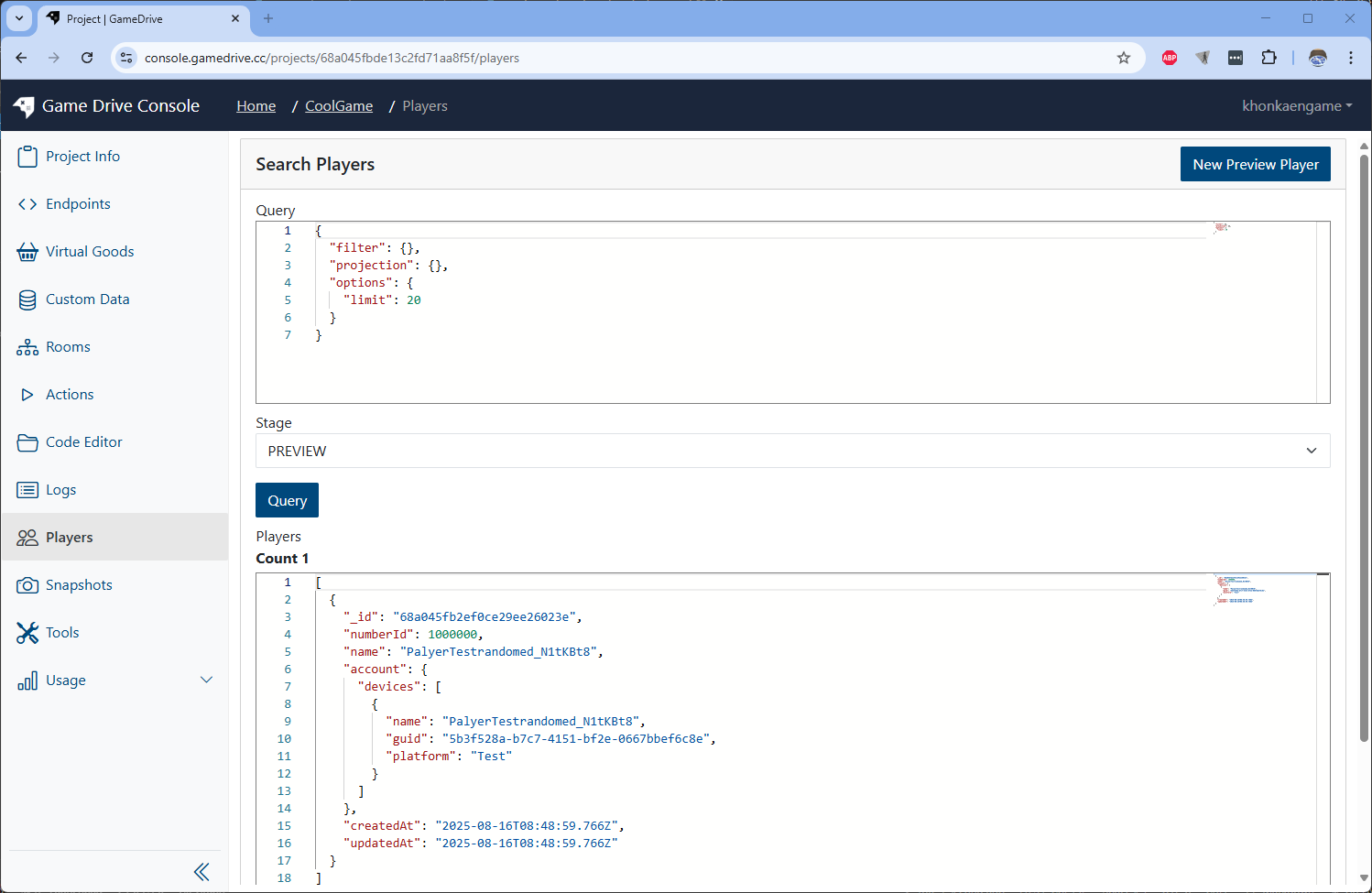 Press the Query button and you will see test player data appear.
Copy the _id field of the player to use on next step
-
Go back to the endpoint page. We will test the endpoint by using test section.
Paste the player id to test Request as ... field. input 1 to action field. input "hello from a player" to message field
Name Value action1 messagehello from a player Request as[copied player id from step 7.] 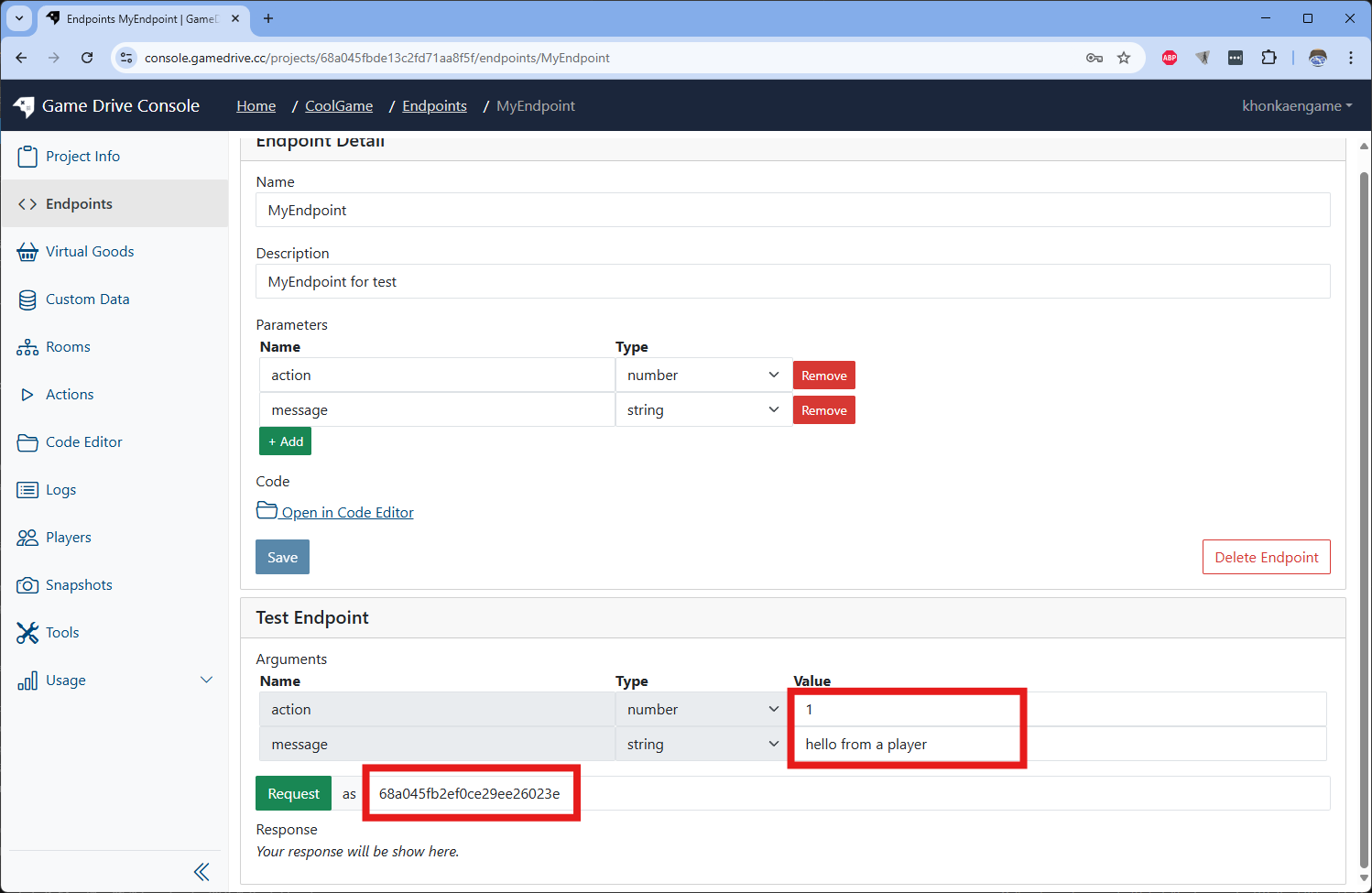
-
After input all required data, press the Request button
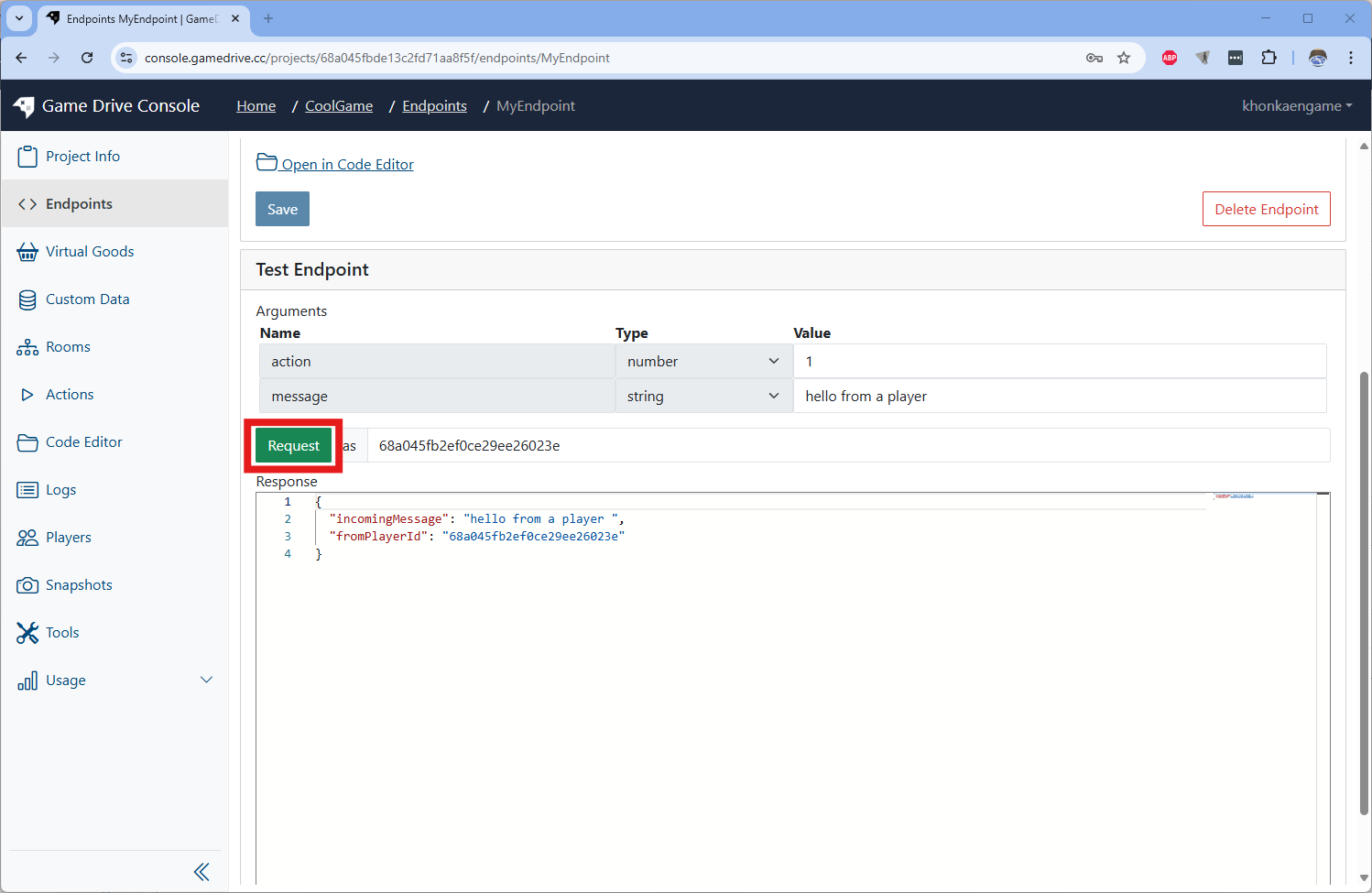 You will see the response made from your game logic
 -
Now let change the action field to 0 or other value you will get error response from the endpoint