Create Project
What are Projects?
One project is supposed to use for one game. Different project have different environment and different data collection. You can not access data of another project.
How to create a Project?
Sign up
Go to Sign-up and submit required fields.
After that Sign-In to the console.
Wait for Project Owner role
You need to wait until GameDrive's admin grants you a role as a project owner before you will be able to create a project. This step may take 0-2 days to be approve. If you have issue on this step please contact admin on facebok fanpage or get more infomation by join our Community.
Create New project
-
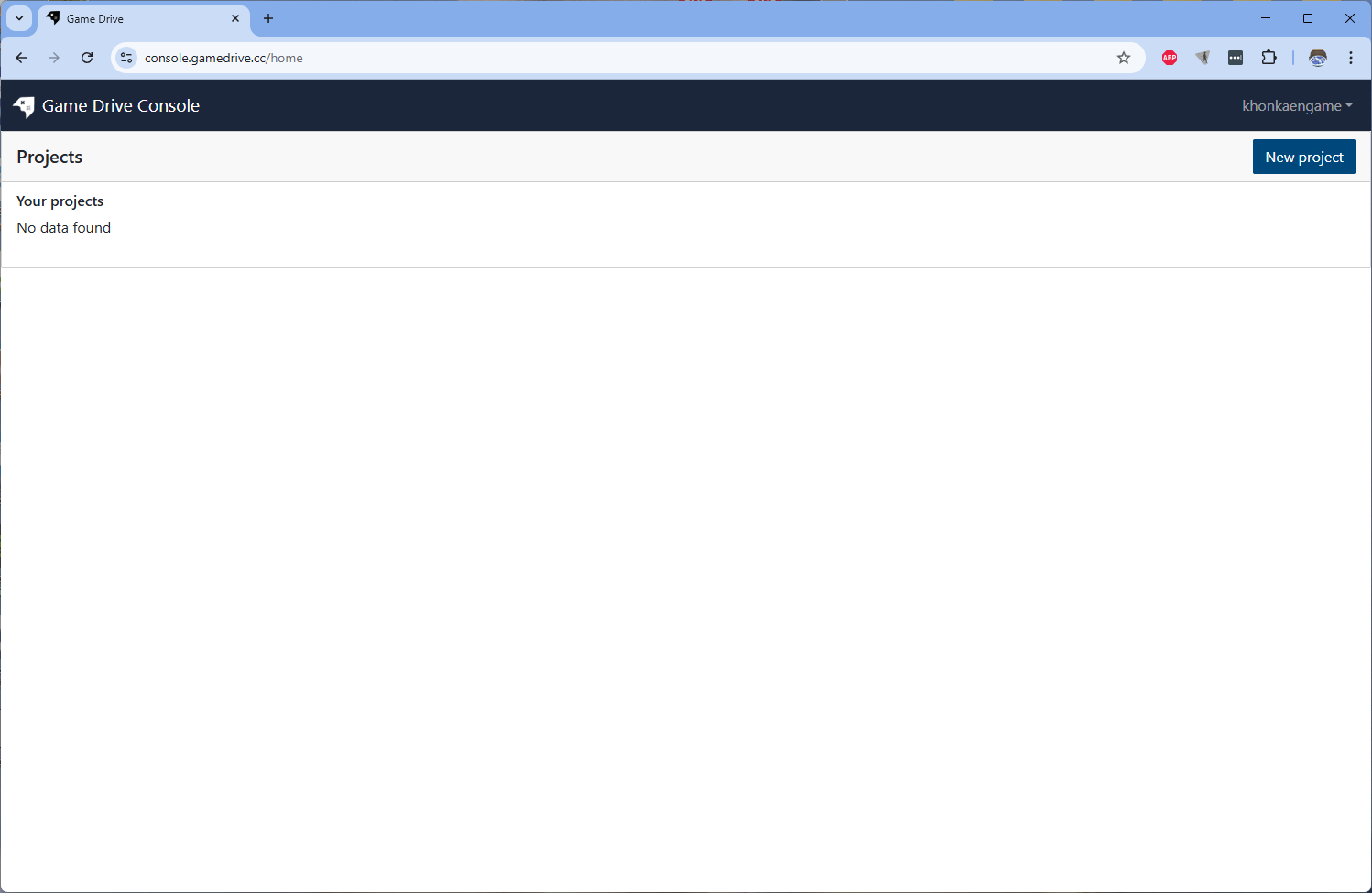
Go to New Project. By click on the top right button of home page
-
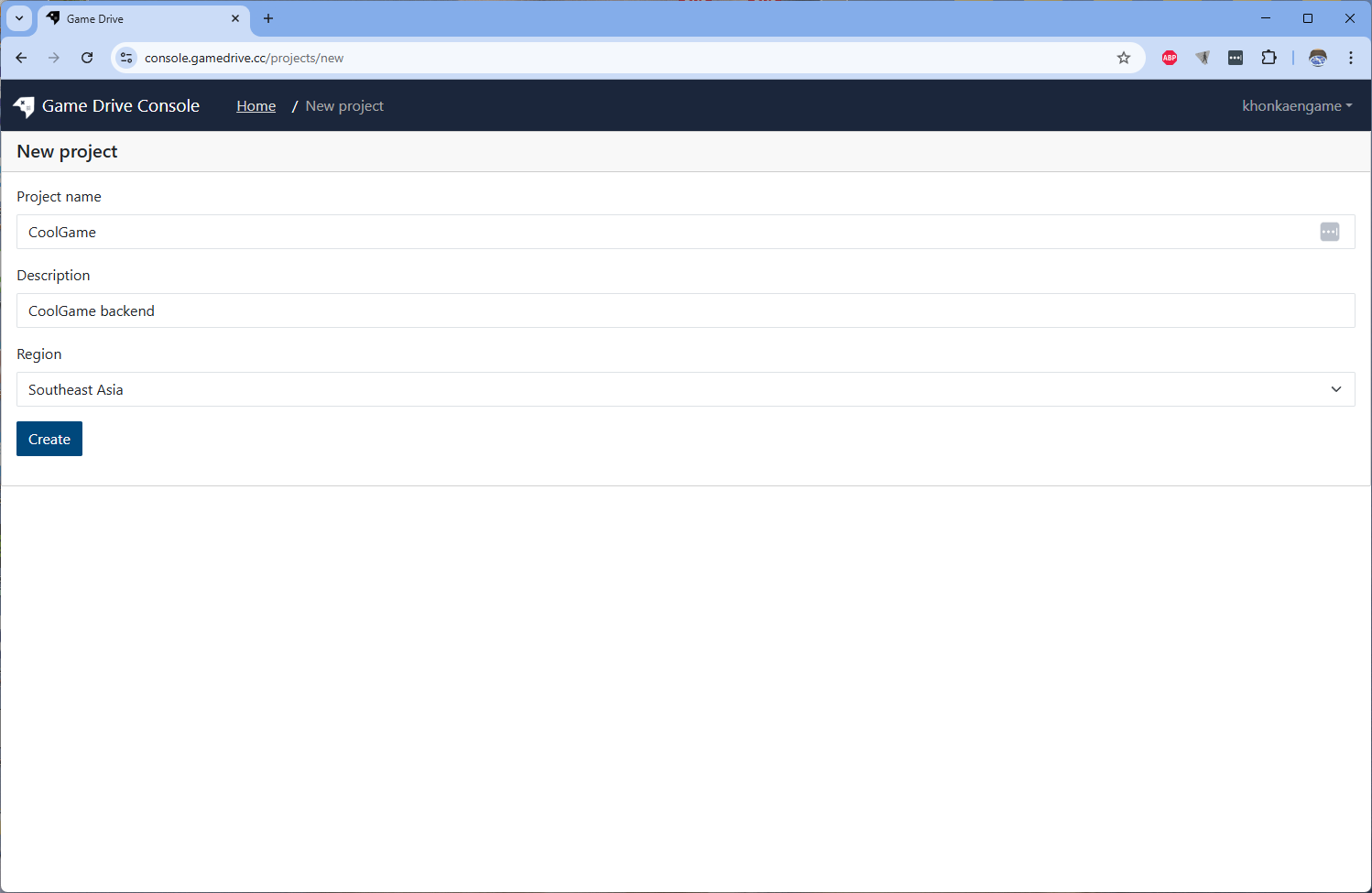
Then inform all fields and submit.
-
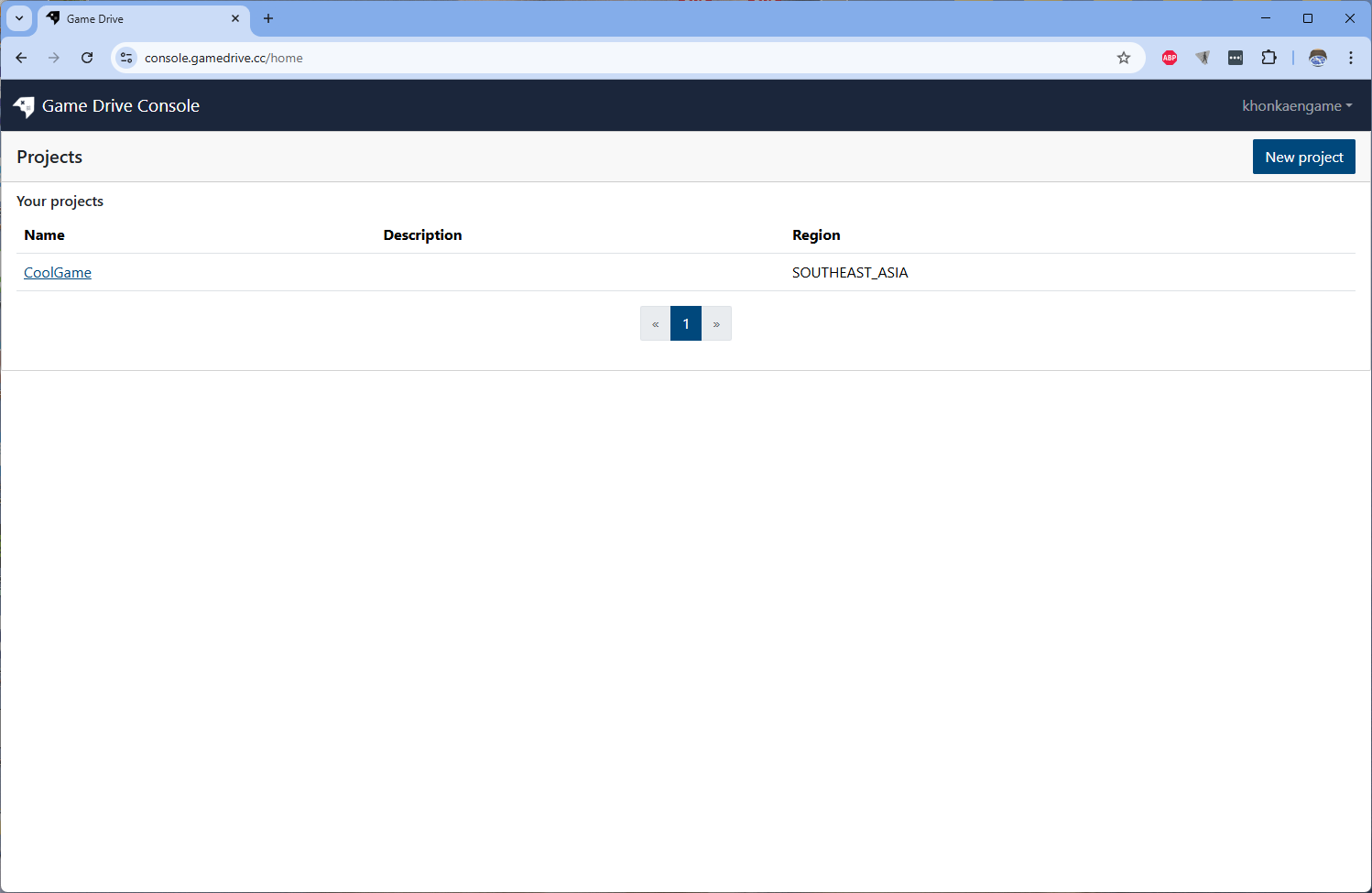
Now you will see your new project appeared the list on Console Home.
-
Click on the new project to see project detail
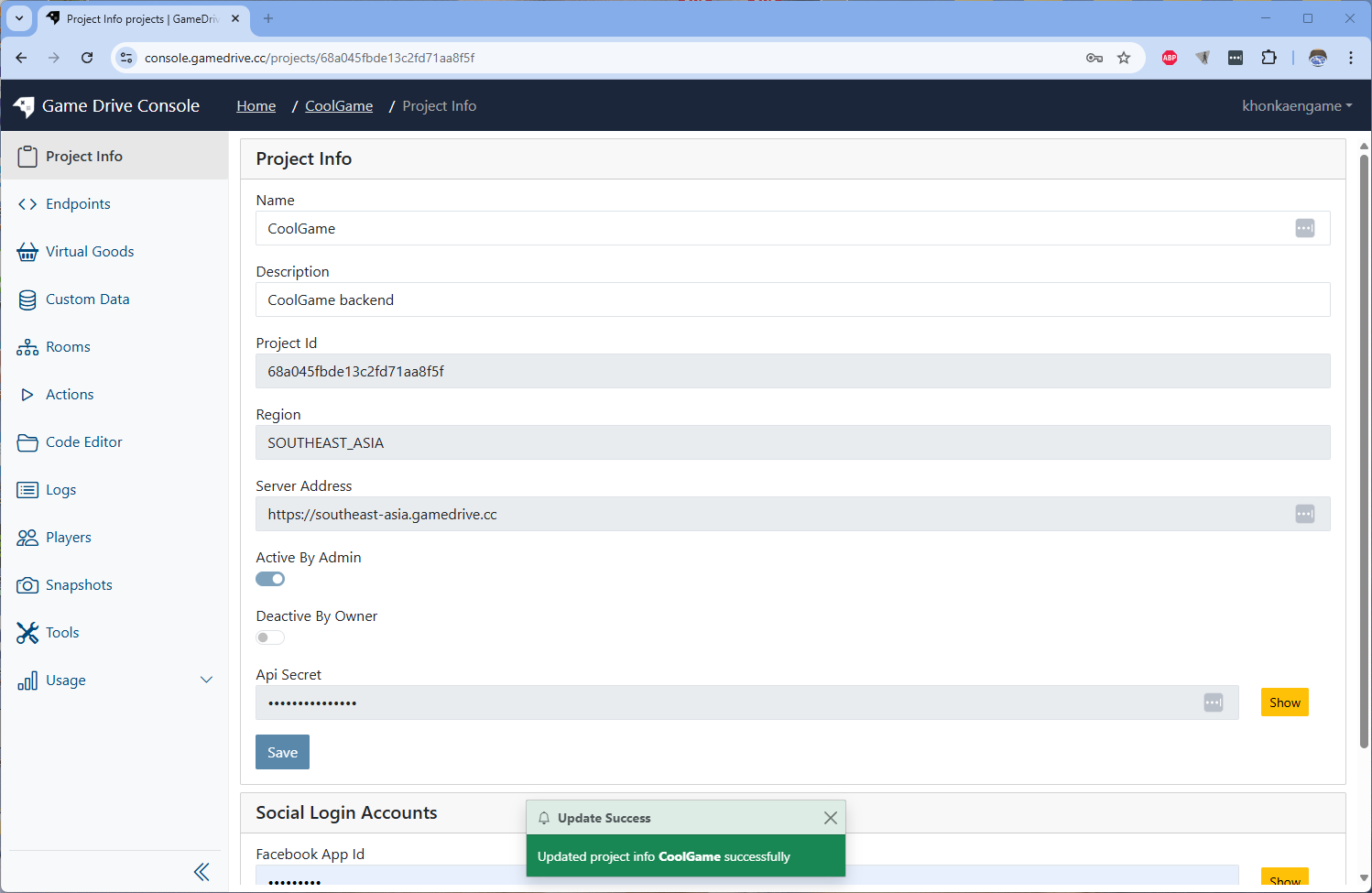
Now you have a project for your game!
Next step, we will use an Endpoint. which is a core component of GameDrive.