Stages and Snapshots
What are Snapshots?
Snapshot is a save of all setup of a project at a moment that you created one. The save not include data in database such as data of Customer Data collection but collect only Custom Data meta such as name, description and schema.
You can create many snapshots as you want, you can delete and copy old snapshot to new.
How to create a snapshot?
-
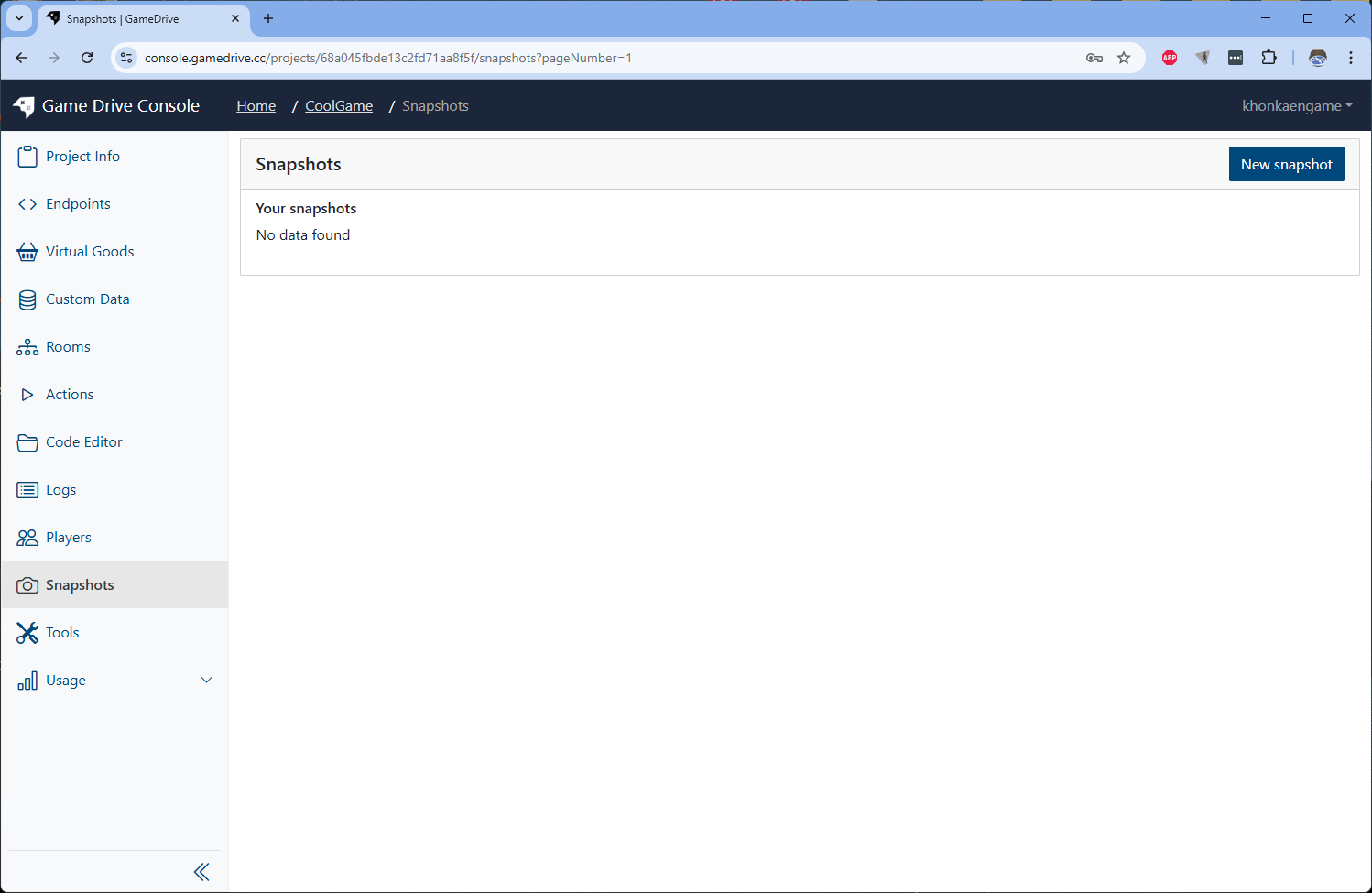
Go to Snapshot menu on sidebar and click on New snapshot button on top right.
-
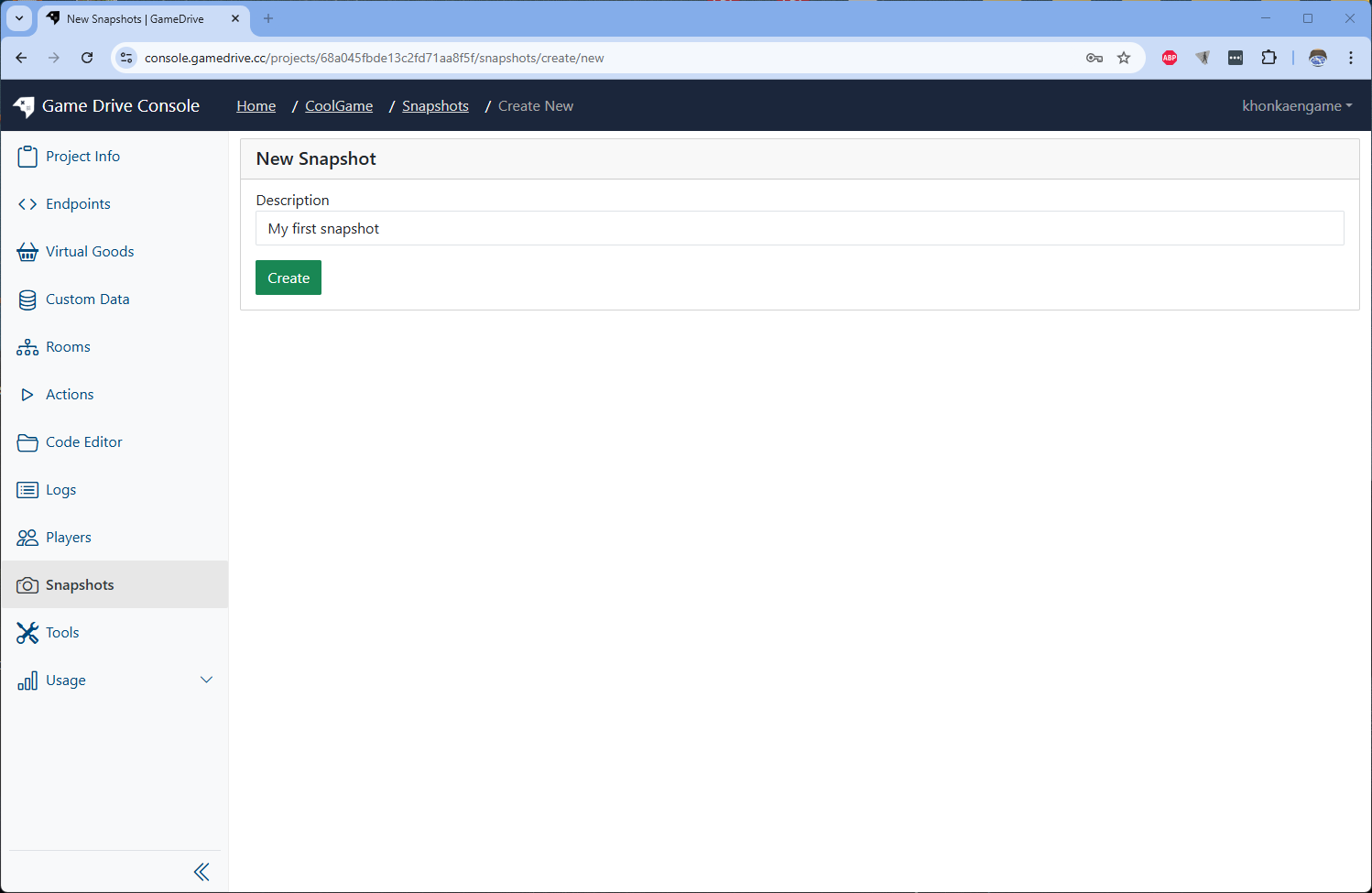
Input description of the snapshot then click Create button. This will take some time to load as project grow bigger.
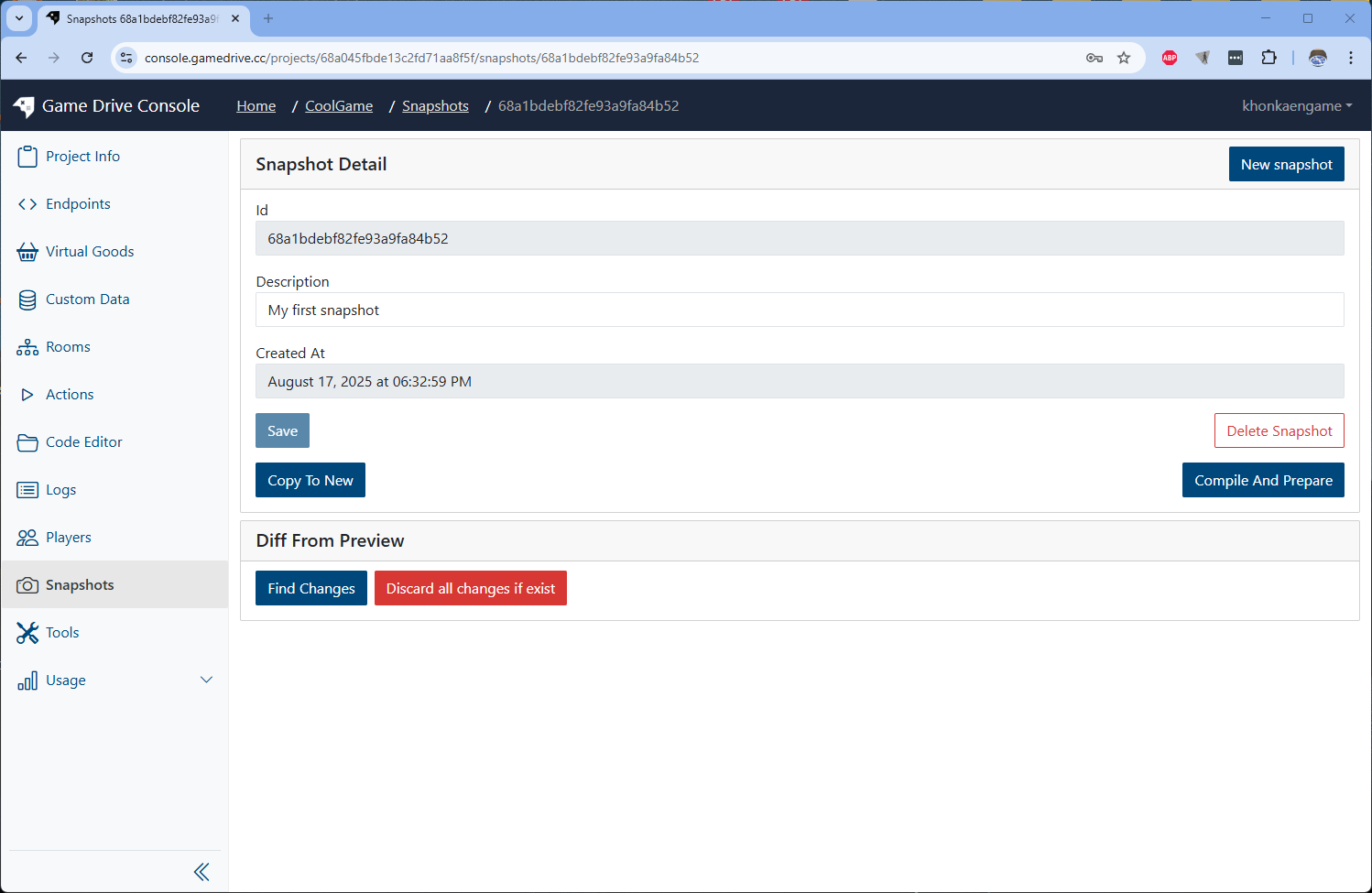
Finally, you have a new snapshot
What is PREVIEW stage?
When you working on a project, you doing in PREVIEW stage. When you run test endpoints, you doing in PREVIEW stage also. PREVIEW stage is a environment for developing and testing.
What is Diff?
After you created a new snapshot without any changes futher, your PREVIEW stage is equal to the latest snapshot. If you make change in code editor or any component, you will have changes of PREVIEW stage to the latest snapshot. This changes called Diff.
How to view Diff?
-
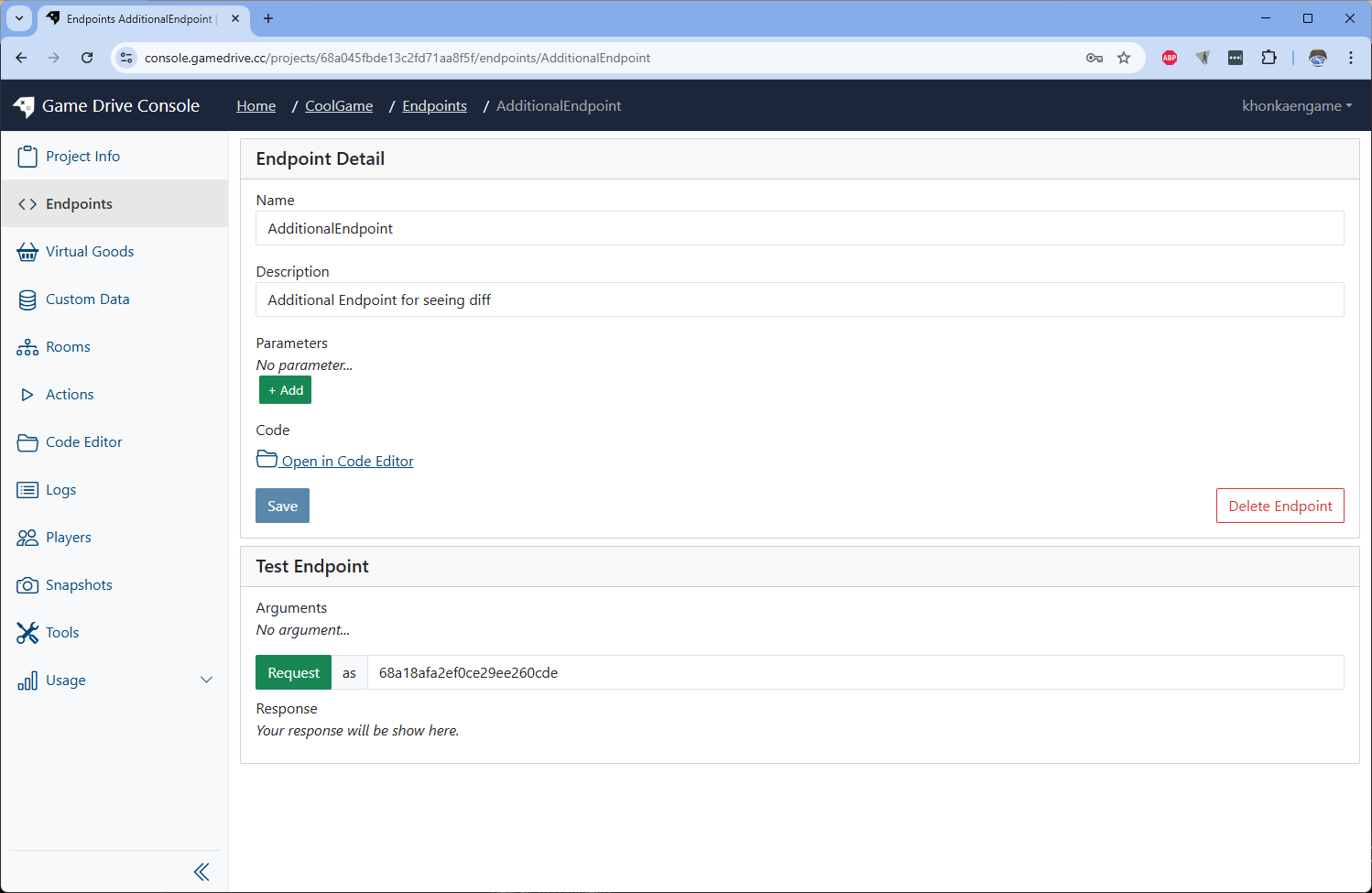
After made a new snapshot above, try to edit something in you project. Let's create a new Endpoint.
-
Go to Snapshots menu on sidebar and click on the latest snapshot on top to view snapshot's detail.
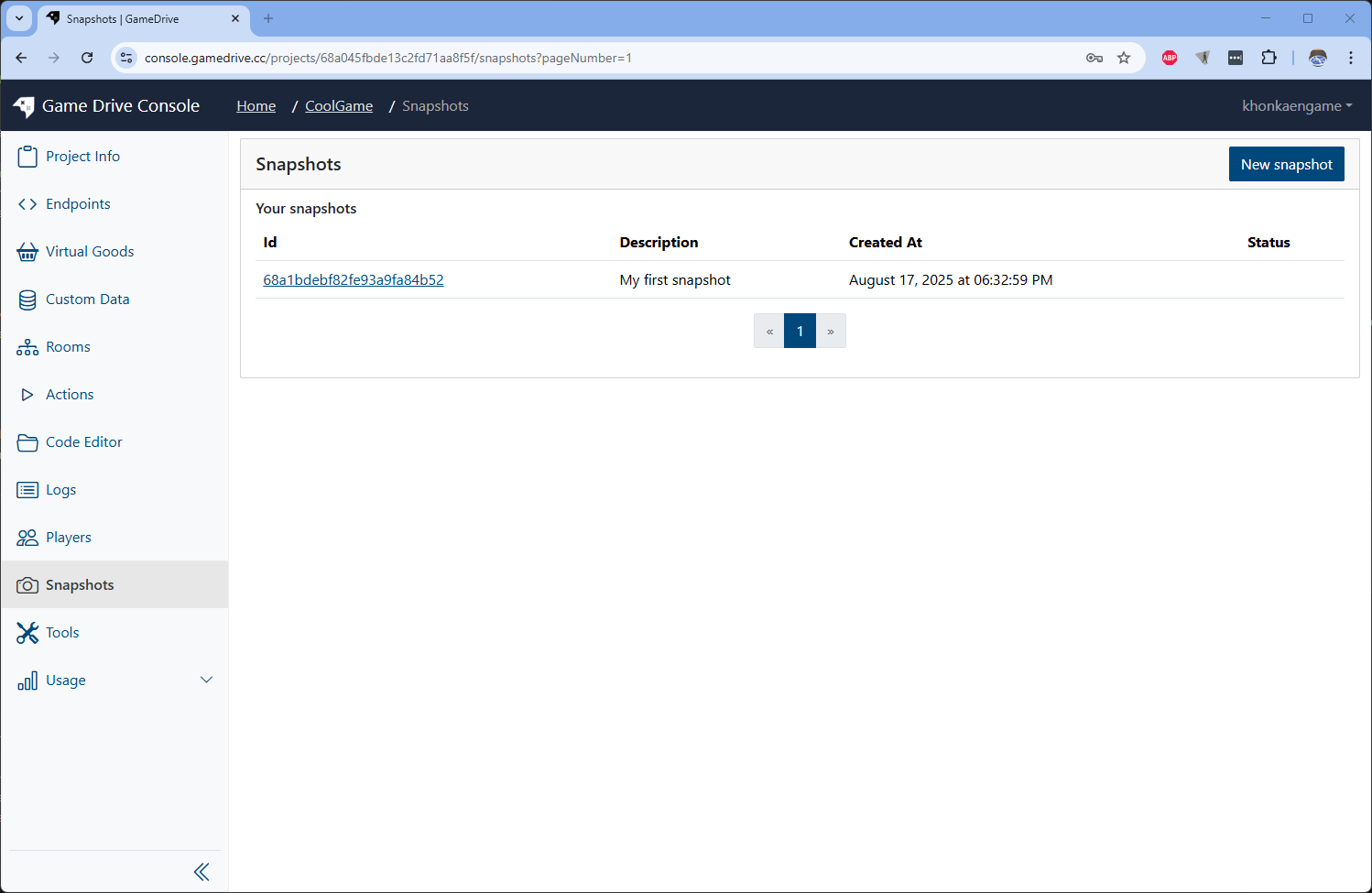
Then click on Find Changes button. It may take some time to load before show up the Diff viewer.
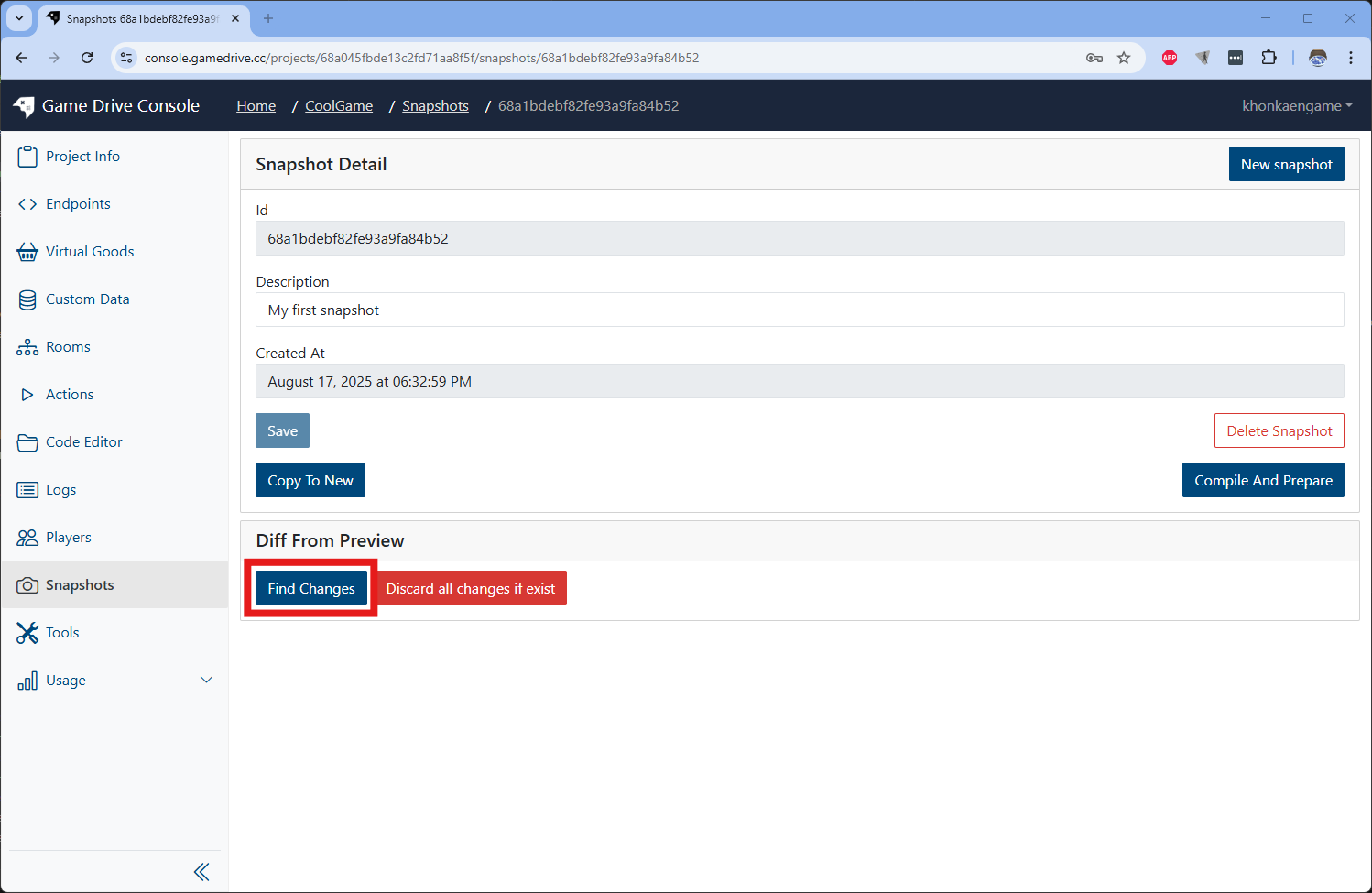
Diff Viewer will show up and show that we have new snapshot created
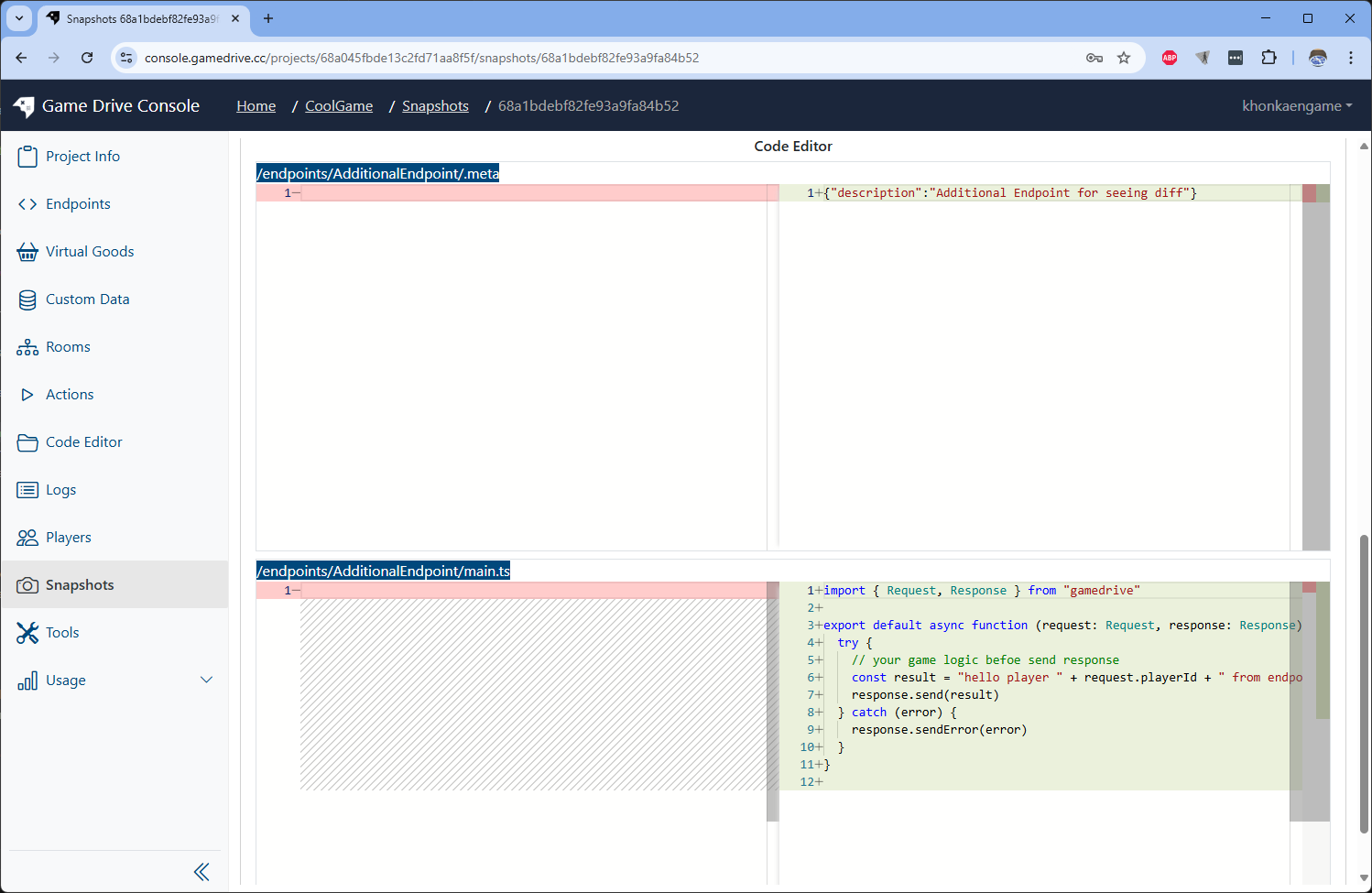
-
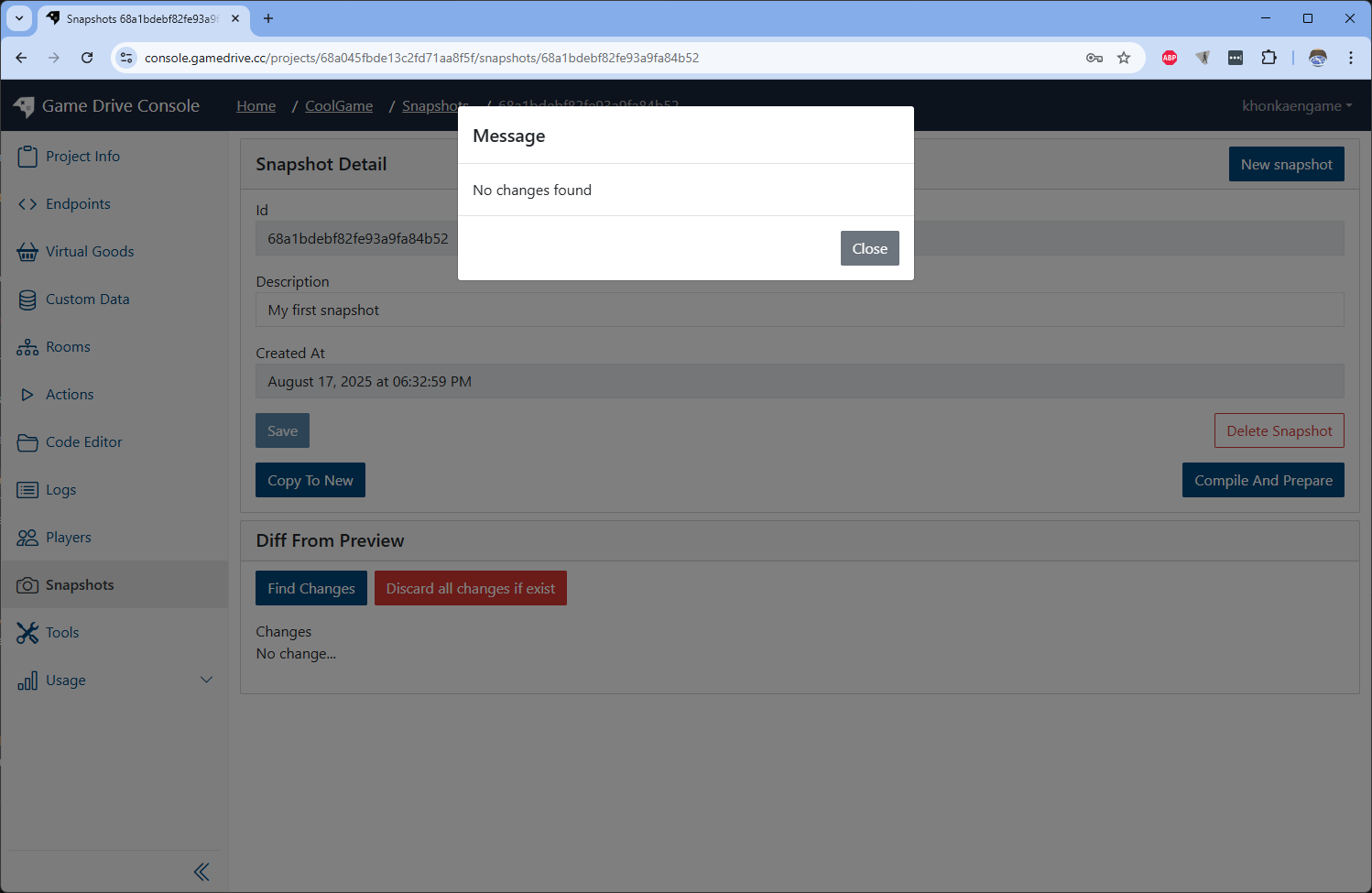
You can try to use Discard all change if exist button, and click on Find Changes button again. You will see now Diff viewer show up since no changes exist anymore.
How to revert PREVIEW stage to old snapshot?
-
Let's make some changes by create new Endpoint again. Then create another snapshot.
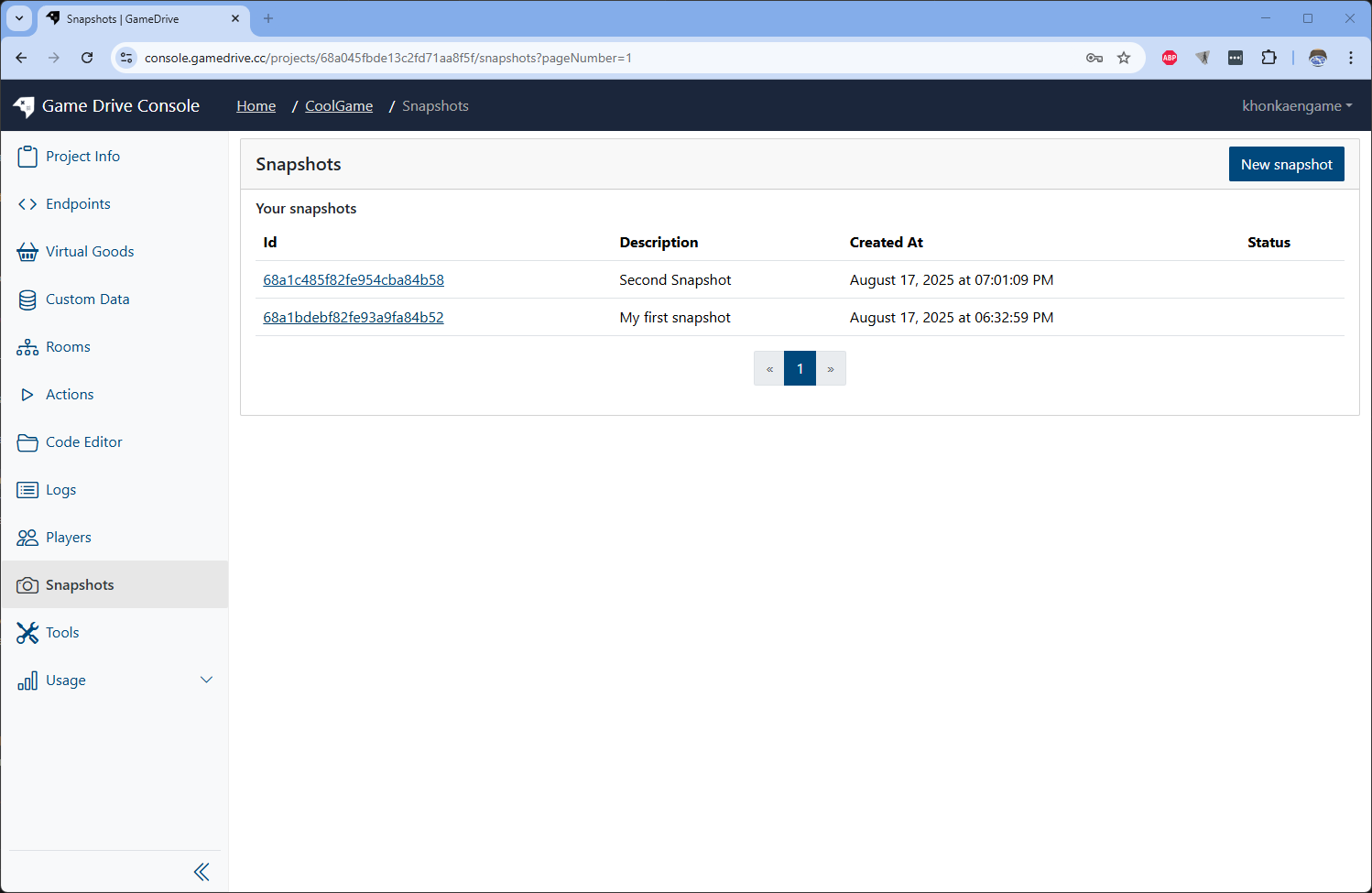
-
We can make PREVIEW stage equal to a snapshot by to go the first snapshot detail and click on [Copy To New] button
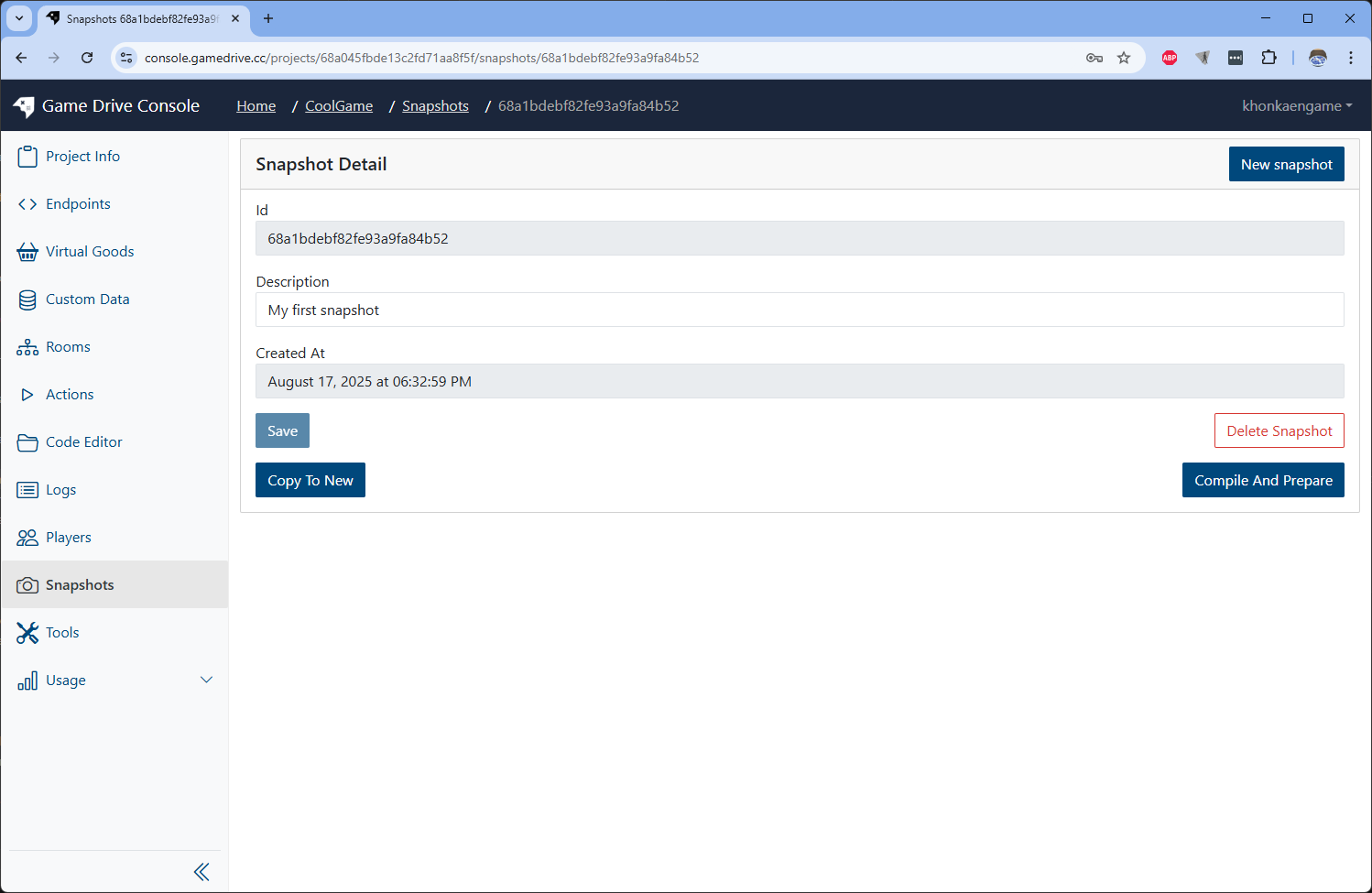
The copied version of snapshot will show up
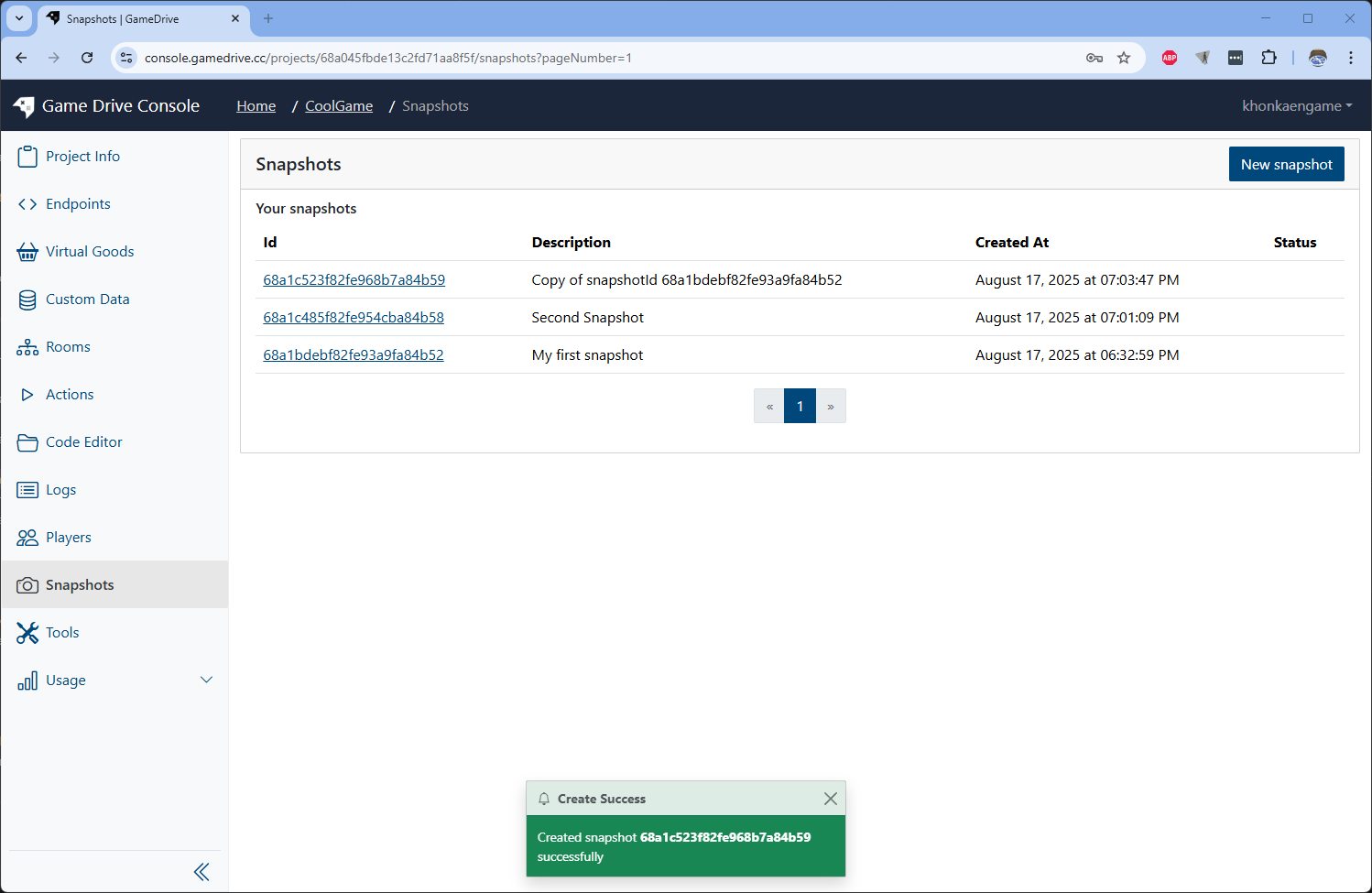
Now, check on the endpoint list page. The new Endpoint you just created on step 1. is gone.
To make the new snapshot came back, you can just go to the second snapshot and do Copy To New again.
What is LIVE stage and why we need it?
When we want to serve our works on GameDrive to real players, we should publish a snapshot to LIVE stage.
On LIVE stage, database collection is separated from the PREVIEW stage. This allow us to continue working or testing on PREVIEW stage without interfere to real players data.
This 2 stages machanism also help us to rollback when something went wrong on the latest LIVE snapshot. We can just to the old working fine snapshot and re-publish it to LIVE.
How To publish a snapshot to LIVE?
-
Go to the snapshot's detail page. Click on Compile and Prepare button.
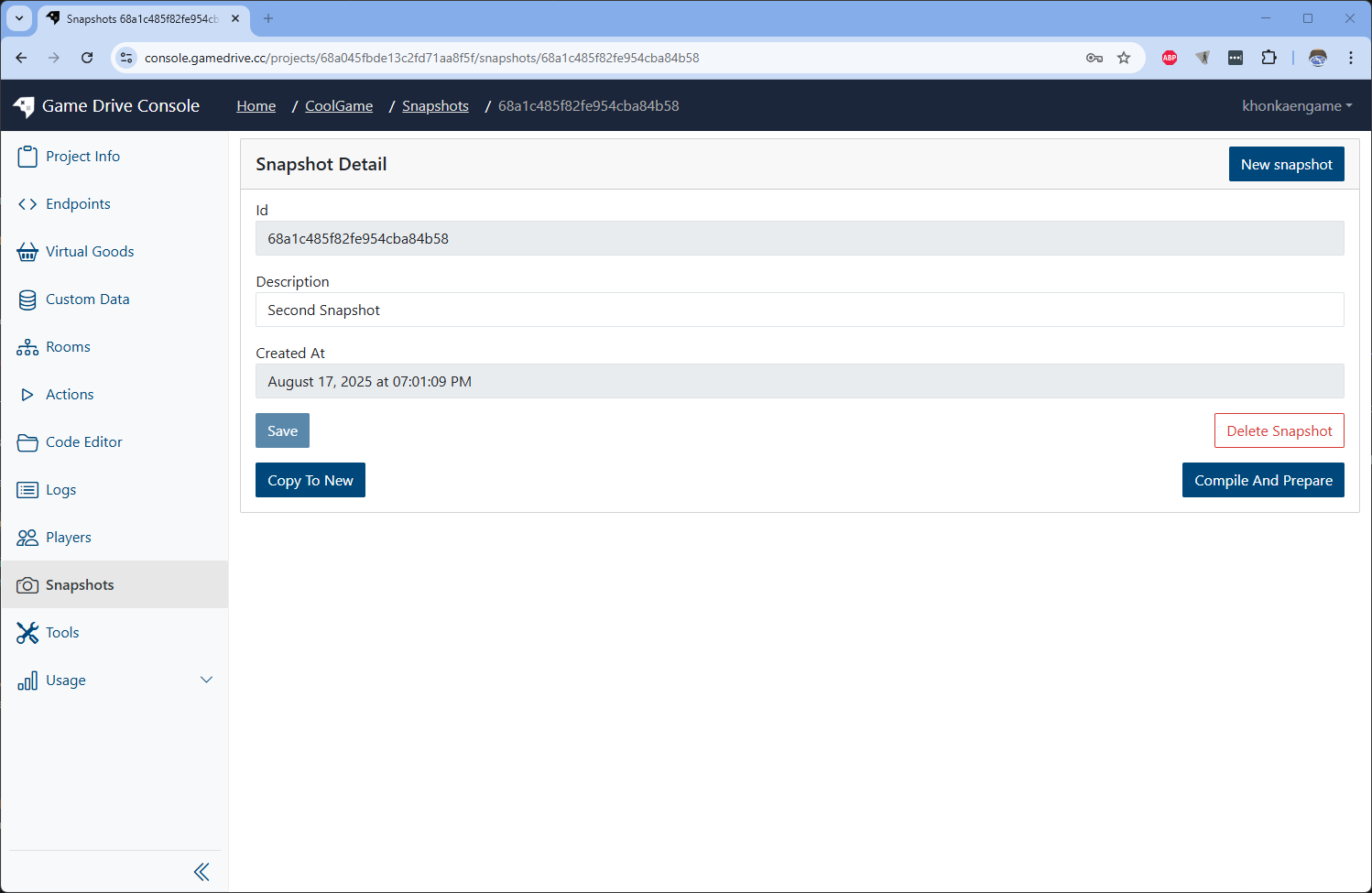 Wait until it finish and change to Publish to Live button.
 -
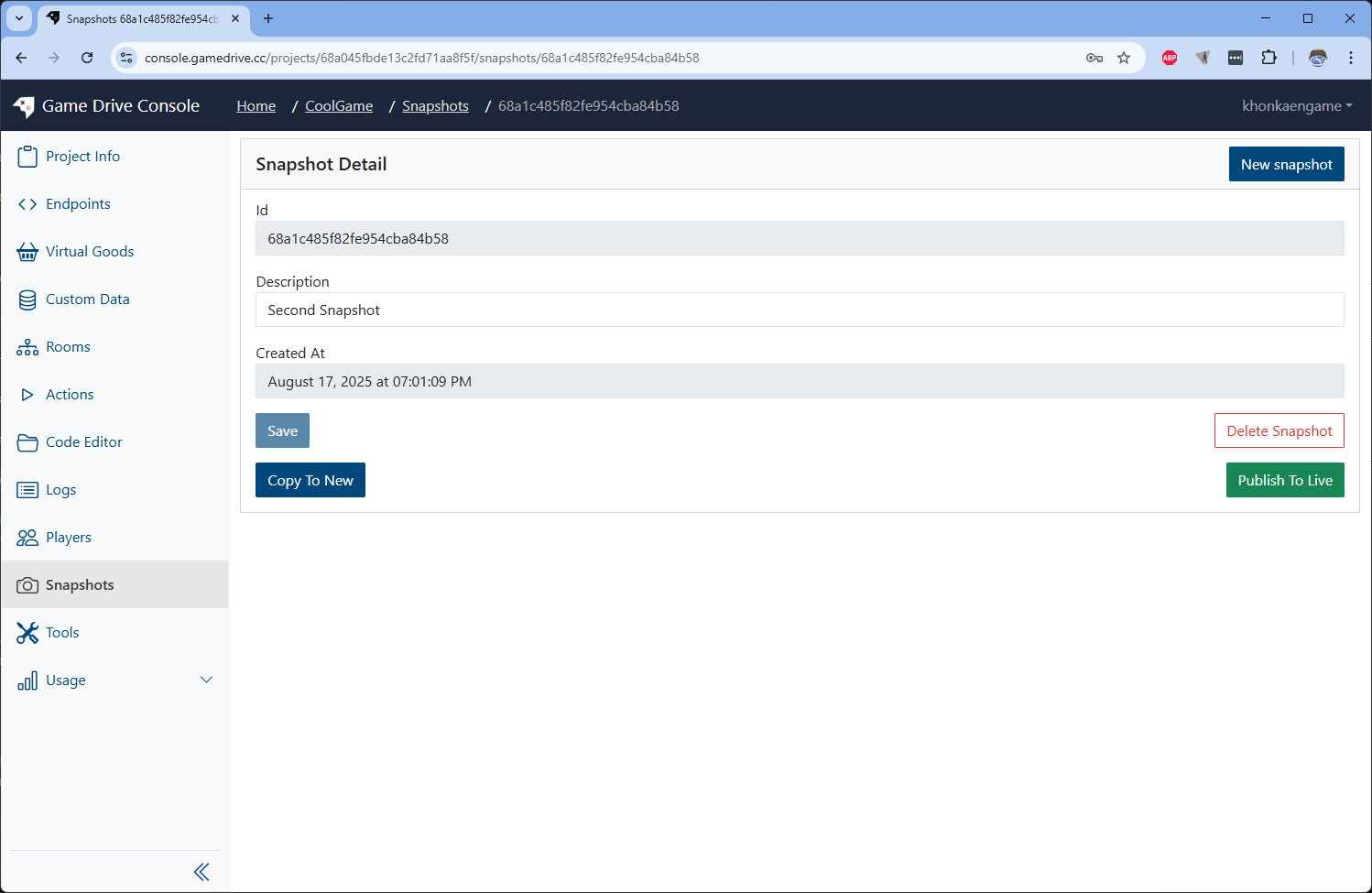
Click on the Publish to Live button.
-
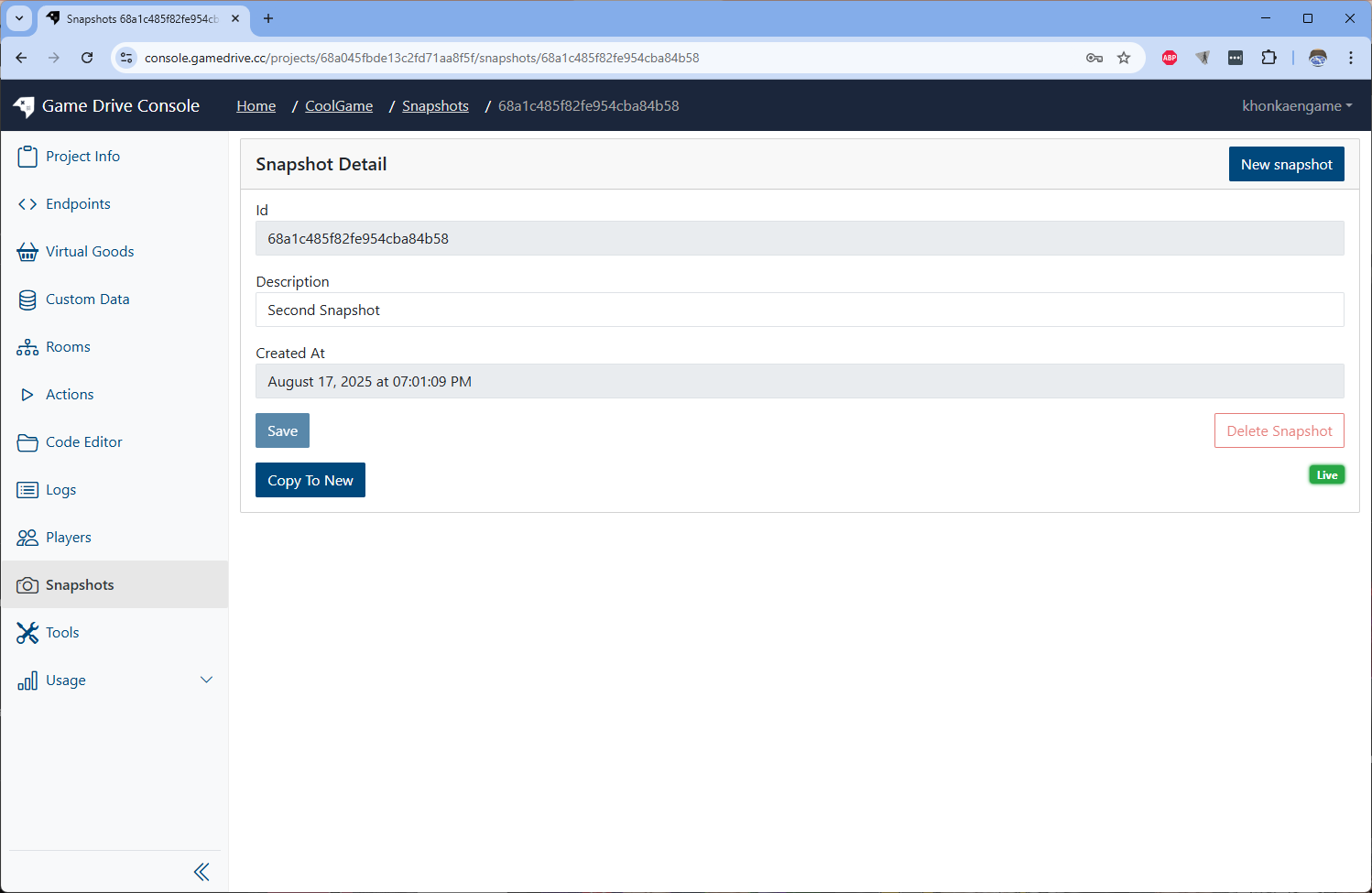
Finally the snapshot will have a label Live show up which mean this snapshot is on LIVE now.
Will server down while publishing new snapshot to LIVE?
Server will NOT down while publishing new snapshot to LIVE stage. The old requests on the server will keep working on old vm until the new vm from new published snapshot come to replace.