Storing data via Custom Data
What is Custom Data?
A CustomerData is built on top of a Mongodb's collection and based on Mongoose schema and apis. We can define our schnema which including indexing via JSON. We can insert or find data in the collection via Typescript api.
How to create Custom Data?
-
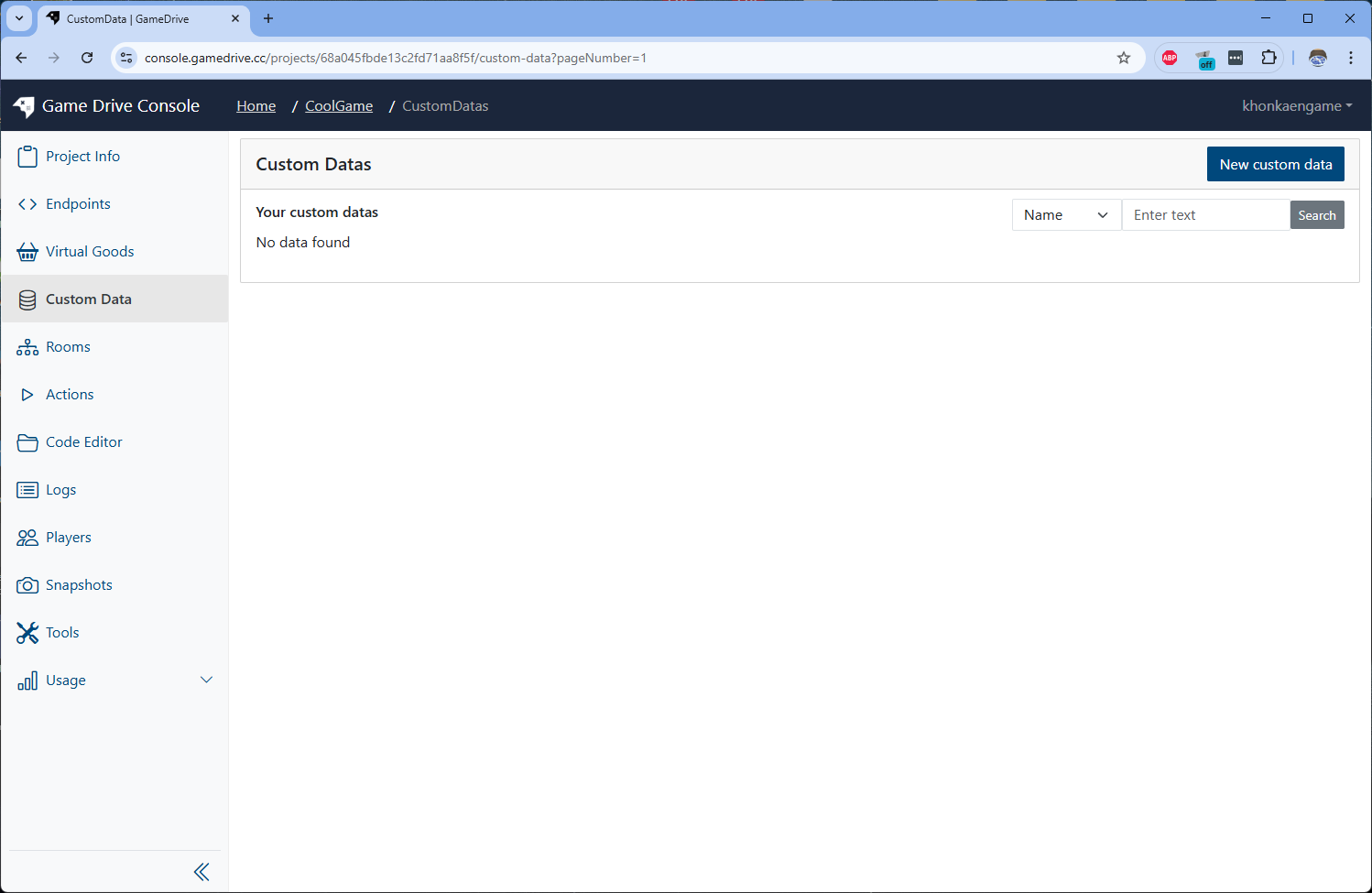
Create Custom Data by go to Custom Data menu on sidebar and click on New custom data button on top righ
-
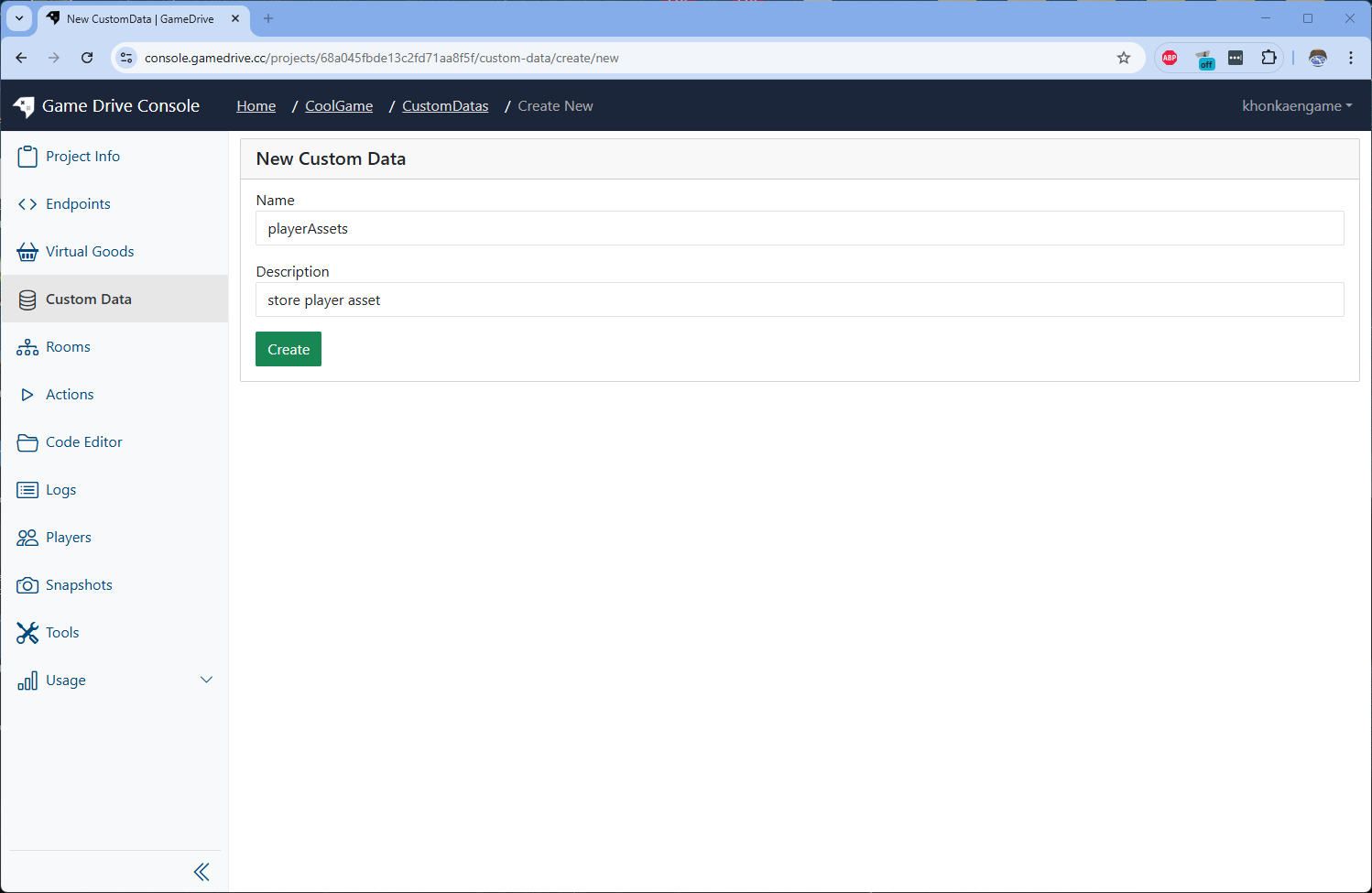
Input Custom Data name "playerAssets" and description
-
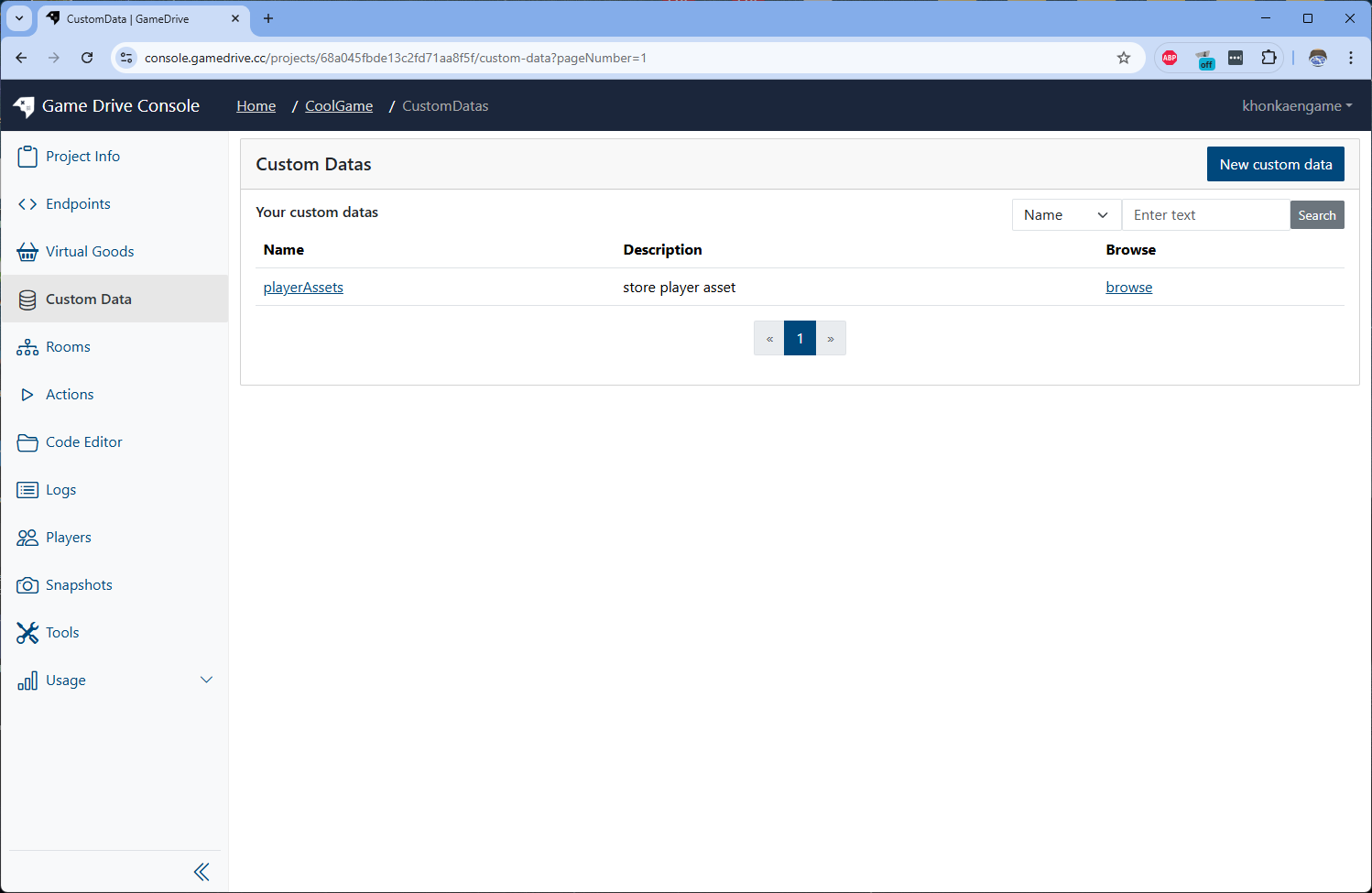
From Custom Data list, click on the new Custom Data "playerAssets" you just created
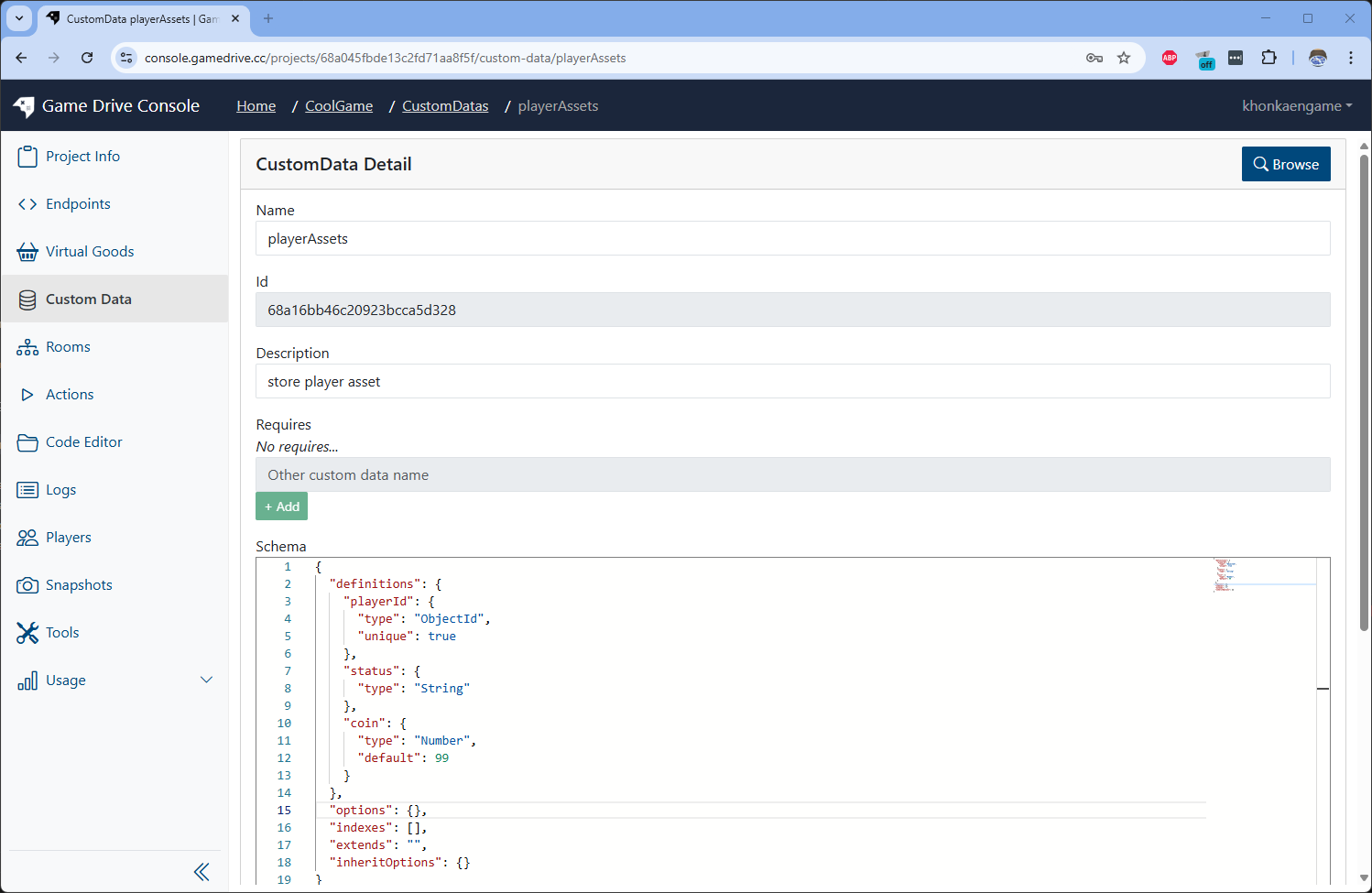
 It will bring you to Custom Data detail page
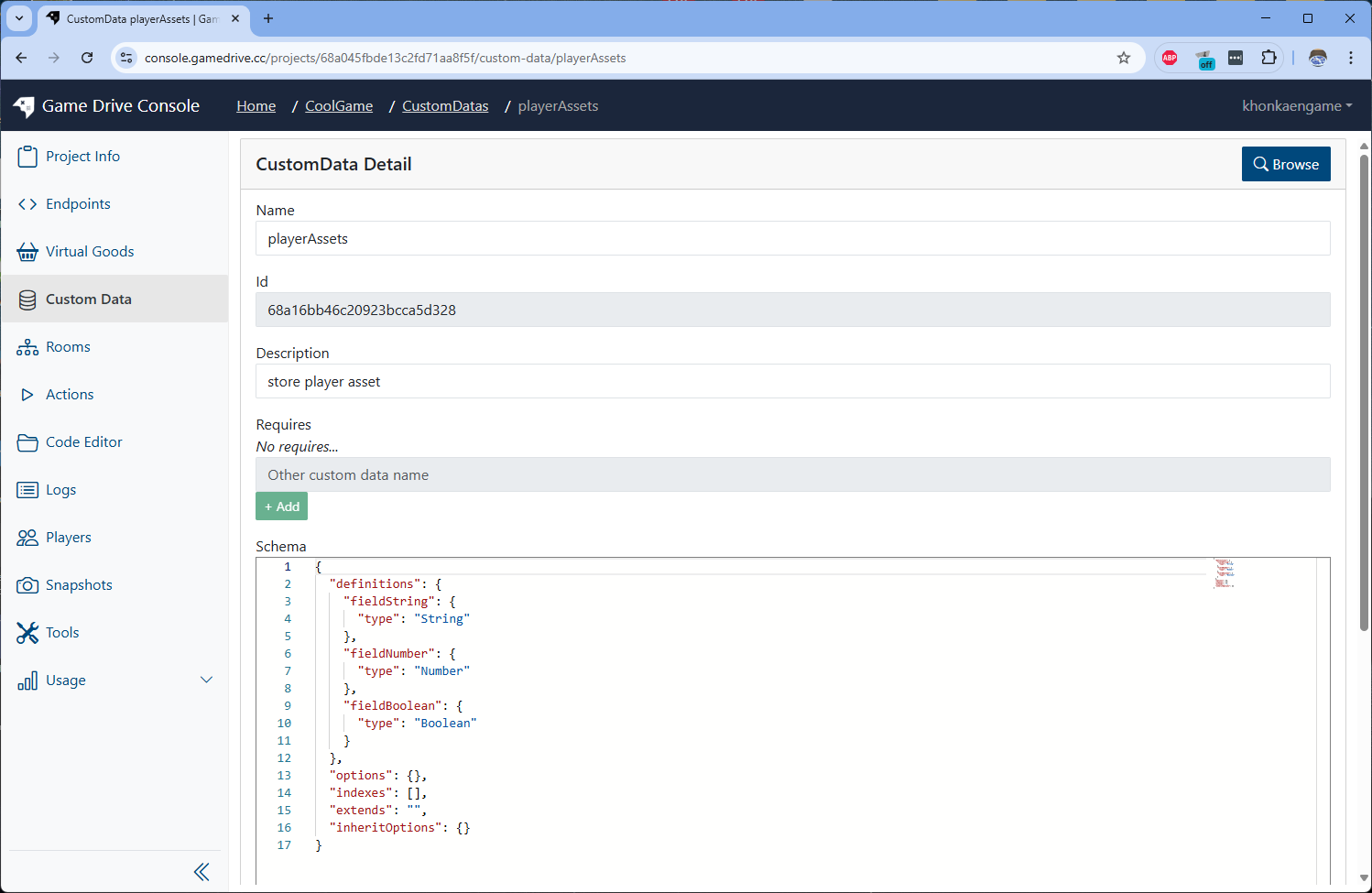
Update Custom Data's schema
-
Edit Schema to following json
{
"definitions": {
"playerId": {
"type": "ObjectId",
"unique": true
},
"status": {
"type": "String"
},
"coin": {
"type": "Number",
"default": 99
}
},
"options": {},
"indexes": [],
"extends": "",
"inheritOptions": {}
}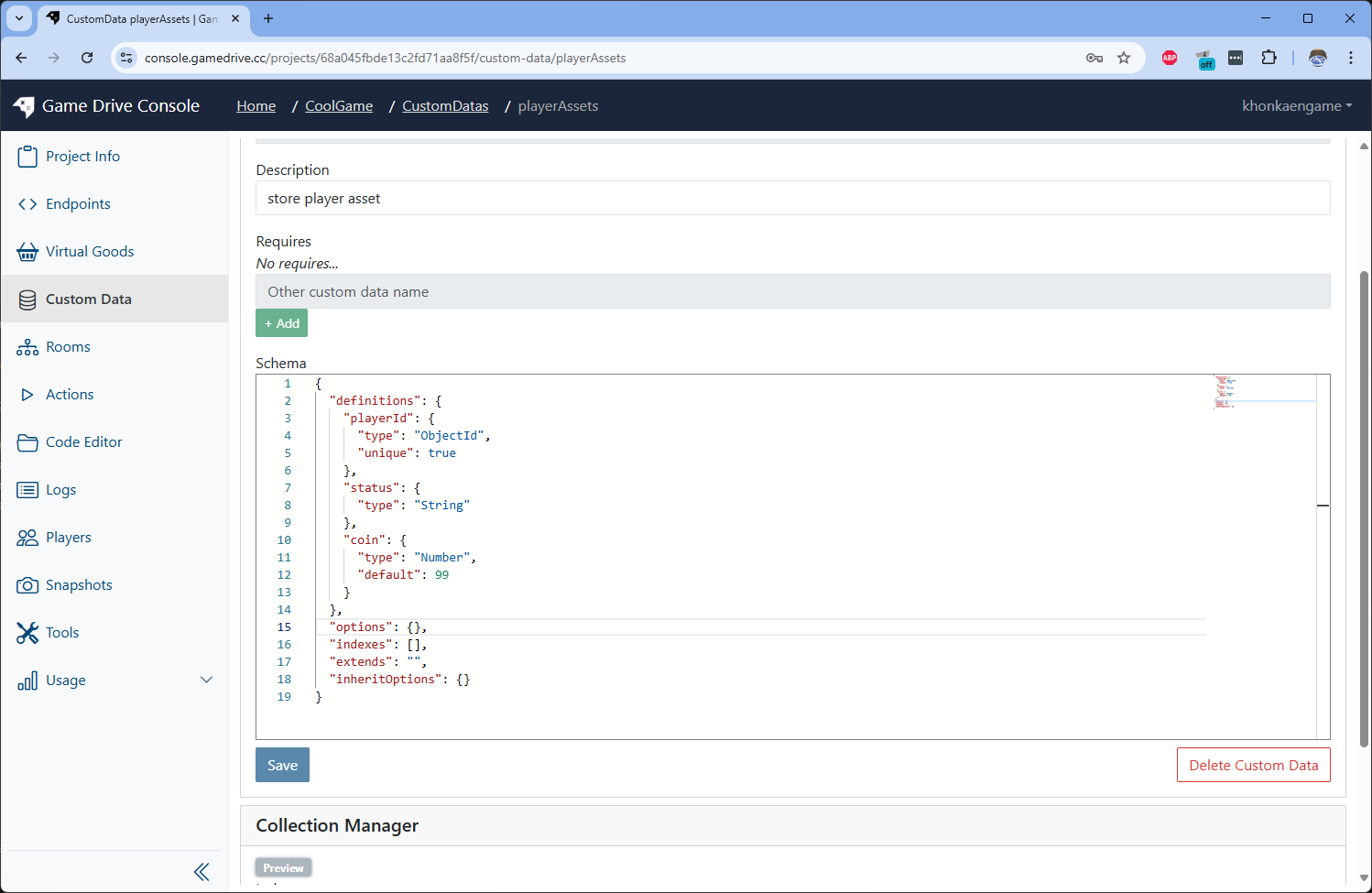 Then click Save.
Since we set unique index to playerId field, so we need to press Create Index button
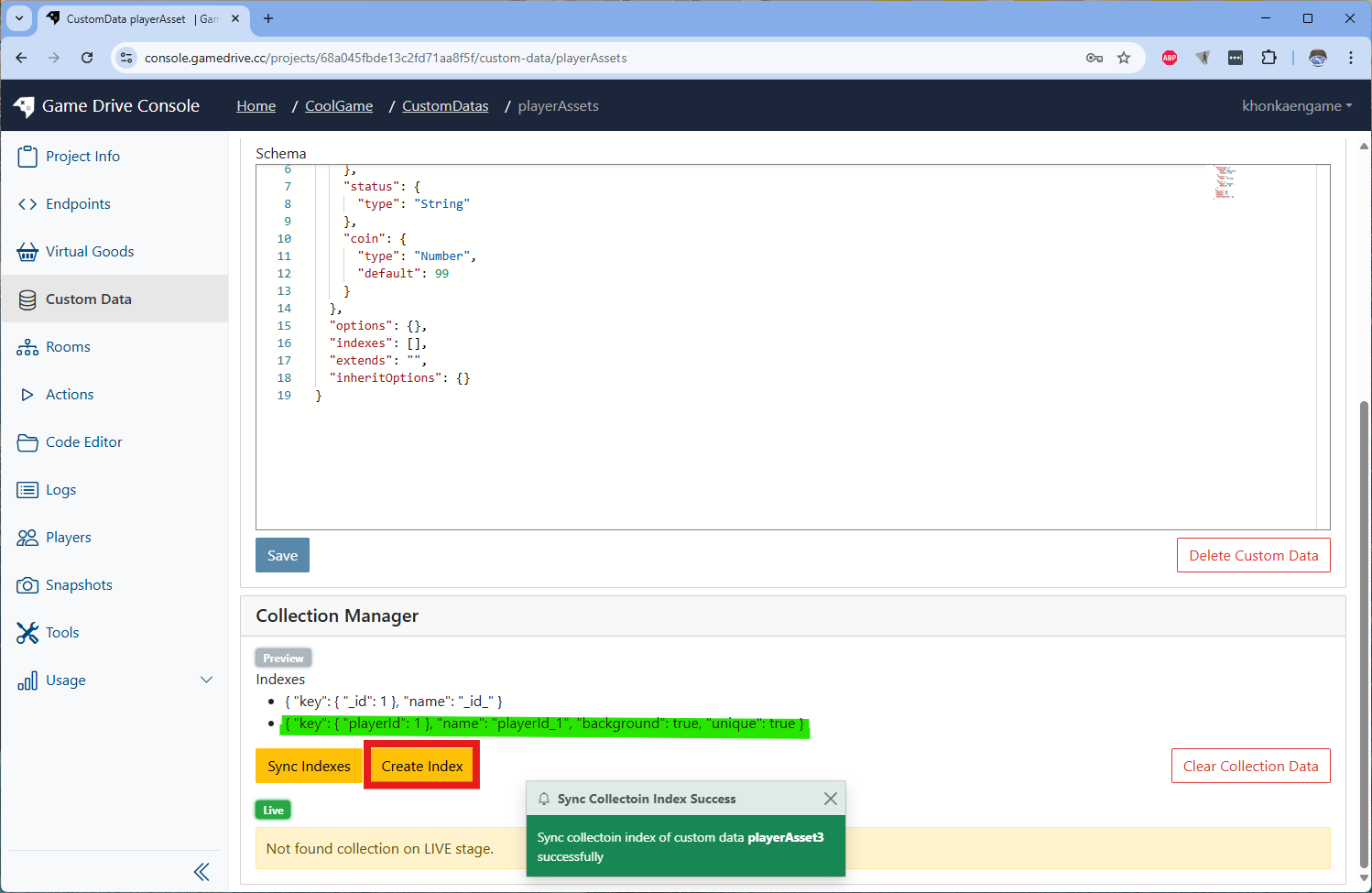 You will see playerId show up as index
Now the Custom Data is ready to use
How to use Custom Data's apis via code?
-
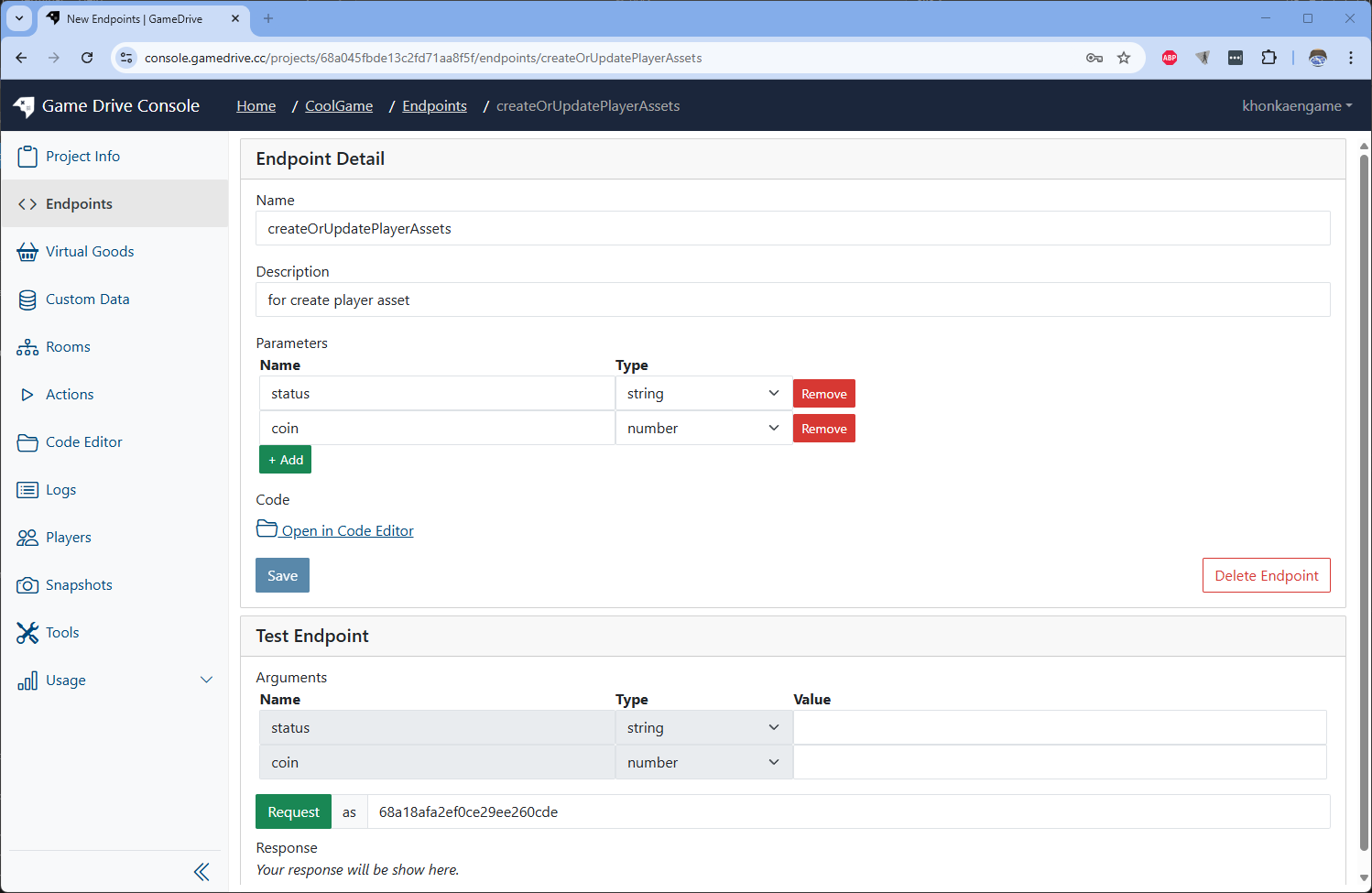
Write Endpoint to create data to the Custom Data. Create endpoint with following parameter in the picture below
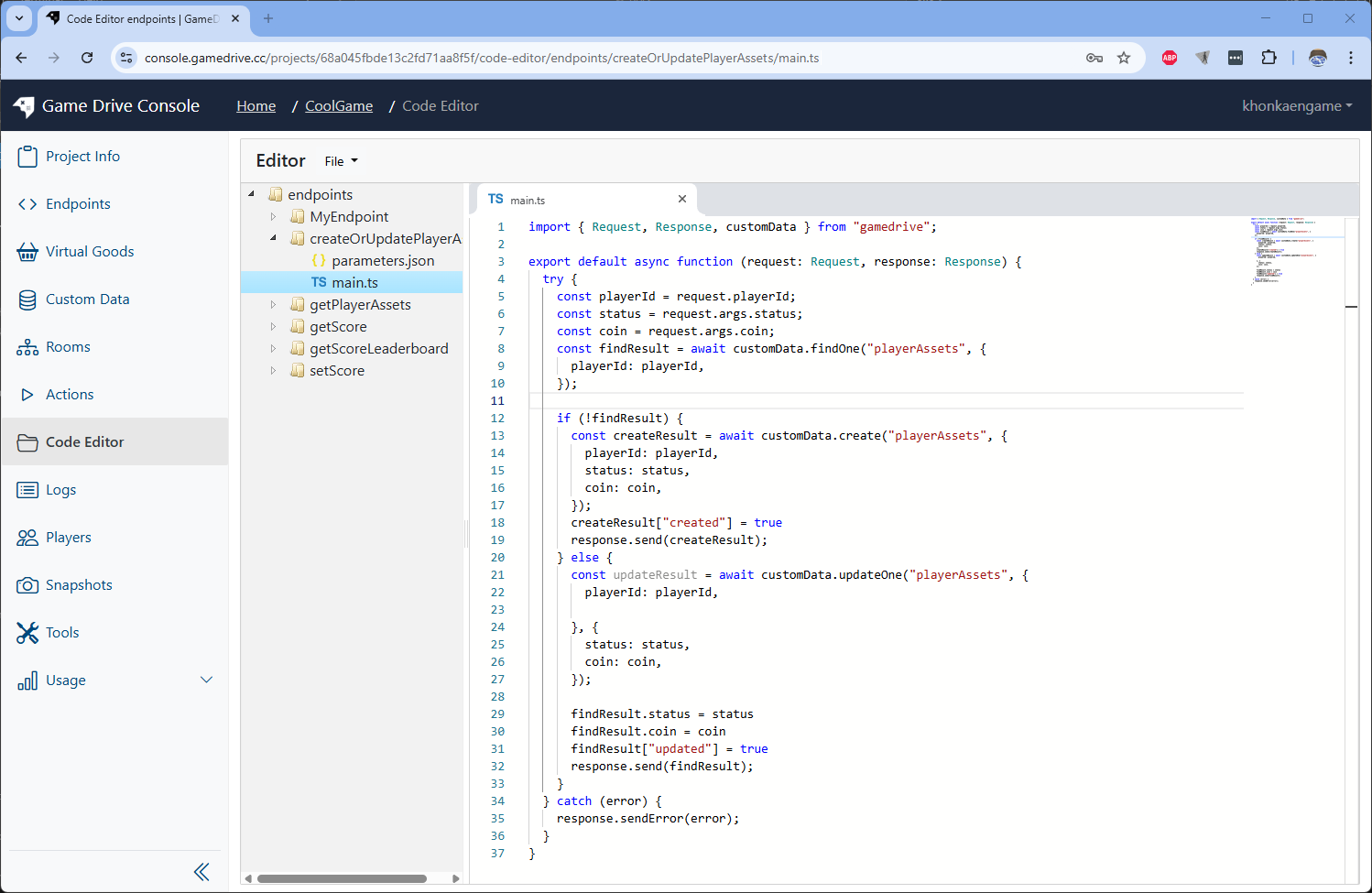
Edit endpoint script to following code
import { Request, Response, customData } from "gamedrive";

export default async function (request: Request, response: Response) {
  try {
    const playerId = request.playerId;
    const status = request.args.status;
    const coin = request.args.coin;
    const findResult = await customData.findOne("playerAssets", {
      playerId: playerId,
    });

    if (!findResult) {
      const createResult = await customData.create("playerAssets", {
        playerId: playerId,
        status: status,
        coin: coin,
      });
      createResult["created"] = true;
      response.send(createResult);
    } else {
      const updateResult = await customData.updateOne(
        "playerAssets",
        {
          playerId: playerId,
        },
        {
          status: status,
          coin: coin,
        }
      );

      findResult.status = status;
      findResult.coin = coin;
      findResult["updated"] = true;
      response.send(findResult);
    }
  } catch (error) {
    response.sendError(error);
  }
}
Go back to the endpoint detail page. Then send test request to see the result created
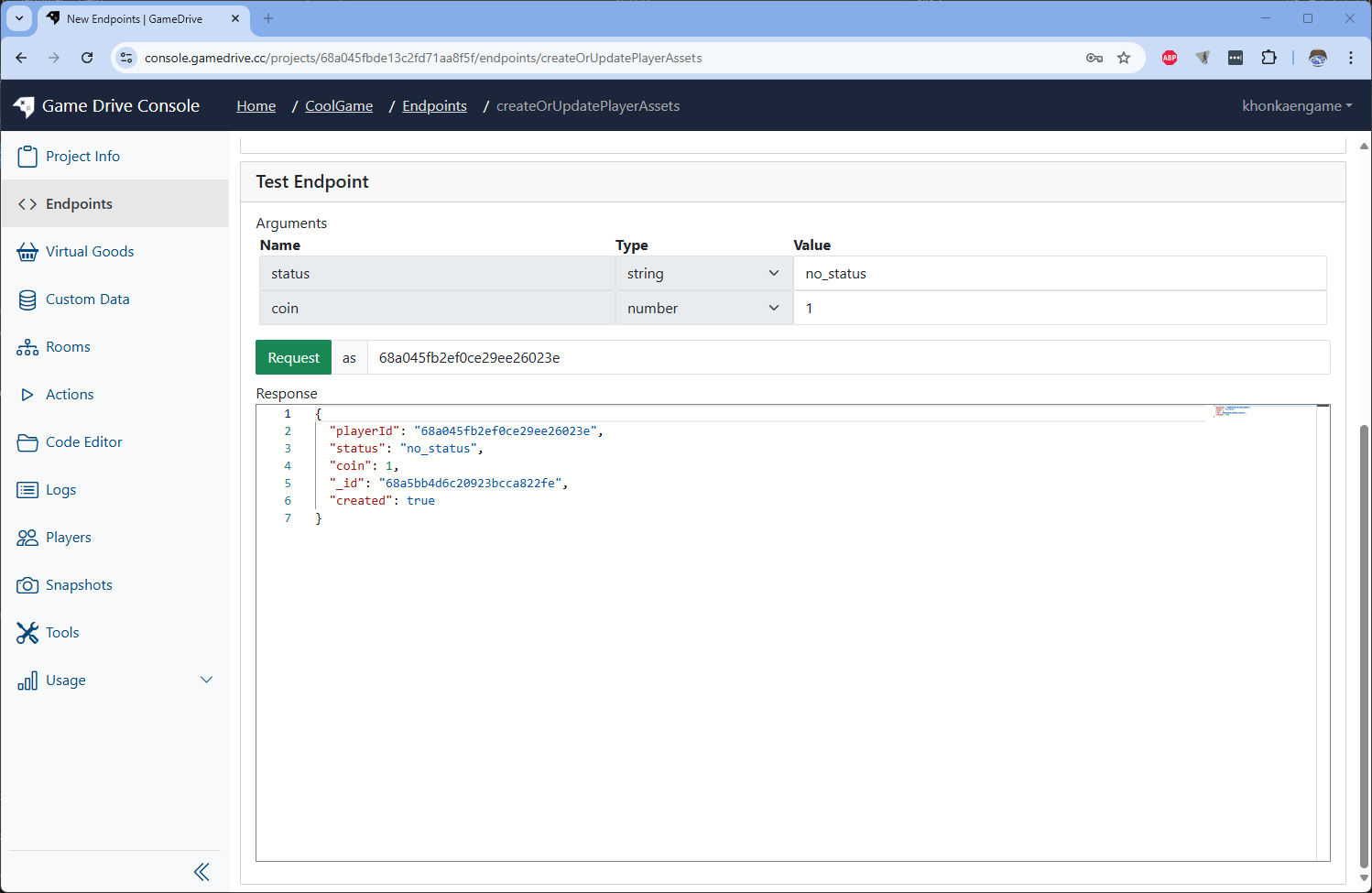 Send test request again with different value you will see different result updated
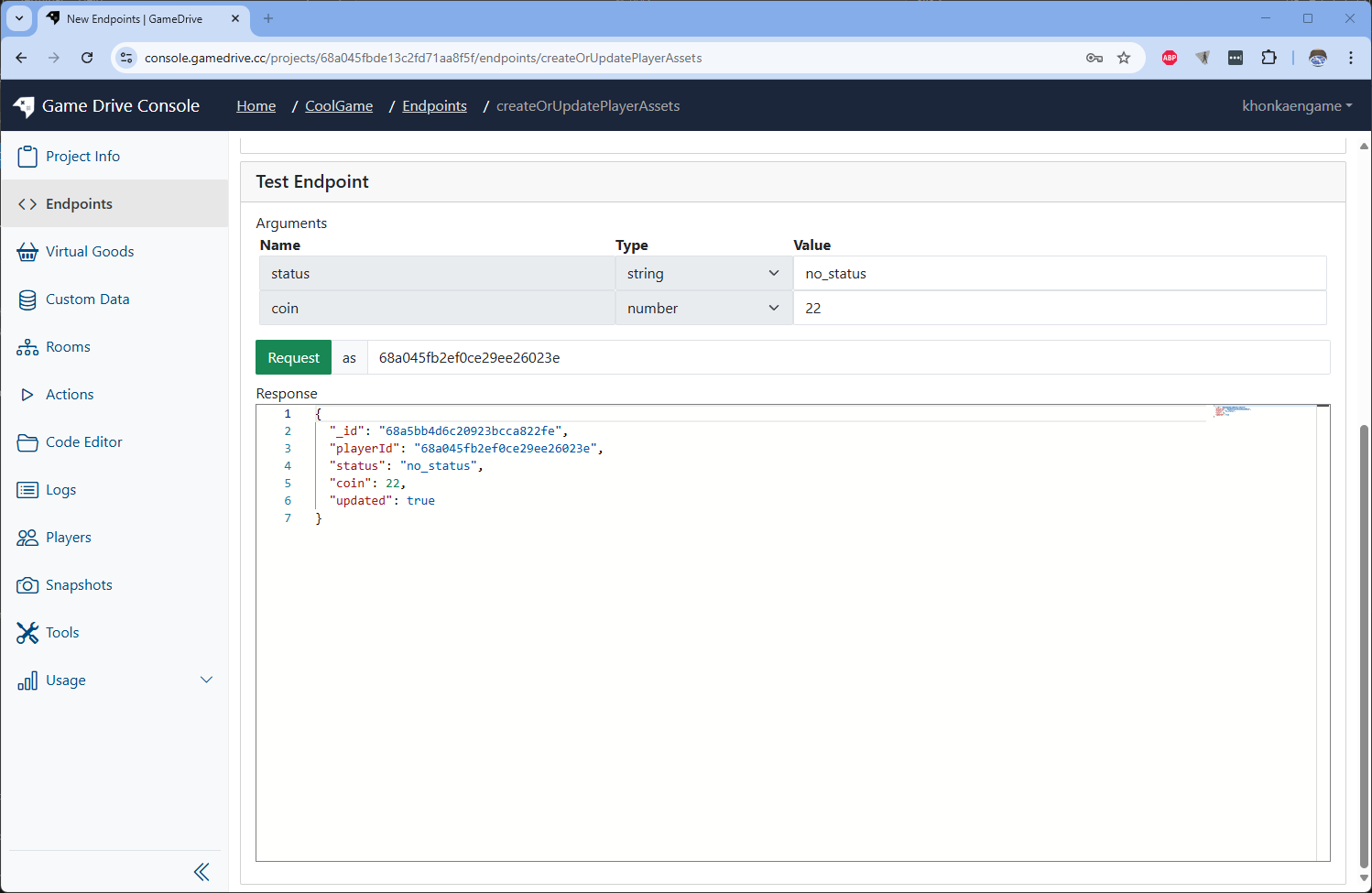 Notice the created and updated flag of the response
How to browse data of Custom Data?
-
Browse you Custom Data's data via web ui.
Go to "playerAssets" Custom Data detail page and click on Browse button on the top right
 then click on Query button
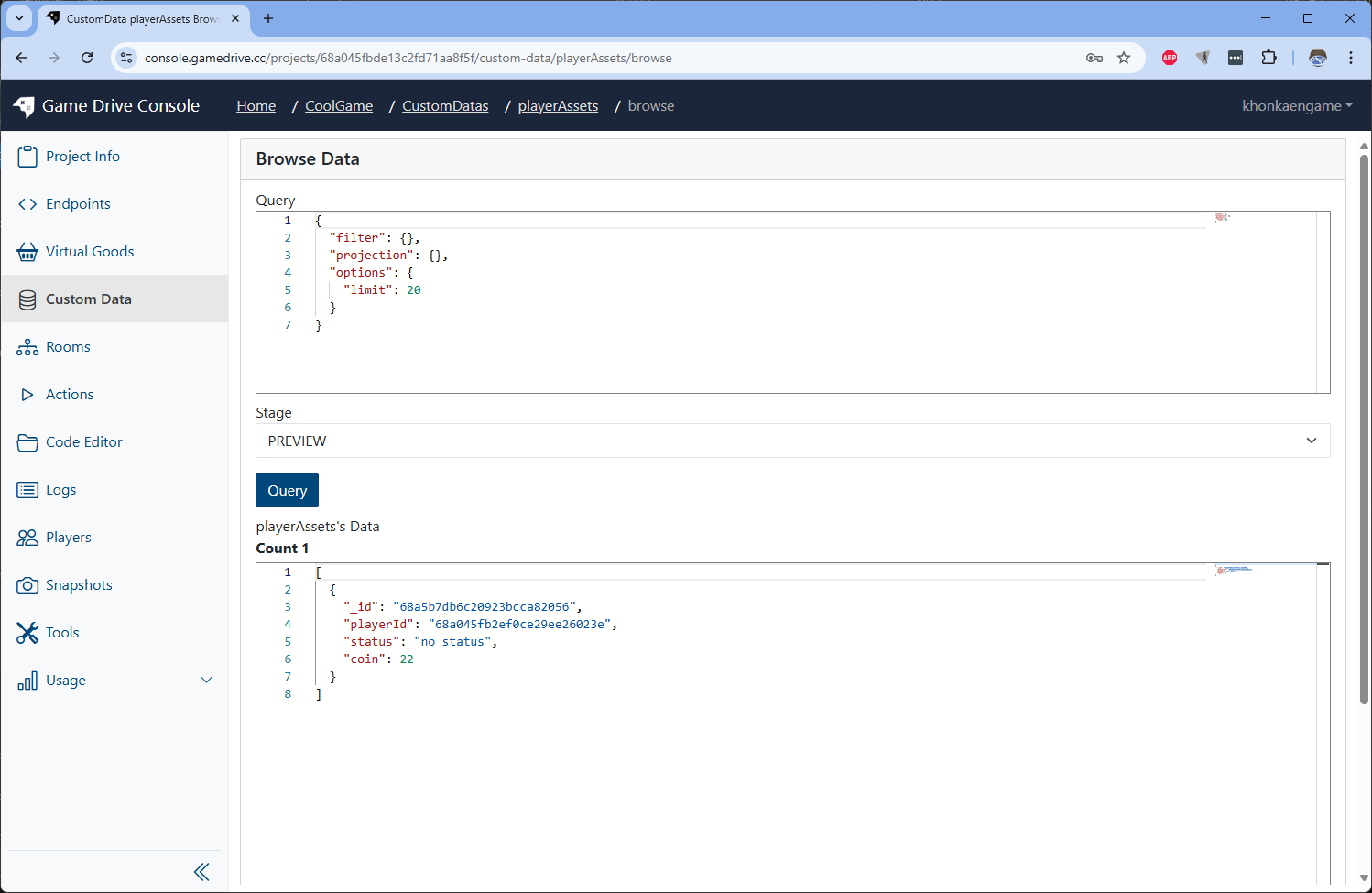 You will see your data that just updated by the endpoint
We can do more actions on Custom Data, see how to manager data for more detail.
-
Write another Endpoint to find data, note that they need to set index for the fields
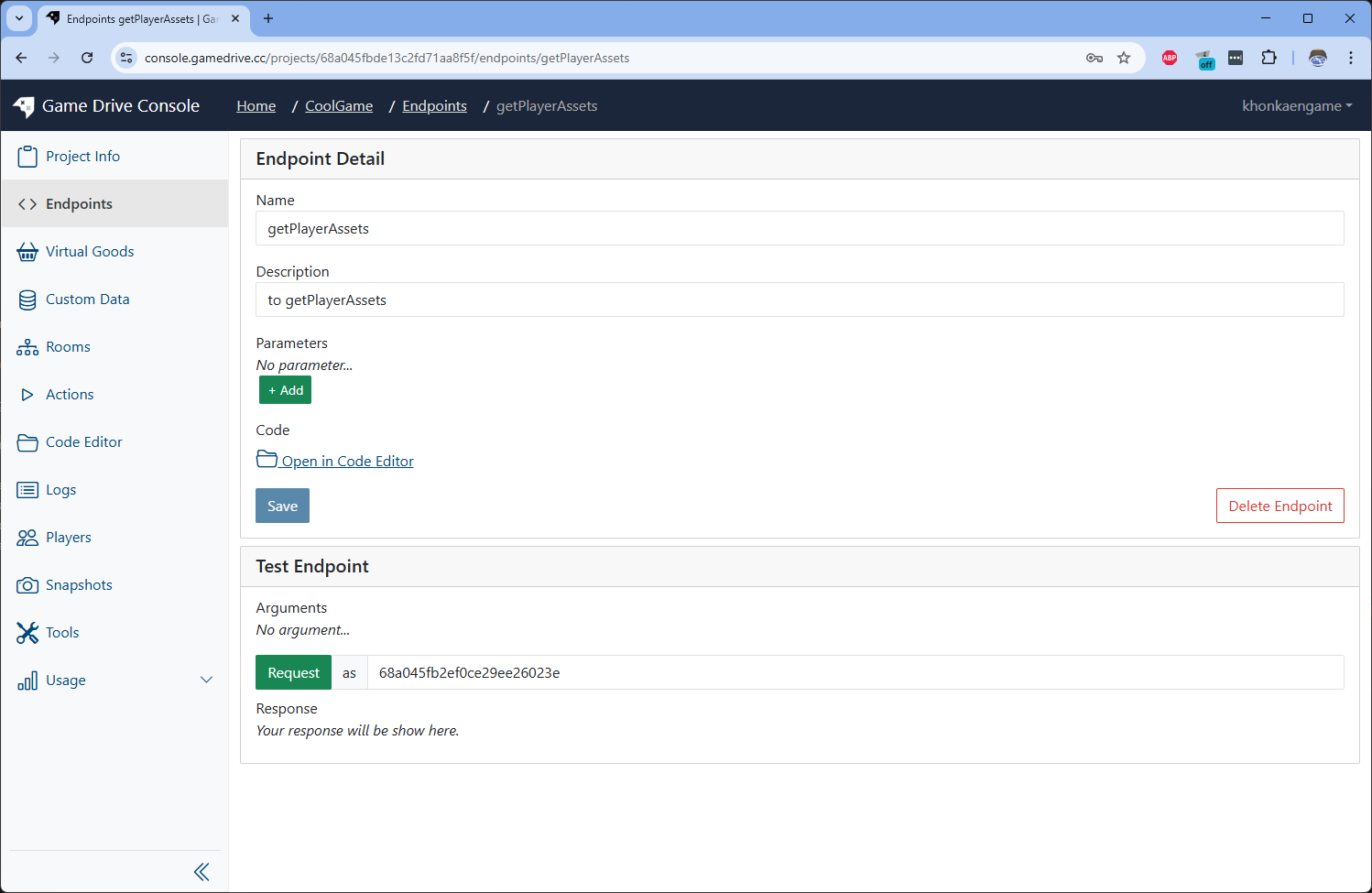
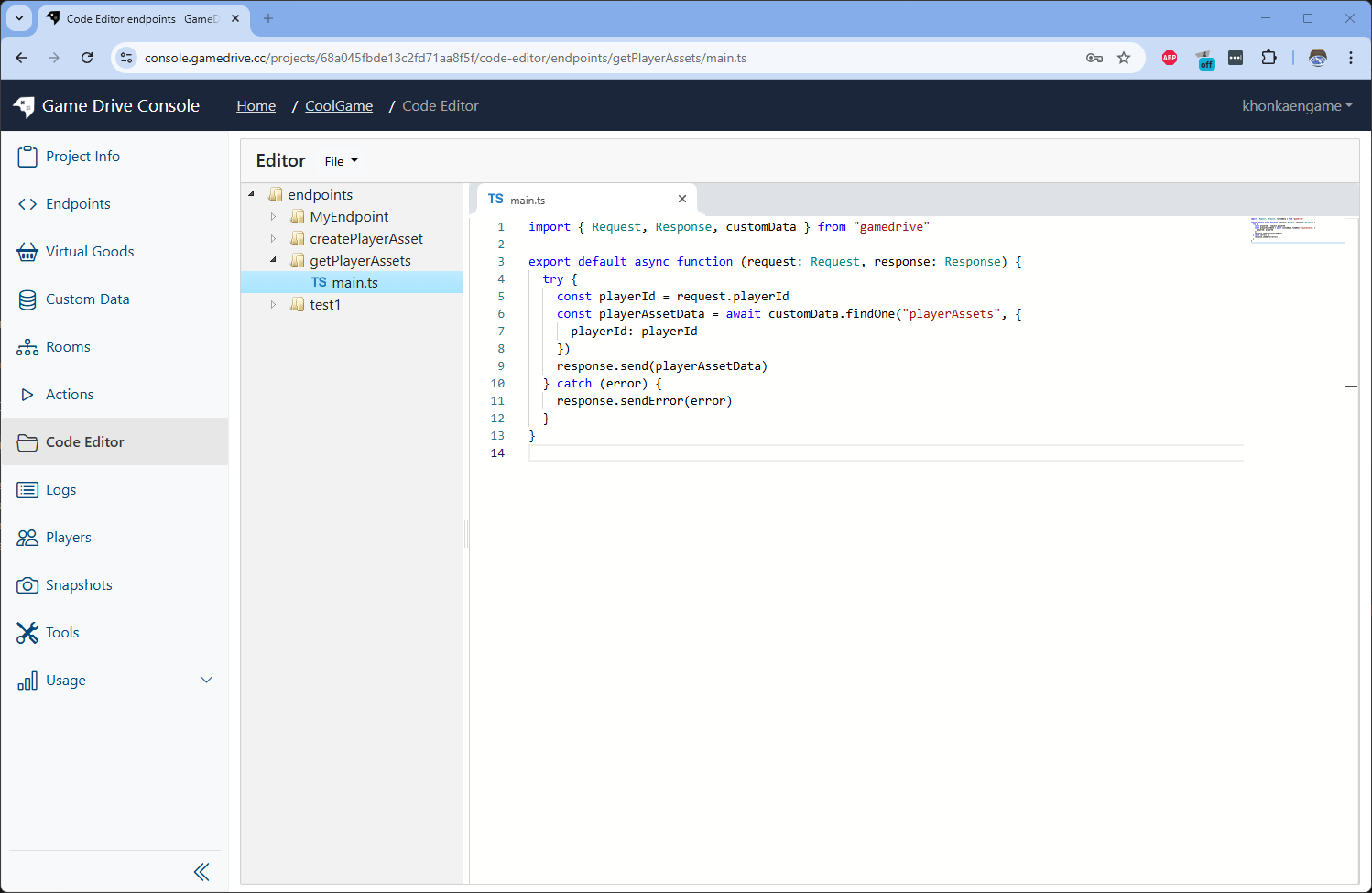
Edit the endpoint code to following
import { Request, Response, customData } from "gamedrive";

export default async function (request: Request, response: Response) {
  try {
    const playerId = request.playerId;
    const playerAssetData = await customData.findOne("playerAssets", {
      playerId: playerId,
    });
    response.send(playerAssetData);
  } catch (error) {
    response.sendError(error);
  }
}
Go back to the endpoint. Then send test reques to see the result
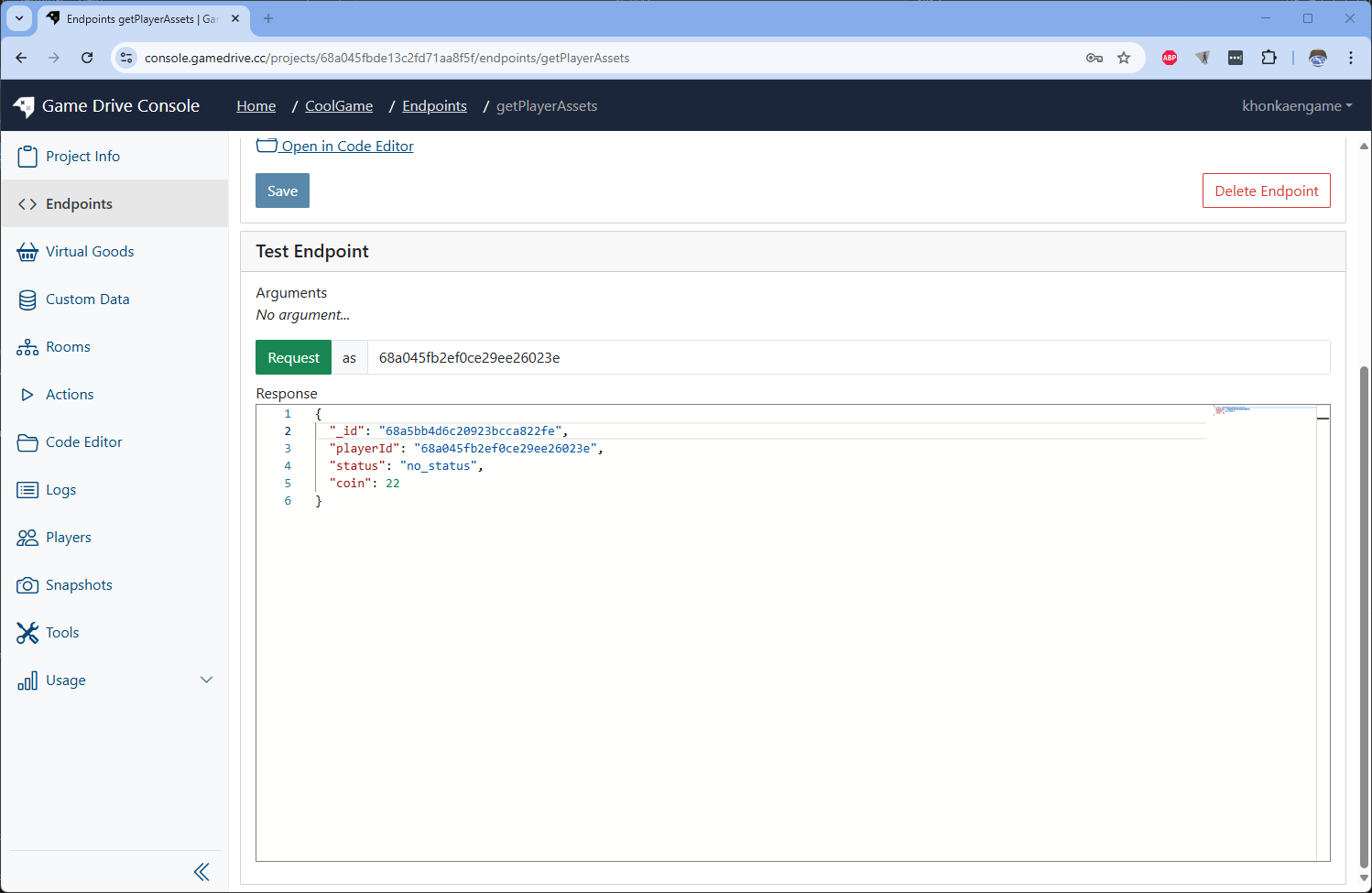 We will see the data from the Custom Data query out by the endpoint