Storing data via Virtual Good and create a leaderboard
What is VirtualGood?
VirtualGood is a simplest way to store single value of each player. One VirtualGood can collect number values of many players. One player can have one value in one VirtualGood. It also have apis to help you ranking players to make leaderboard which Custom Data do not have api for this.
How to use Virtual Good?
-
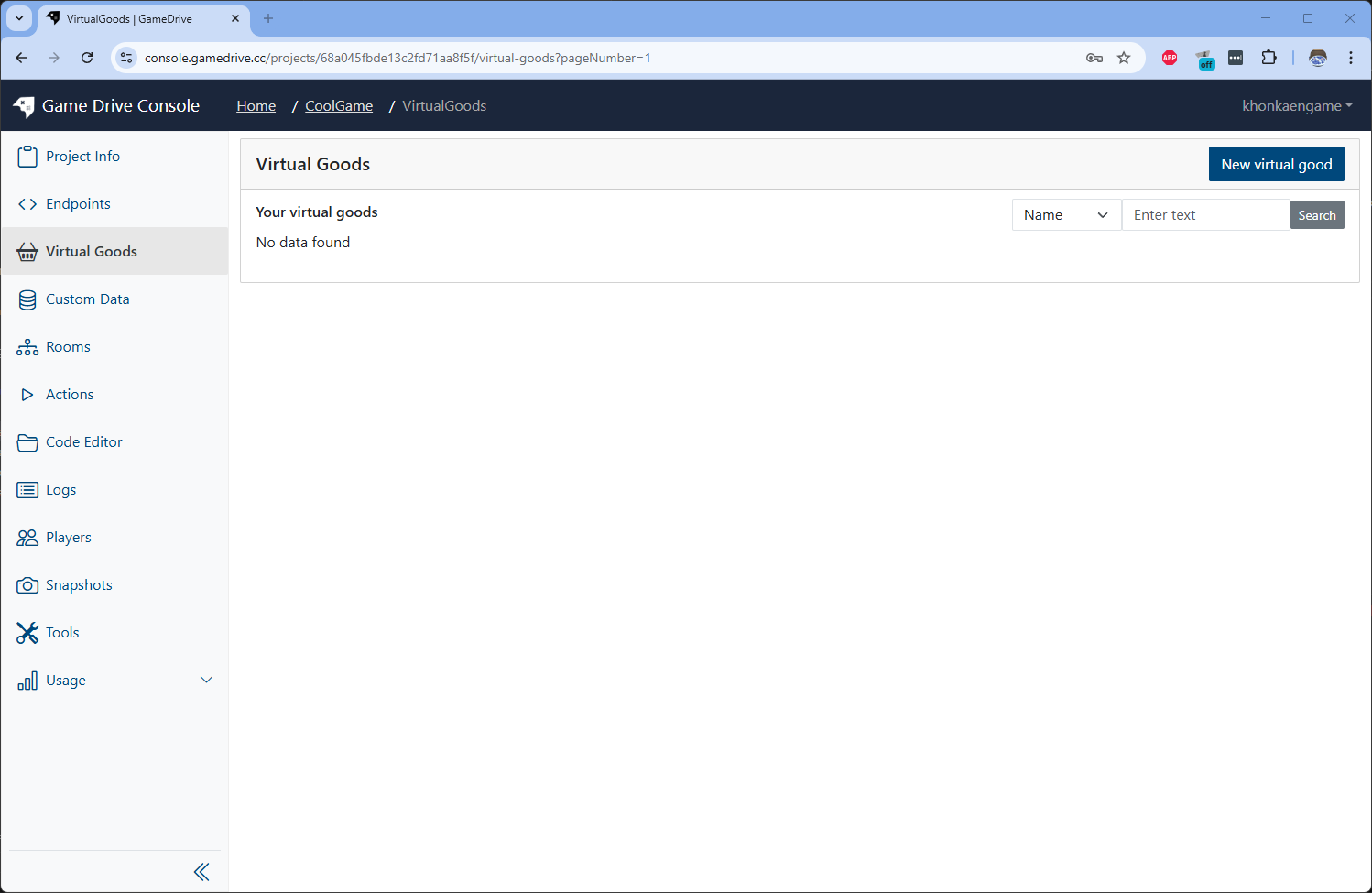
Create a Virtual Good by go to Virtual Goods menu on sidebar and click on New virtual good button on top righ
Input virtual good detail by following infomation
Name Type namescore descriptionplayer score Start Value20 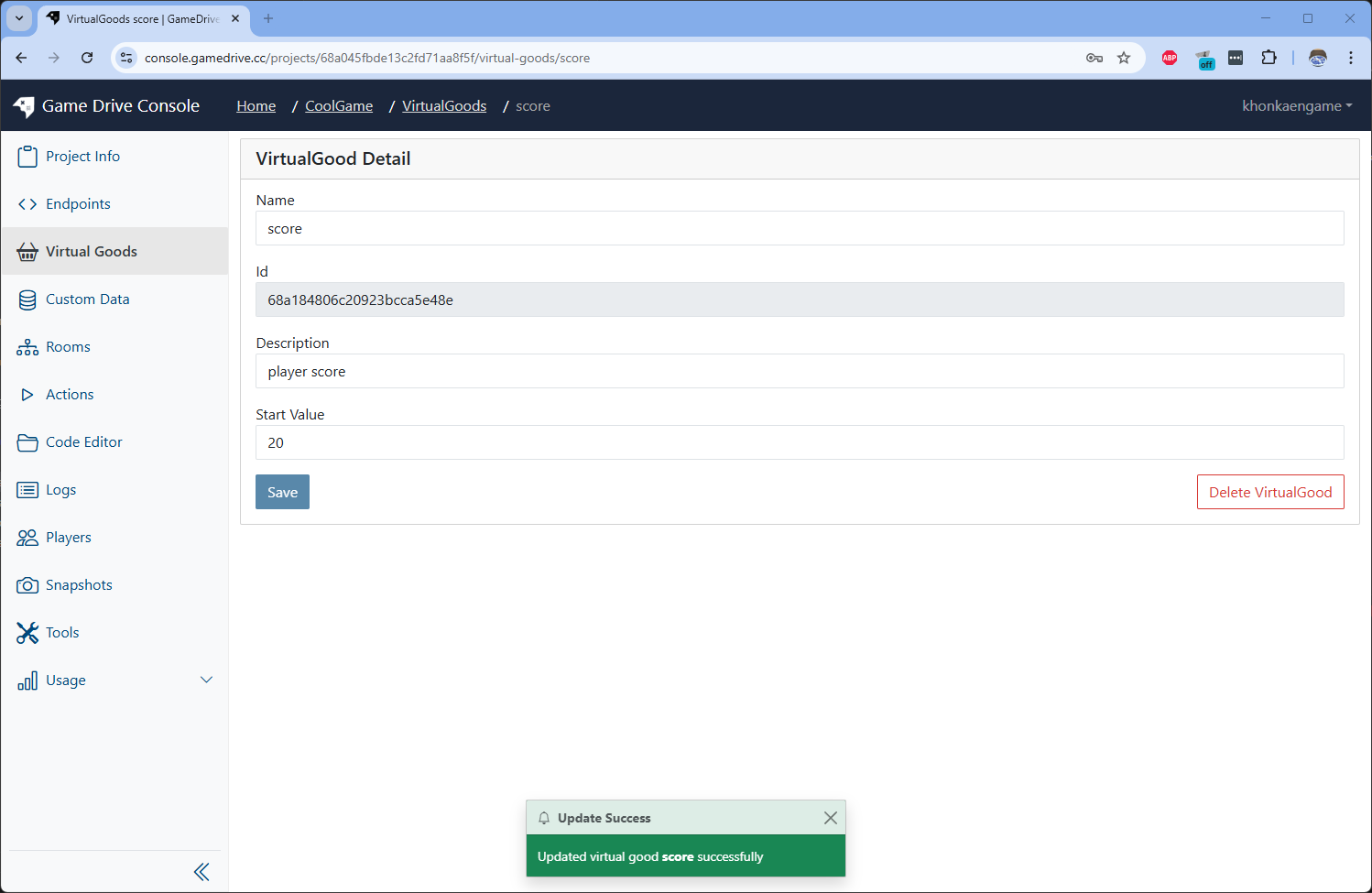 Then click Create
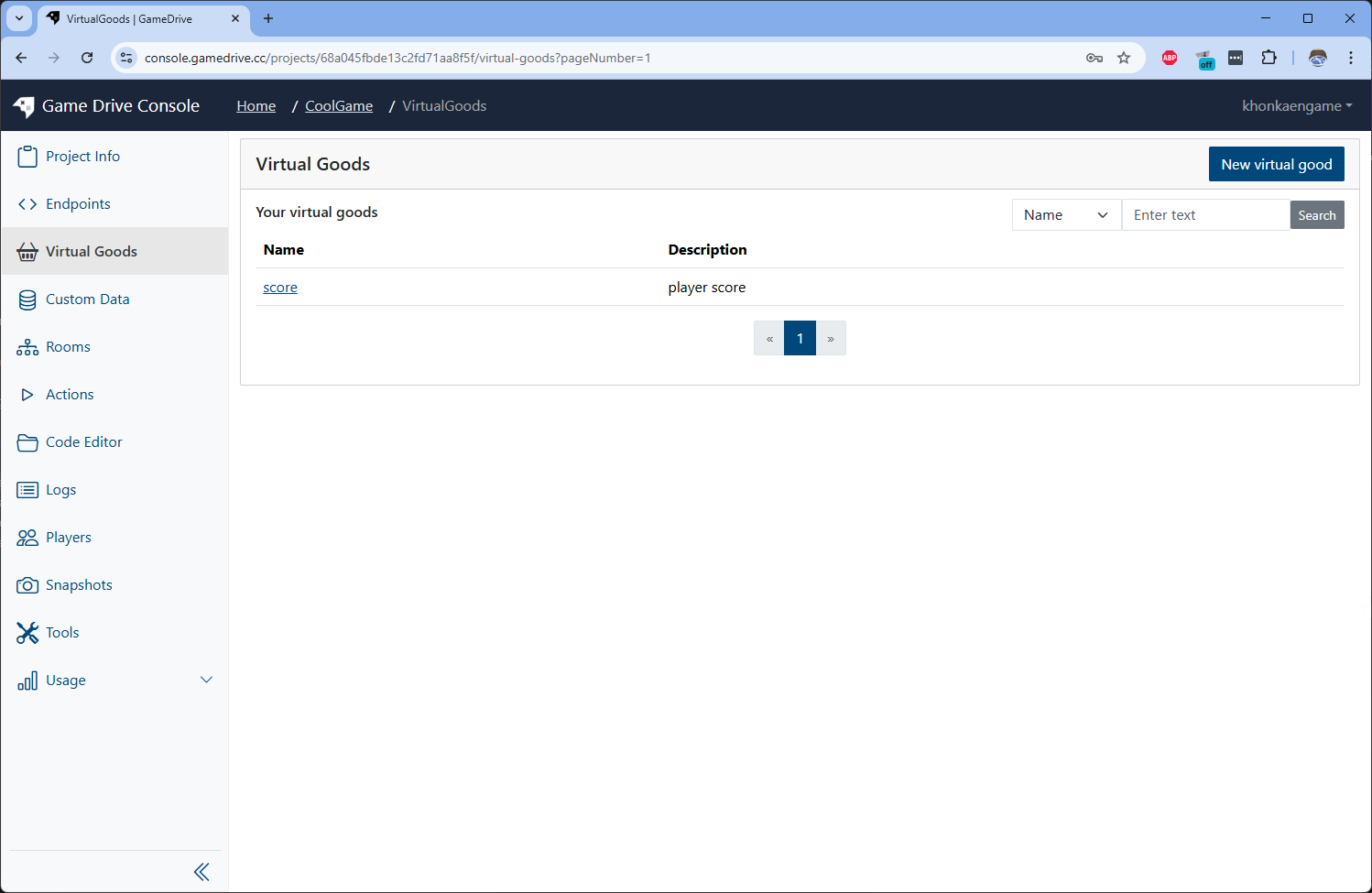
It will bring you back to Virtual Good list page
Call Virtual Good's apis
-
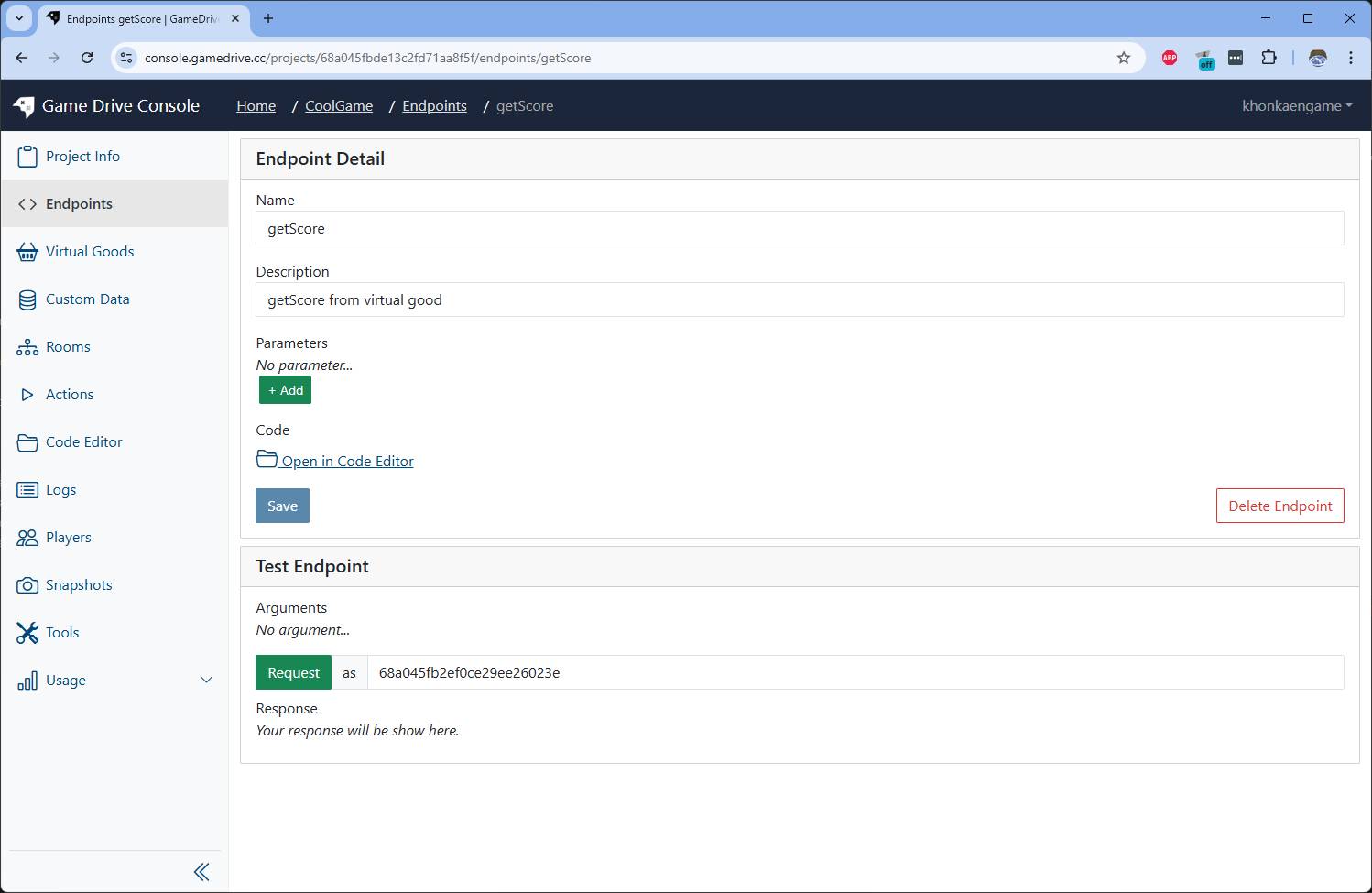
Create new Endpoint to get data from virtual good
-
Edit endpoint script to following code
import { Request, Response, virtualGood } from "gamedrive";
export default async function (request: Request, response: Response) {
try {
const scoreResult = await virtualGood.getValue(
"score",
request.playerId
);
response.send(scoreResult);
} catch (error) {
response.sendError(error);
}
}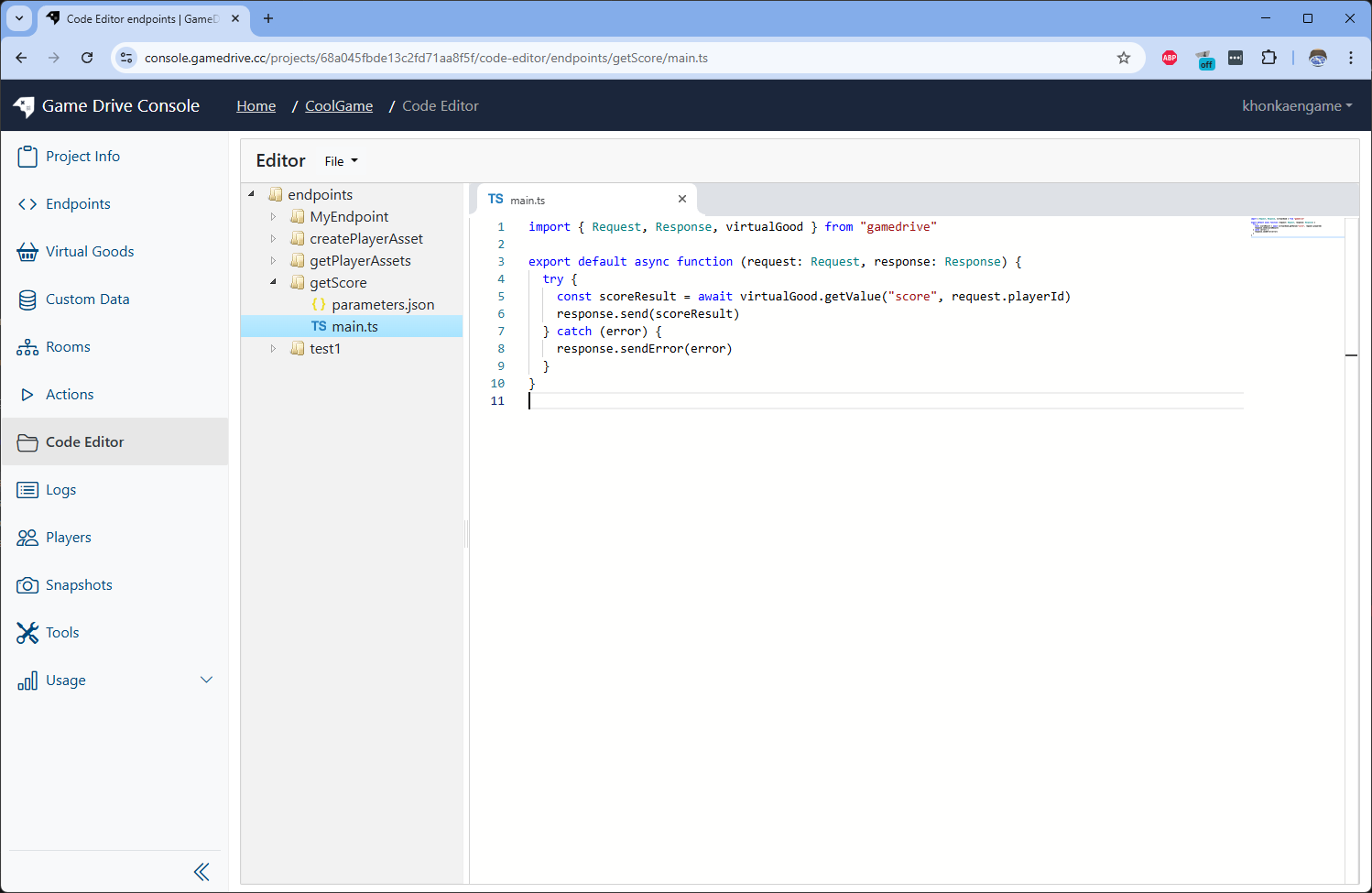 Send test quest to see the result
 You can see it return value = 20 as we set default value for the virtual good when create
How to create leaderboard via virtual good?
-
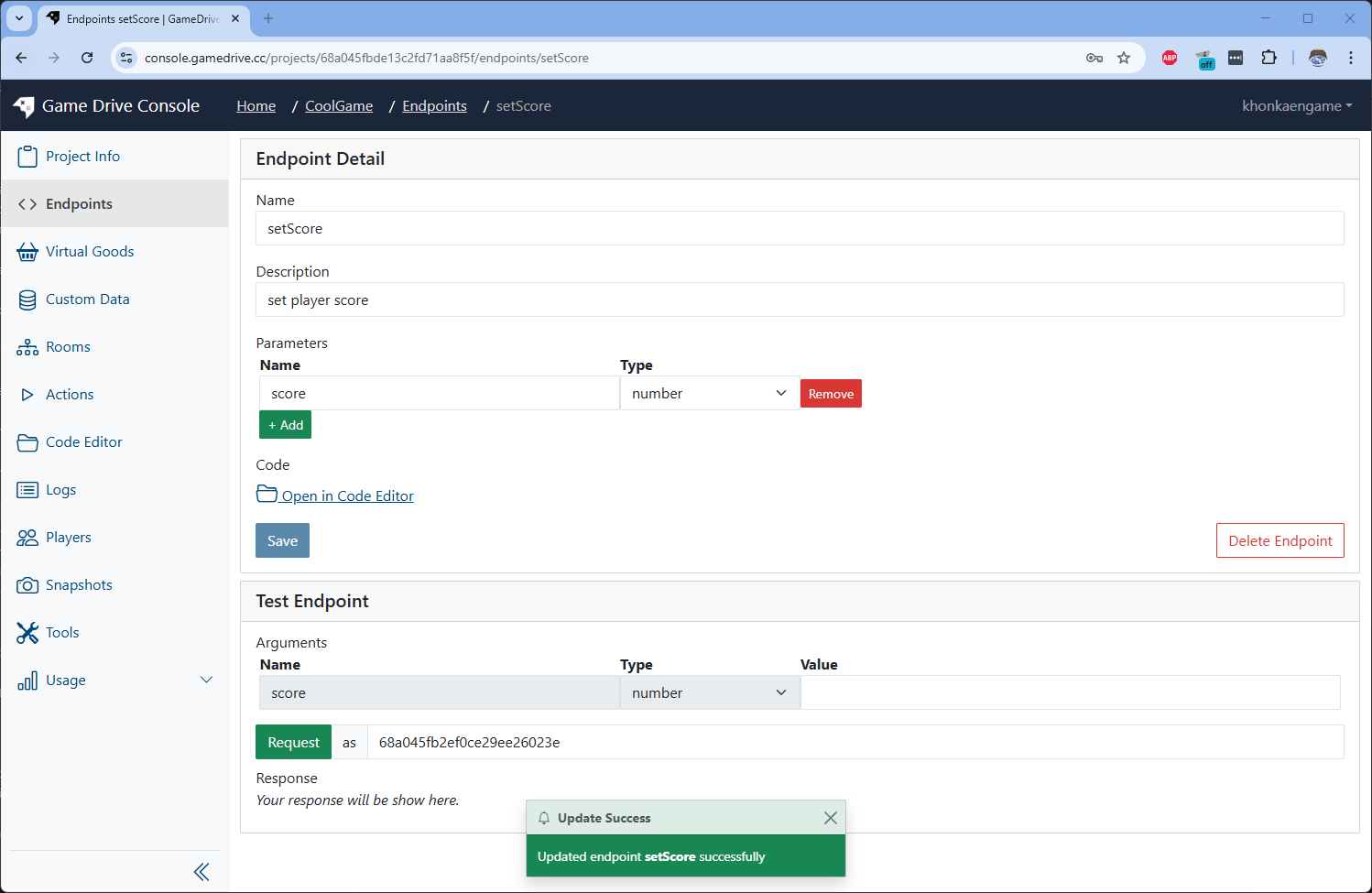
Create new Endpoint to set score value
-
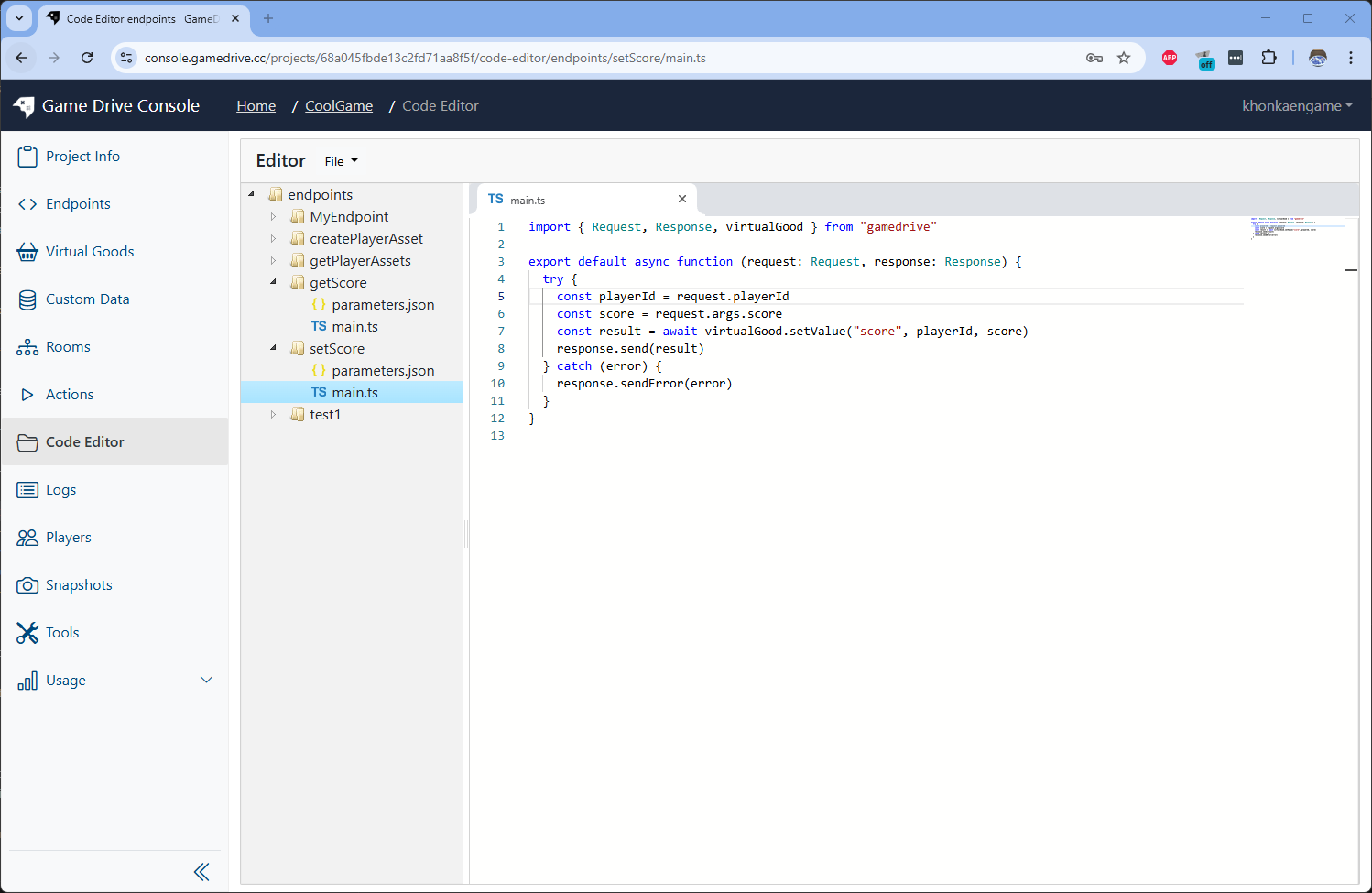
Edit endpoint script to following code
import { Request, Response, virtualGood } from "gamedrive";

export default async function (request: Request, response: Response) {
  try {
    const playerId = request.playerId;
    const score = request.args.score;
    const result = await virtualGood.setValue("score", playerId, score);
    response.send(result);
  } catch (error) {
    response.sendError(error);
  }
}
-
Create data for 2 players and use 2 player to send request
Go to Players menu on sidebar and click on New Preview Player on top right
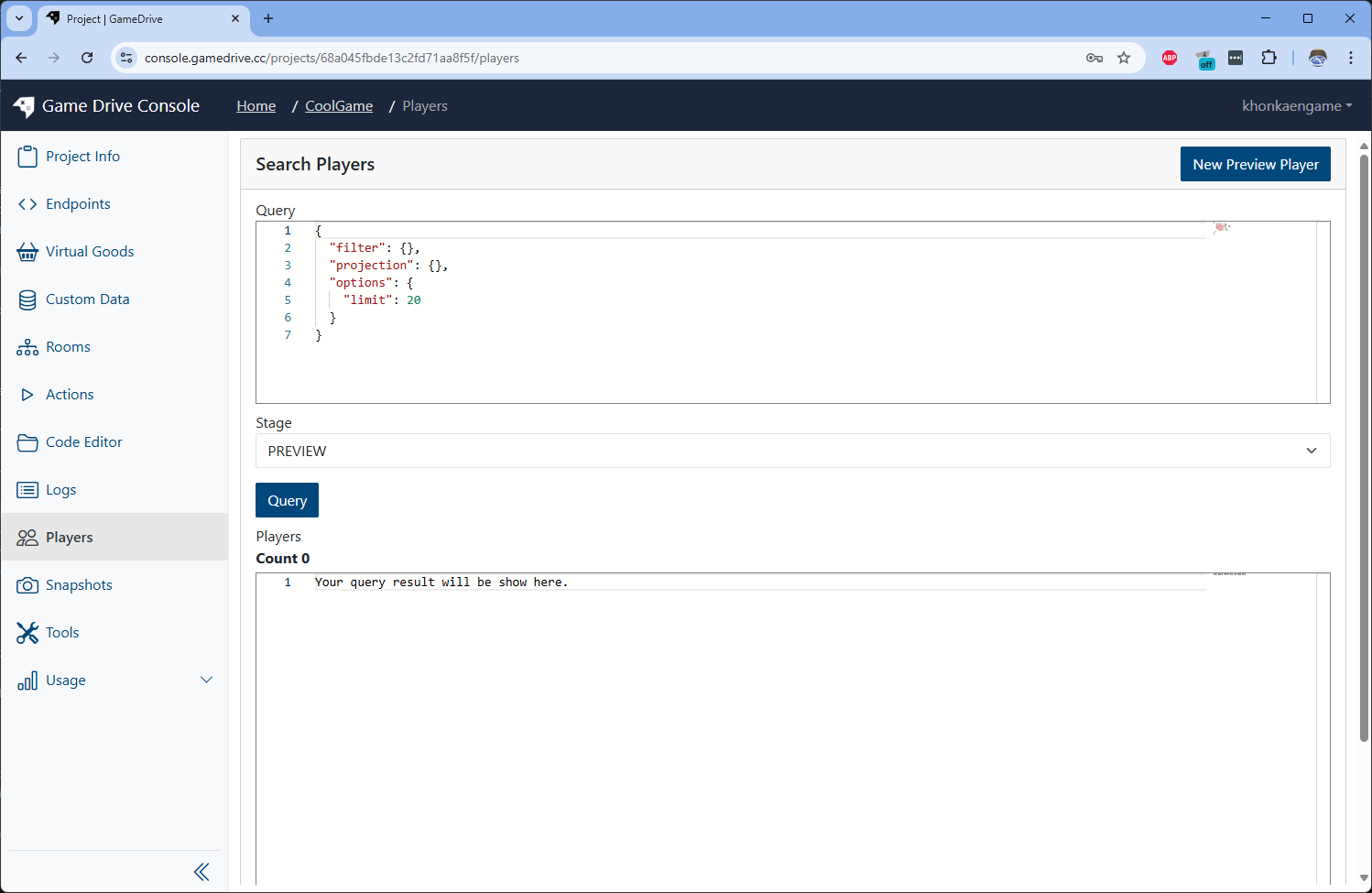
Insert new player and and click Create
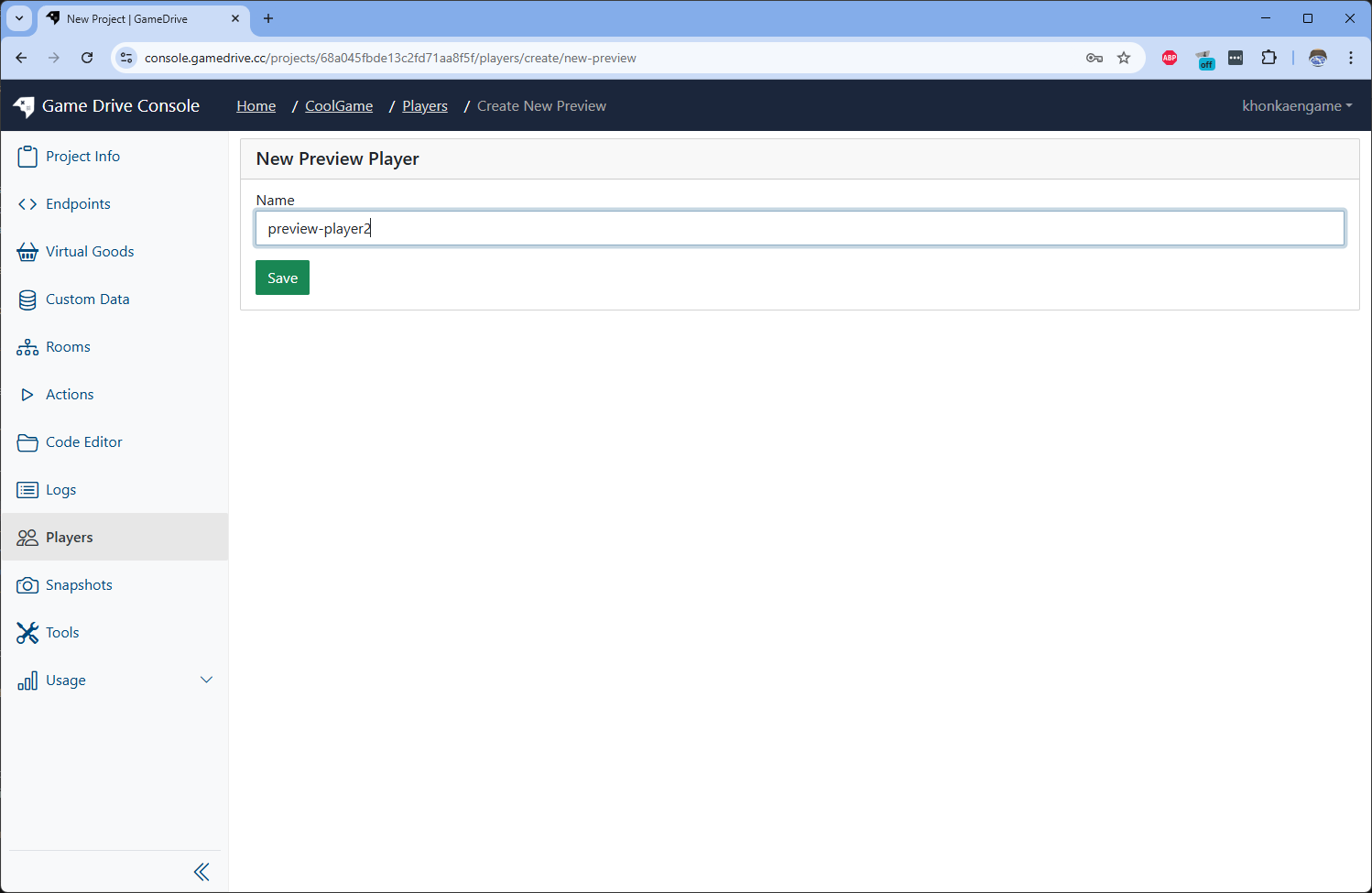
It will bring back to Players page. Then click Query button you will see 2 players appear
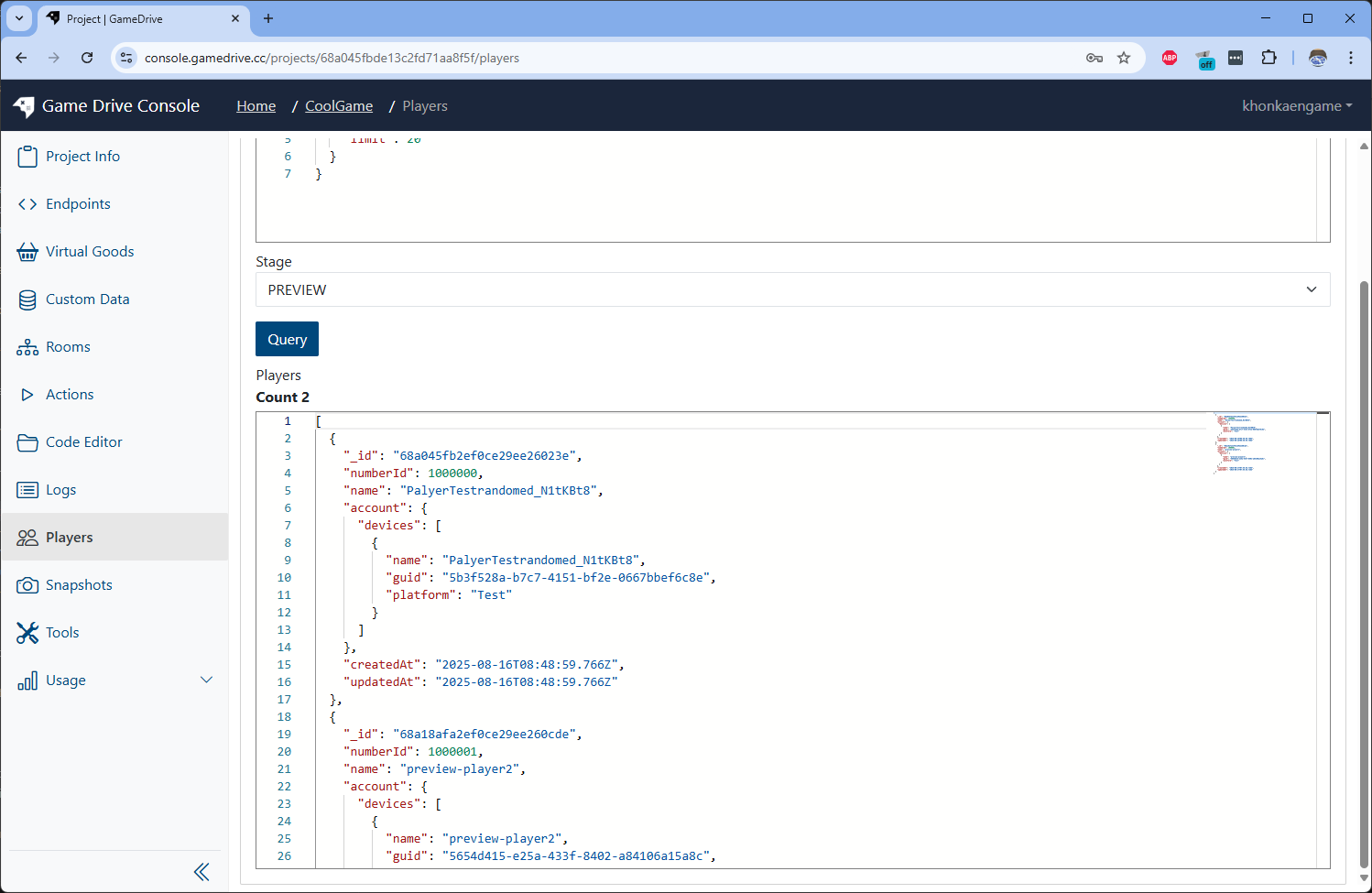
Copy both player _id to be used
-
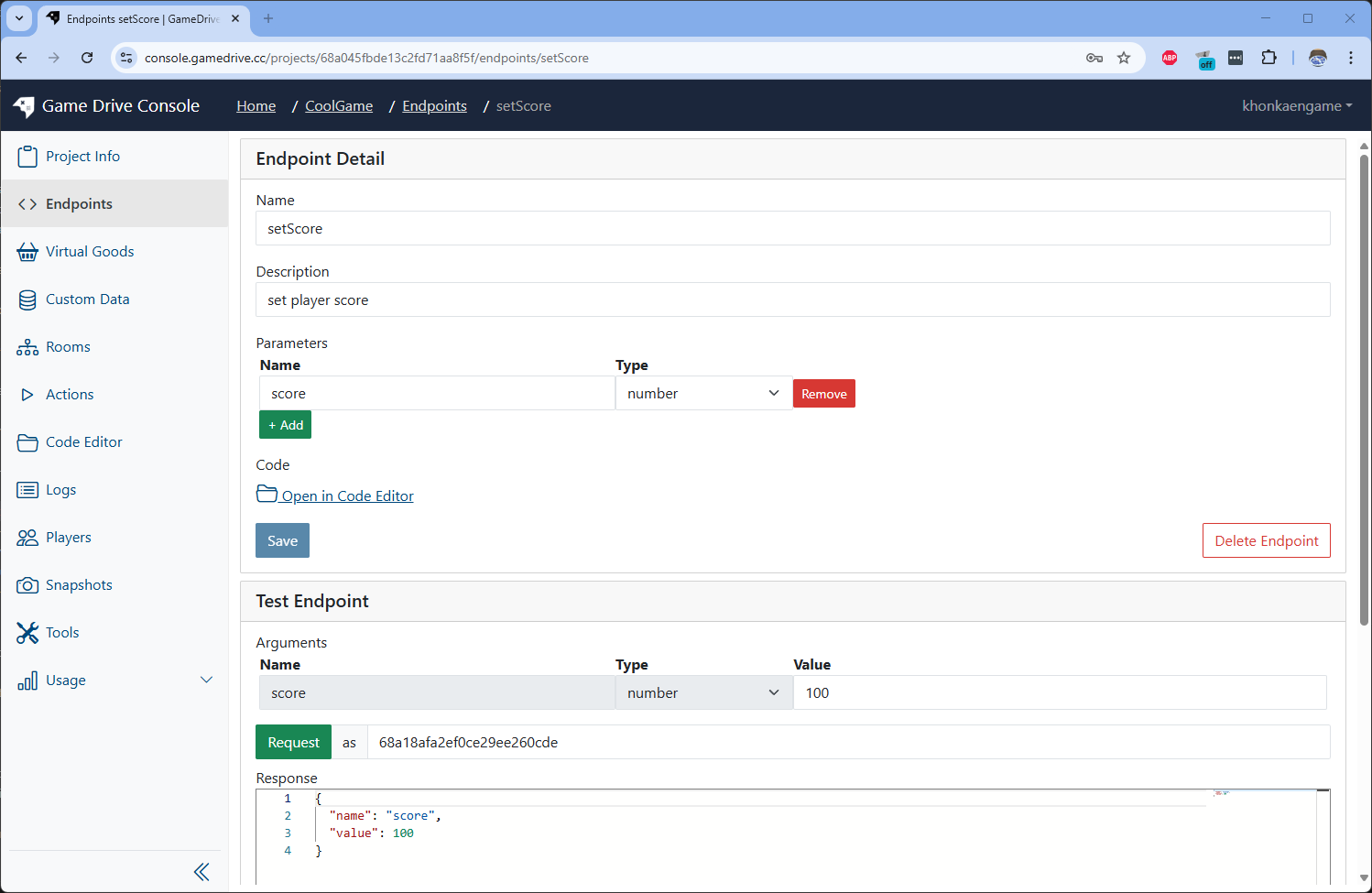
Call setScore endpoint by both players by different score value
Player Score player199 player2100 Player1's result

Player2's result
-
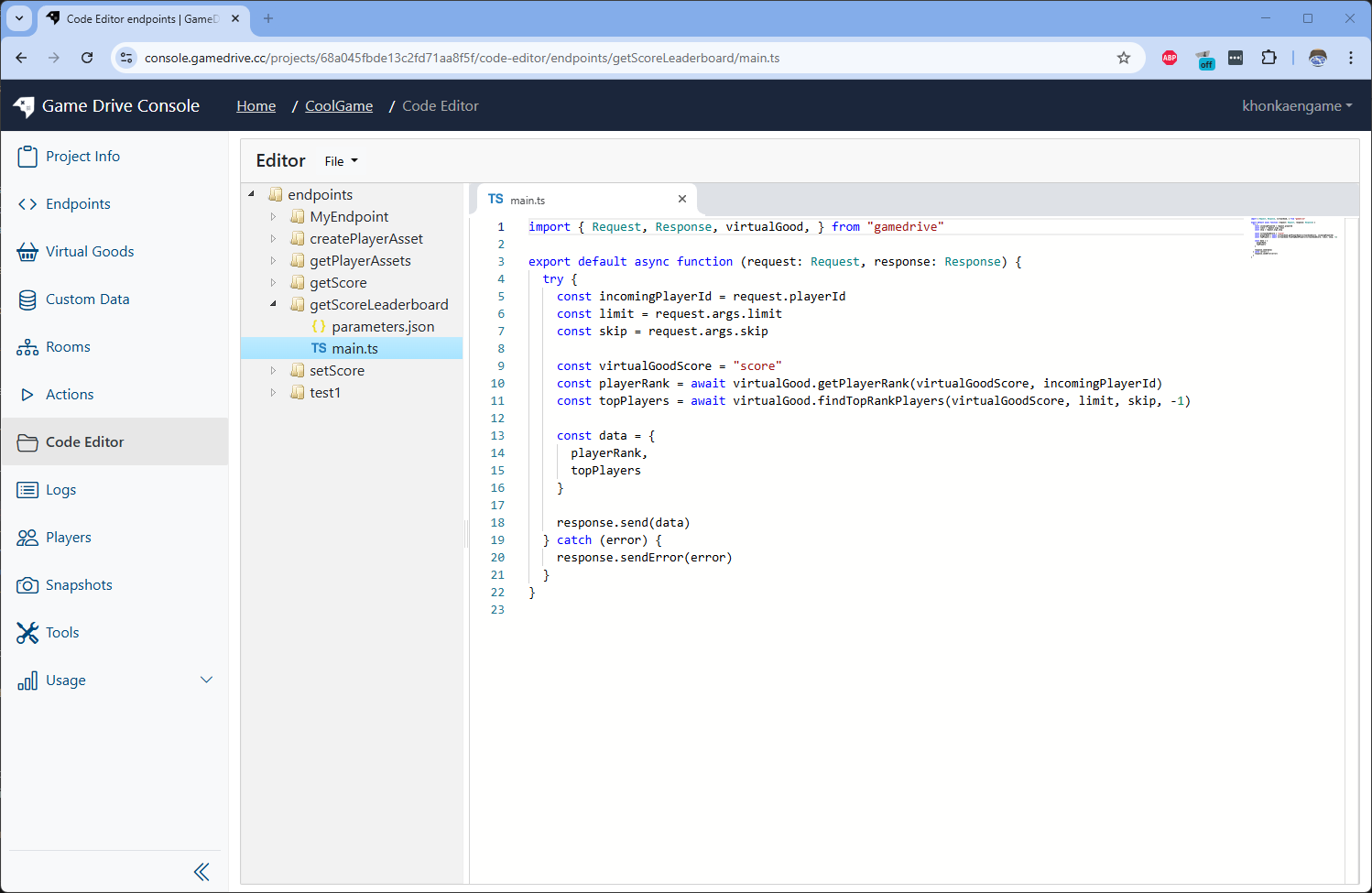
Create new endpoint name "getScoreLeaderboard" and write logic to create leaderboard
Set endpoint parameters to following data
Name Type limitnumber skipstring 
Edit script to following code
import { Request, Response, virtualGood } from "gamedrive";

export default async function (request: Request, response: Response) {
  try {
    const incomingPlayerId = request.playerId;
    const limit = request.args.limit;
    const skip = request.args.skip;

    const virtualGoodScore = "score";
    const playerRank = await virtualGood.getPlayerRank(
      virtualGoodScore,
      incomingPlayerId
    );
    const topPlayers = await virtualGood.findTopRankPlayers(
      virtualGoodScore,
      limit,
      skip,
      -1
    );

    const data = {
      playerRank,
      topPlayers,
    };

    response.send(data);
  } catch (error) {
    response.sendError(error);
  }
}
Send test request by Player2's _id and you will see similar result to following picture
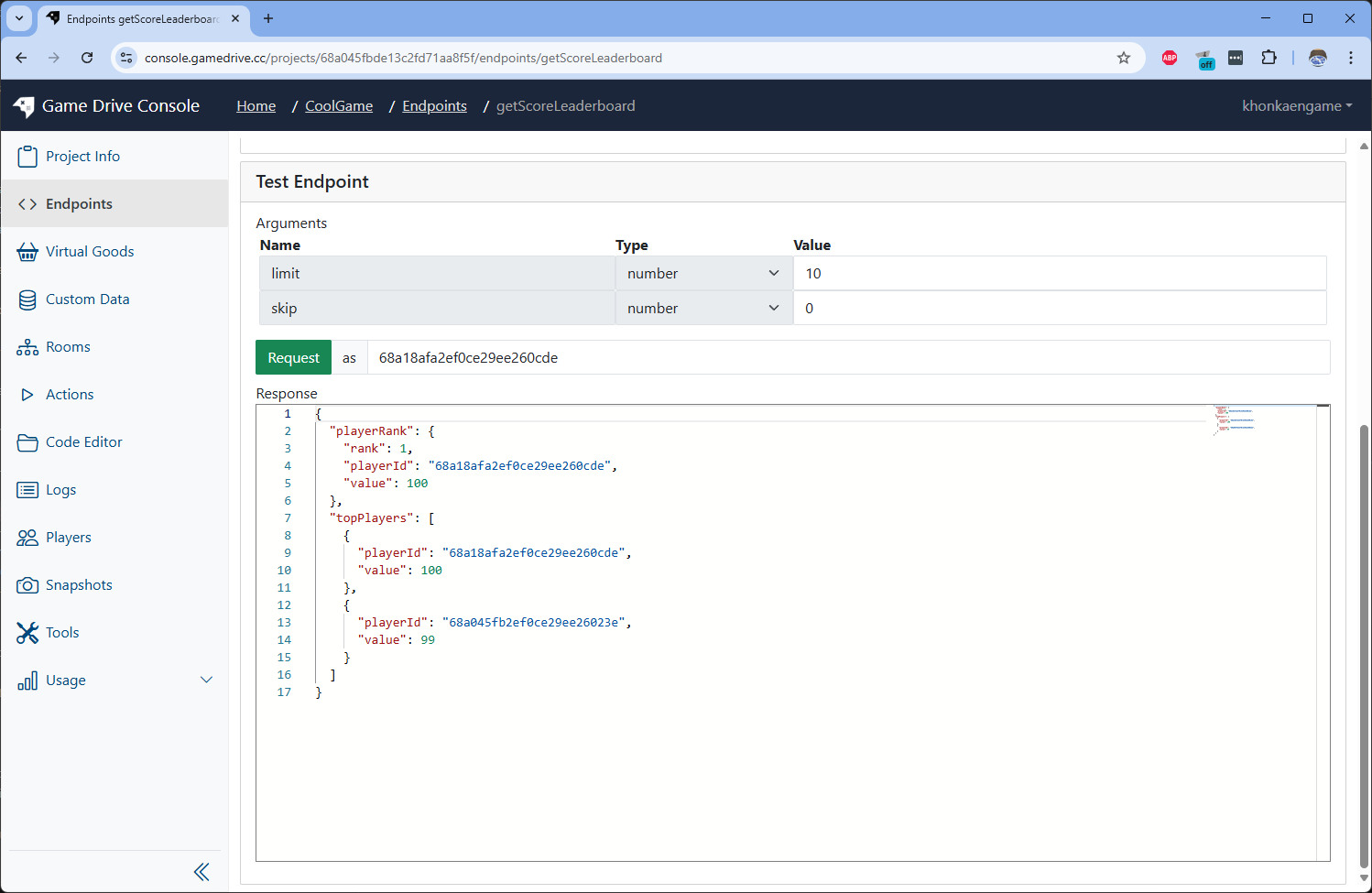
To get players name and profilePictureUrl you can checkout gamedrive's player module in core-component. Example script.
const gamedrivePlayers = await player.find({
  _id: {
    $in: playerIds,
  },
});